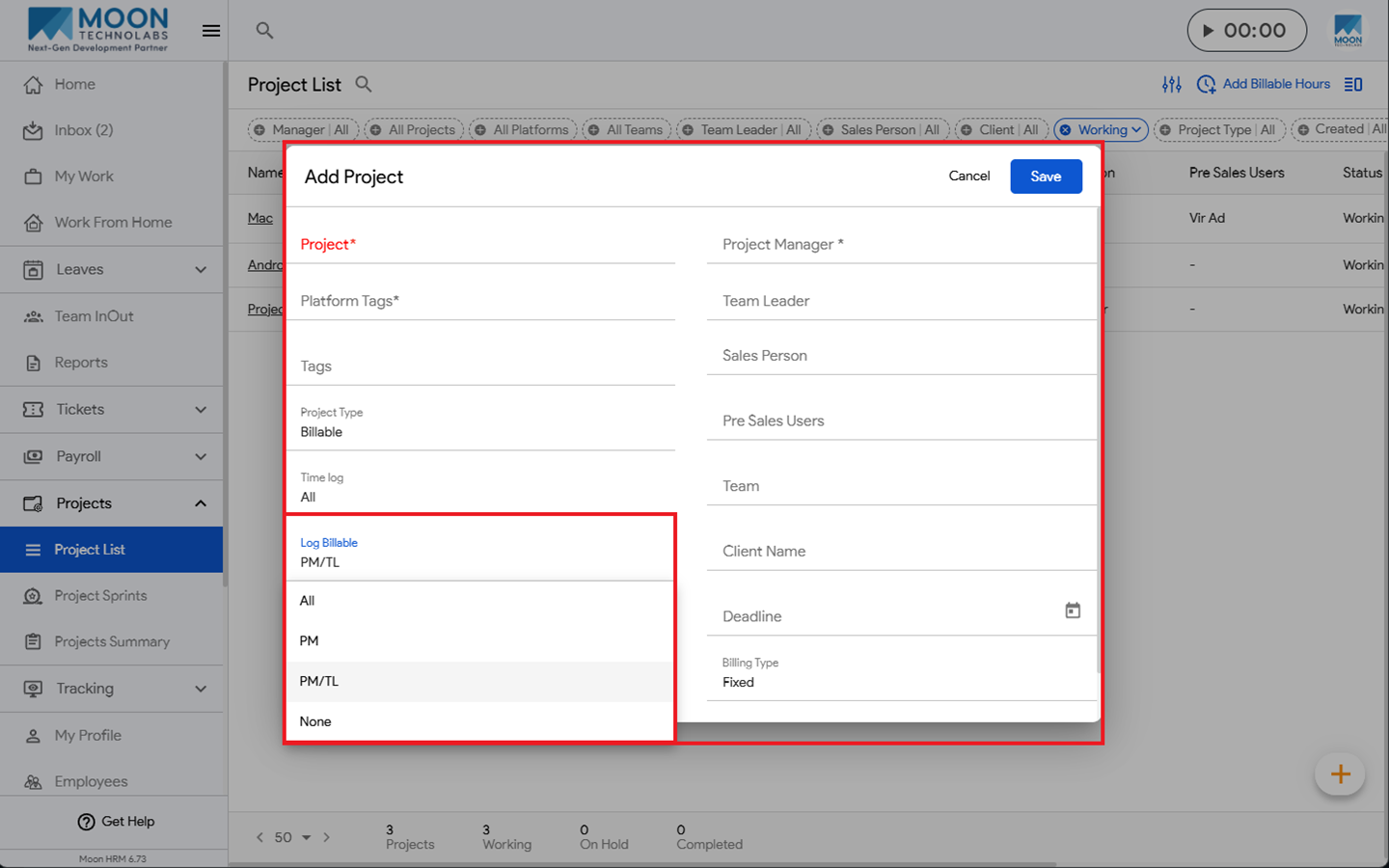
You can easily set the default log billable hours for new projects in Moon HRM by following the steps below.
- Open the Moon HRM application on your device or tap on this link.
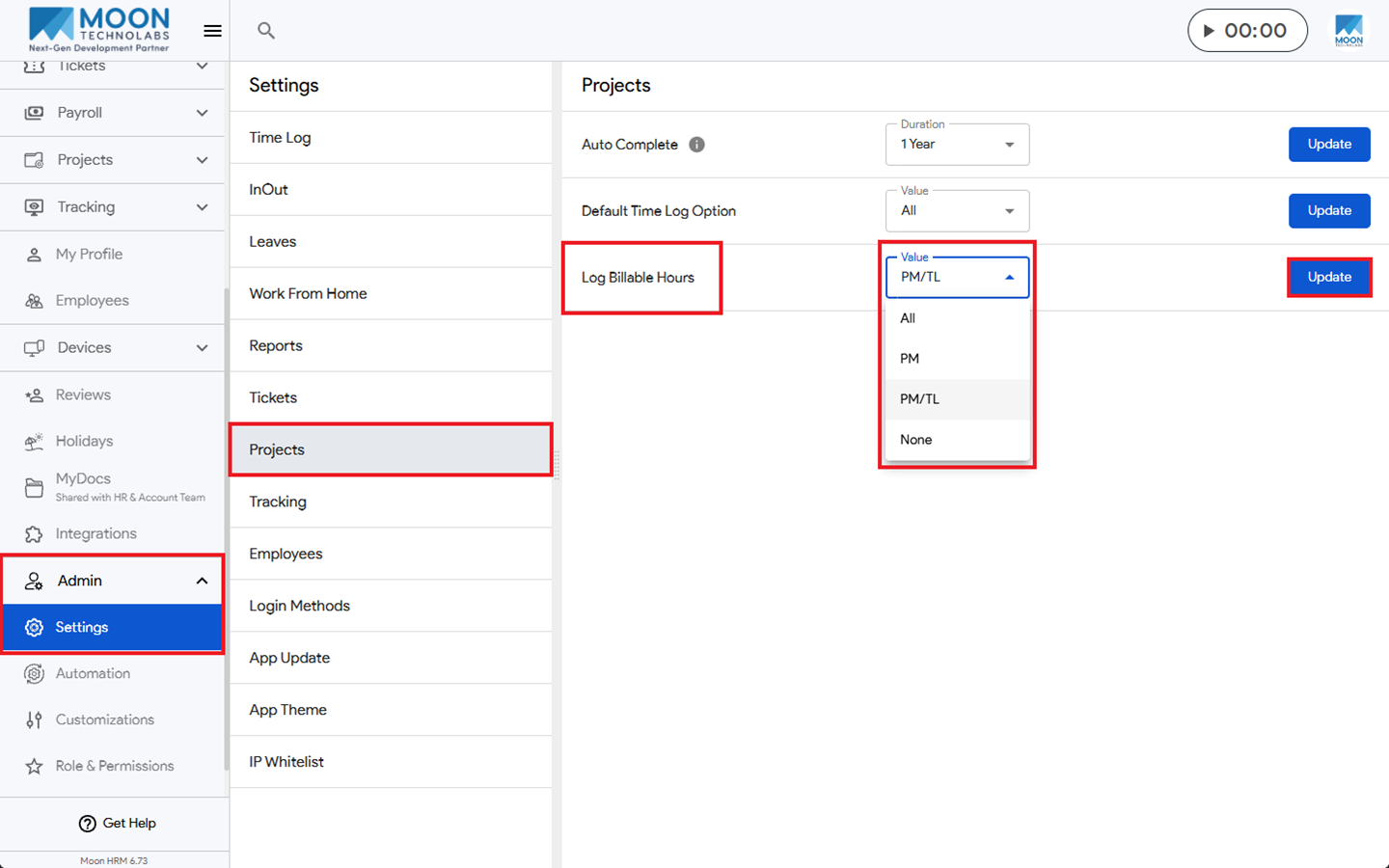
- From the main menu, navigate to Admin ➜ Settings ➜ Projects.
- Under the Log Billable Hours section, you can choose from the available options as needed.
- Then click on Update to apply the changes.
Note:
Only the project manager (PM), team leader (TL), and admin can update the billable hours log on their end.