You can easily mark a device as a favorite and filter for favorite devices in Moon HRM by following the steps below.
- Open the Moon HRM application on your device or tap on this link.
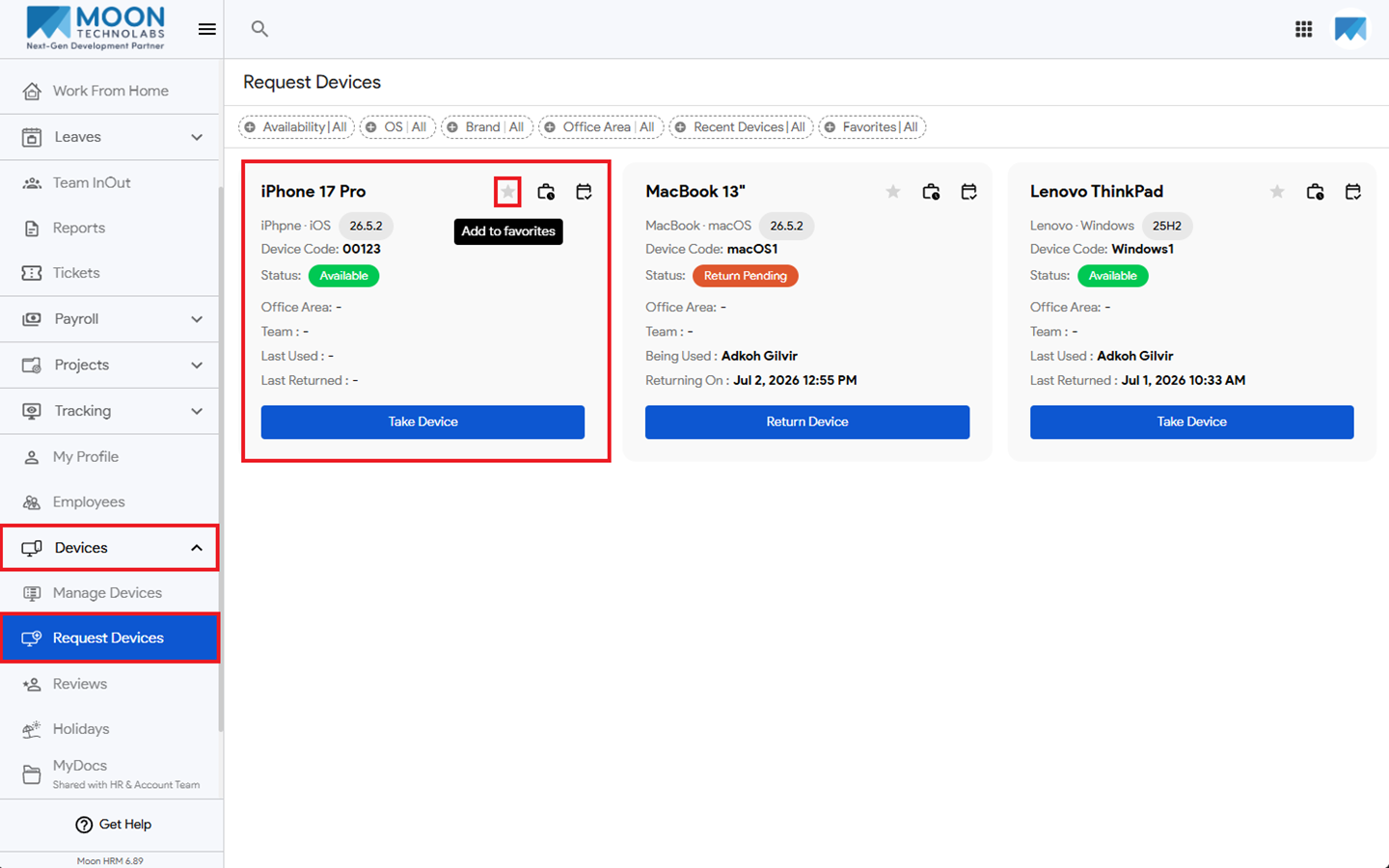
- From the main menu, navigate to Devices ➜ Request Devices.
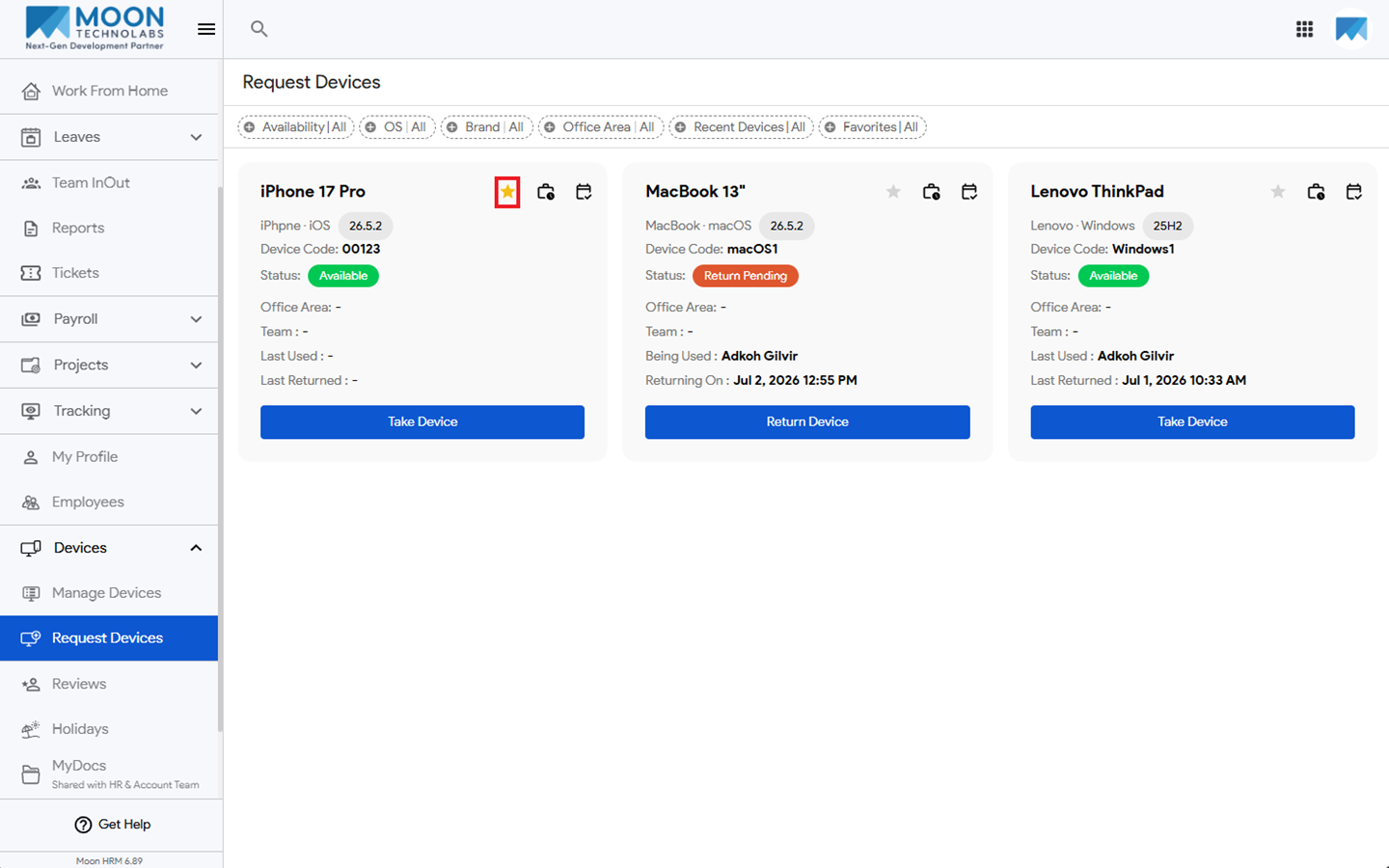
- Next to the device, click the Star icon to add it to your favorites.
- The device will be added to Favorites.
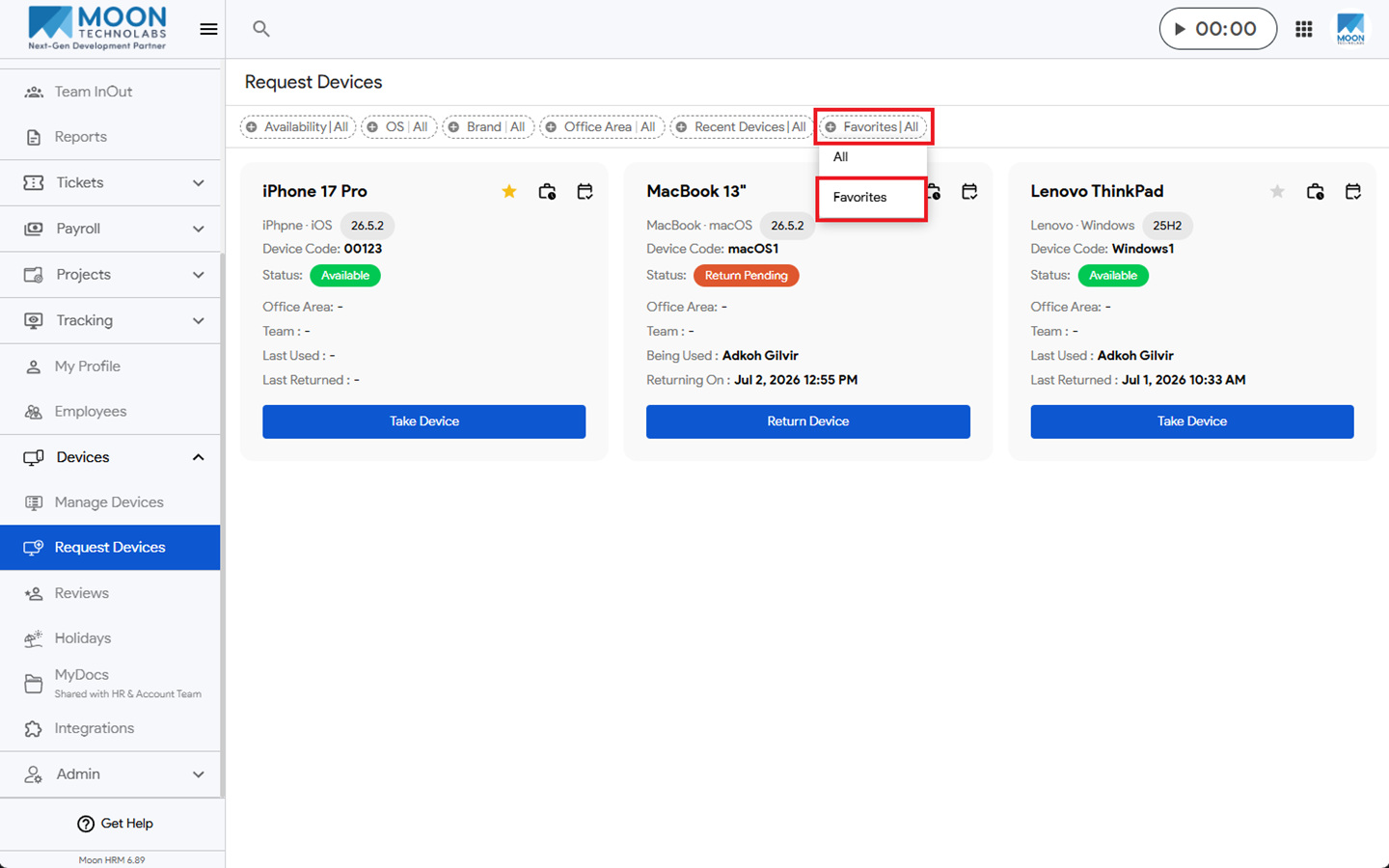
- To filter a favorite device, click on the Favorites|All filter option and select Favorites.
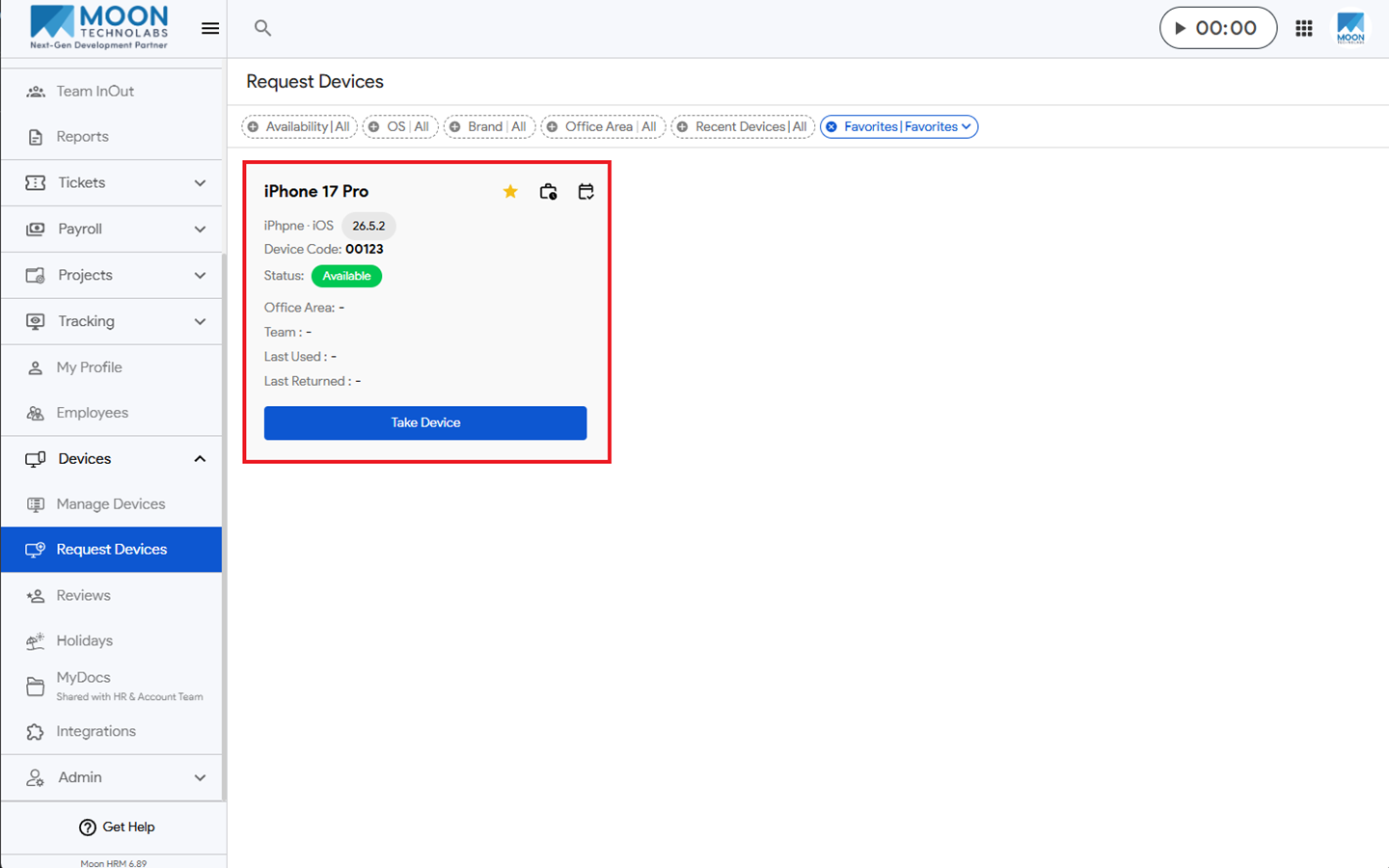
- Now you can see your favorite device.