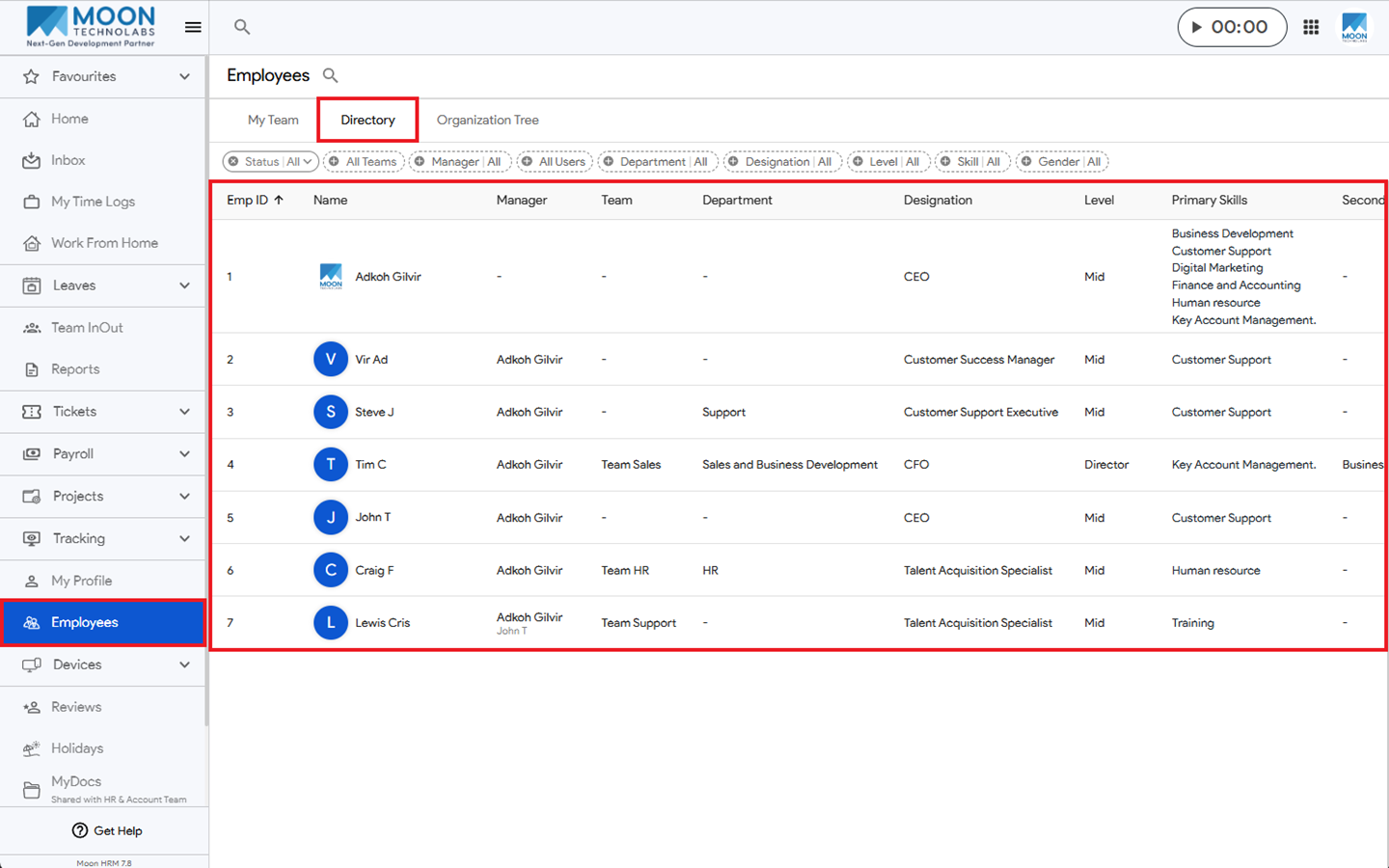
You can easily access the employee directory in Moon HRM by following the steps below.
- Open the Moon HRM application on your device or tap this link.
- From the main menu, navigate to Employees.
- Tap on the Directory right below the search icon.
- Now you can see the list of employees, along with their designations, primary and secondary skills, levels, and experience.
Note:
The directory is accessible only to users with the required permissions, such as owners, managers, and team leaders (TLs).