You can easily view the organization tree in Moon HRM by following the steps below.
- Open the Moon HRM application on your device or tap this link.
- From the main menu, navigate to Employees.
- Click Organization Tree to view the organization tree.
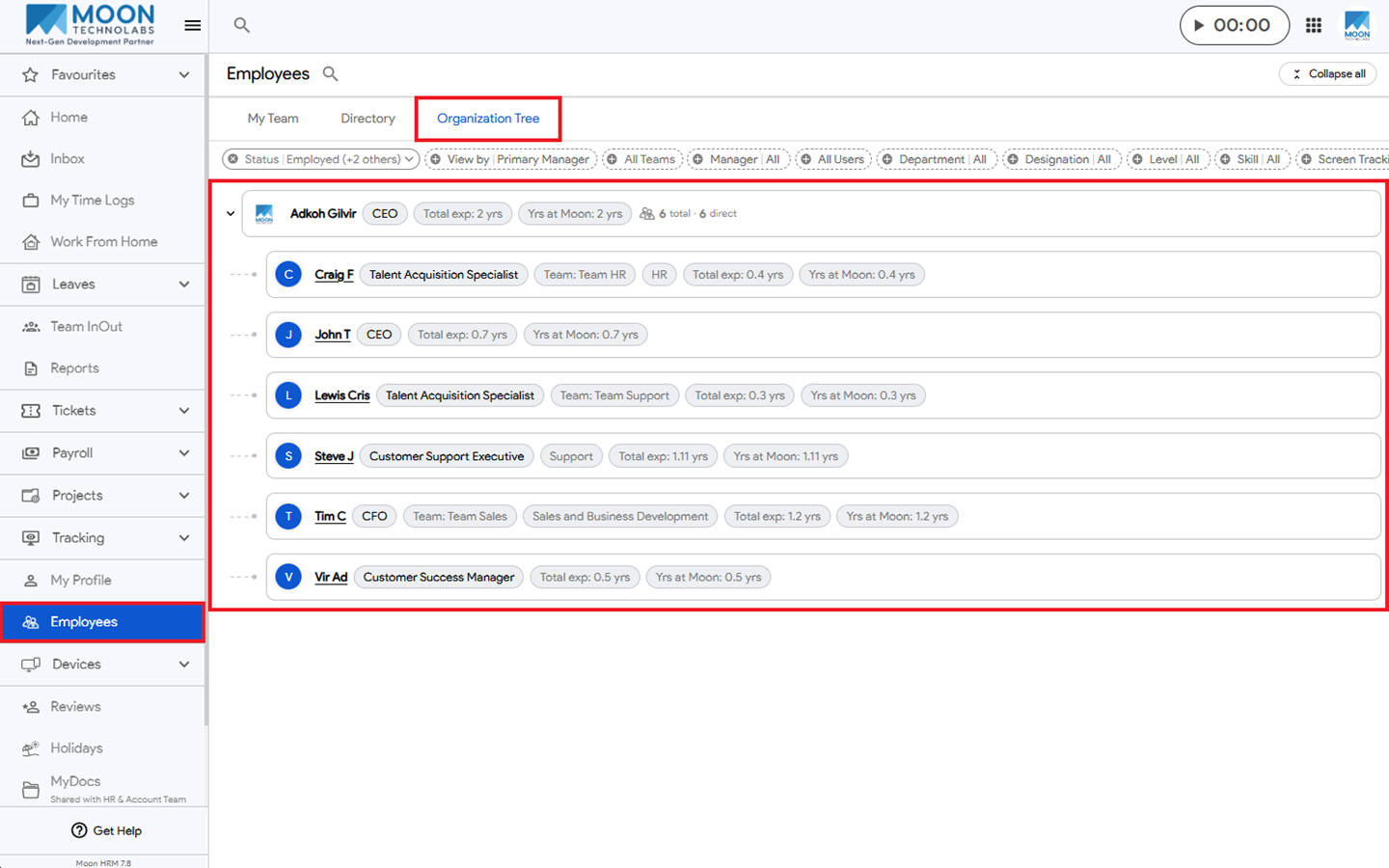


You can easily view the organization tree in Moon HRM by following the steps below.
Was this article helpful?
0 out of 0 found this helpful
Have more questions? Submit a request