You can easily reset the staffing and retention report in Moon HRM by following the steps below.
- Open the Moon HRM application on your device or tap this link.
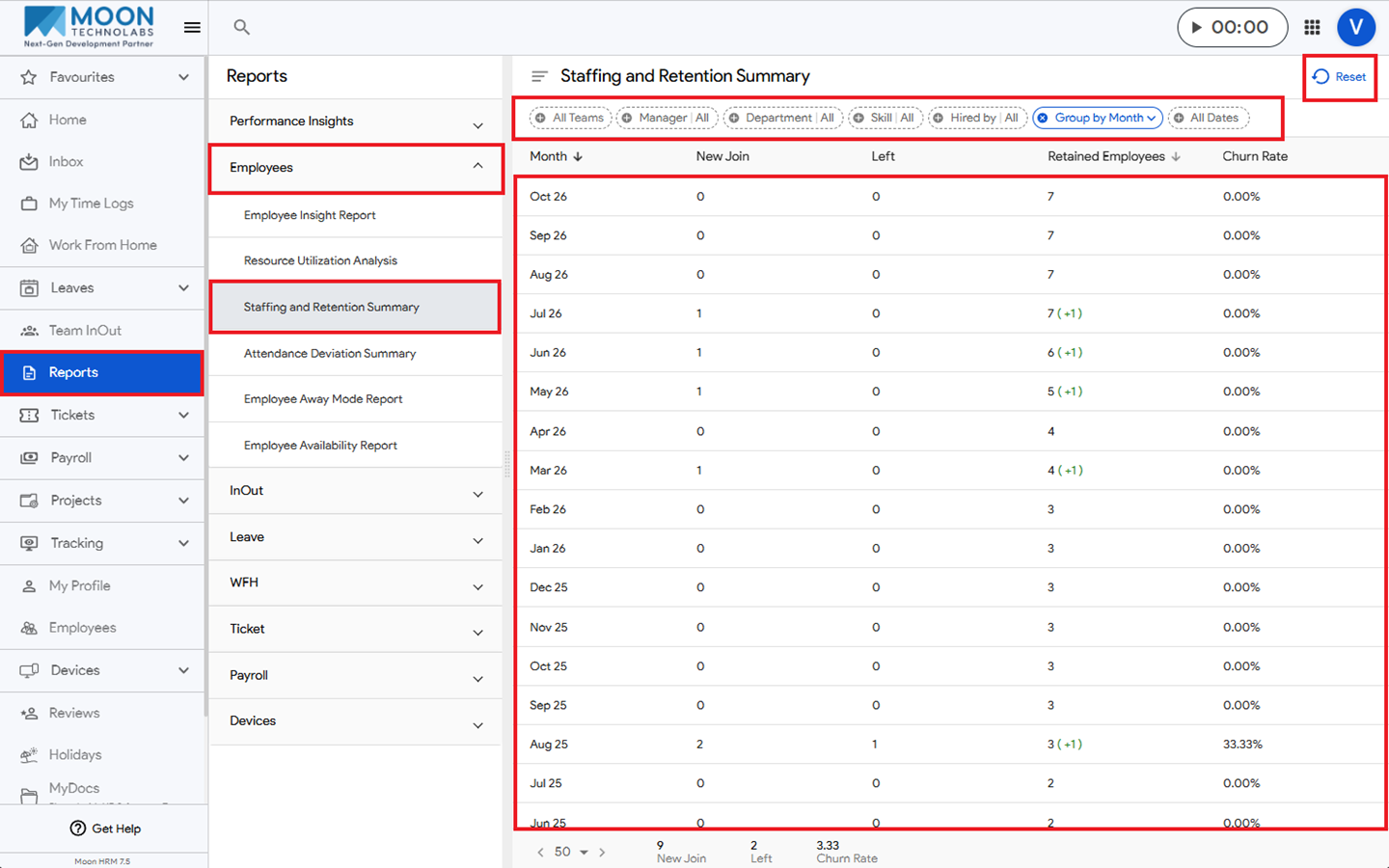
- From the main menu, navigate to Reports ➜ Employees ➜ Staffing and Retention Summary.
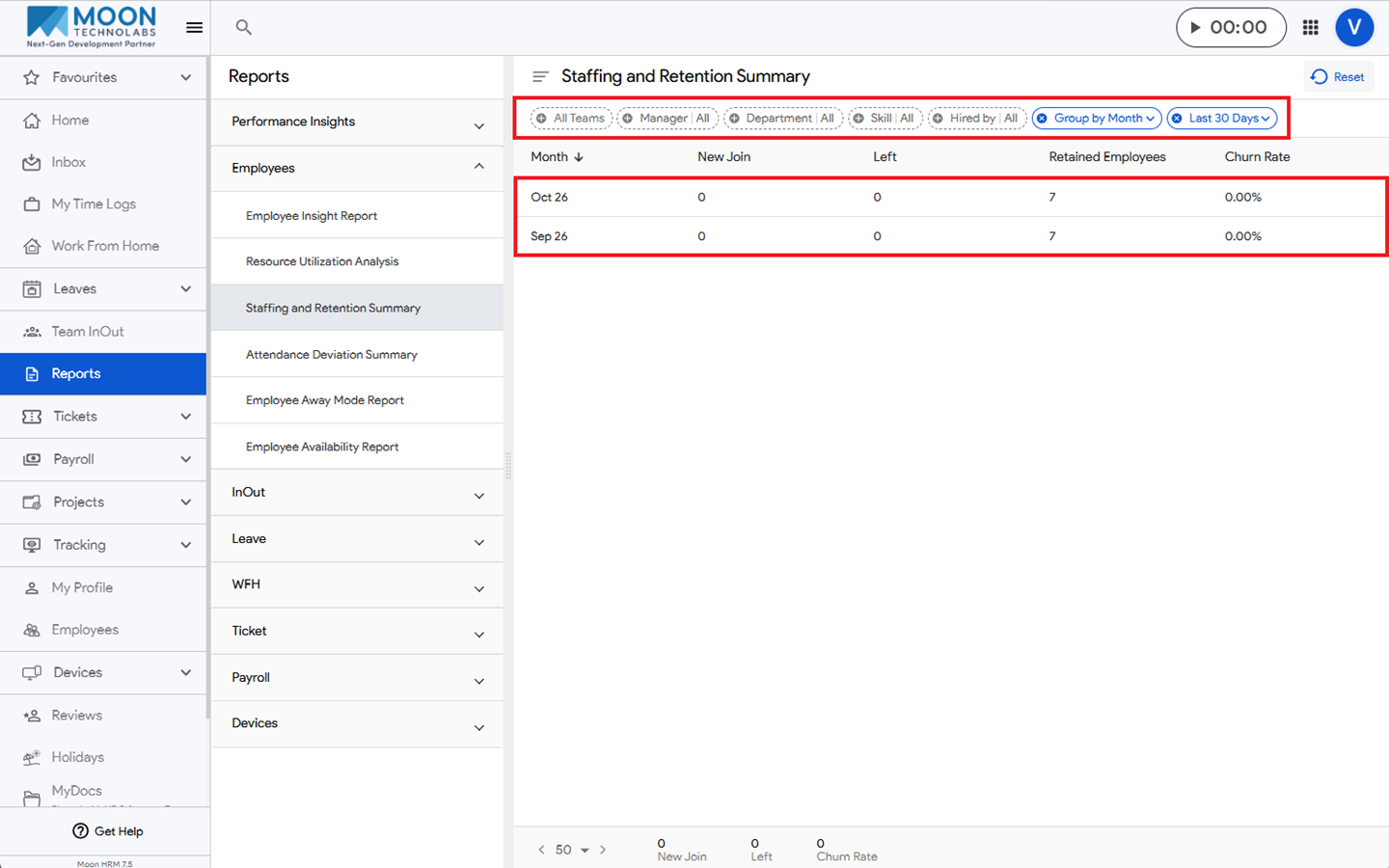
- Click on the Reset option.
- All filters will be reset, and the report will return to its default settings.