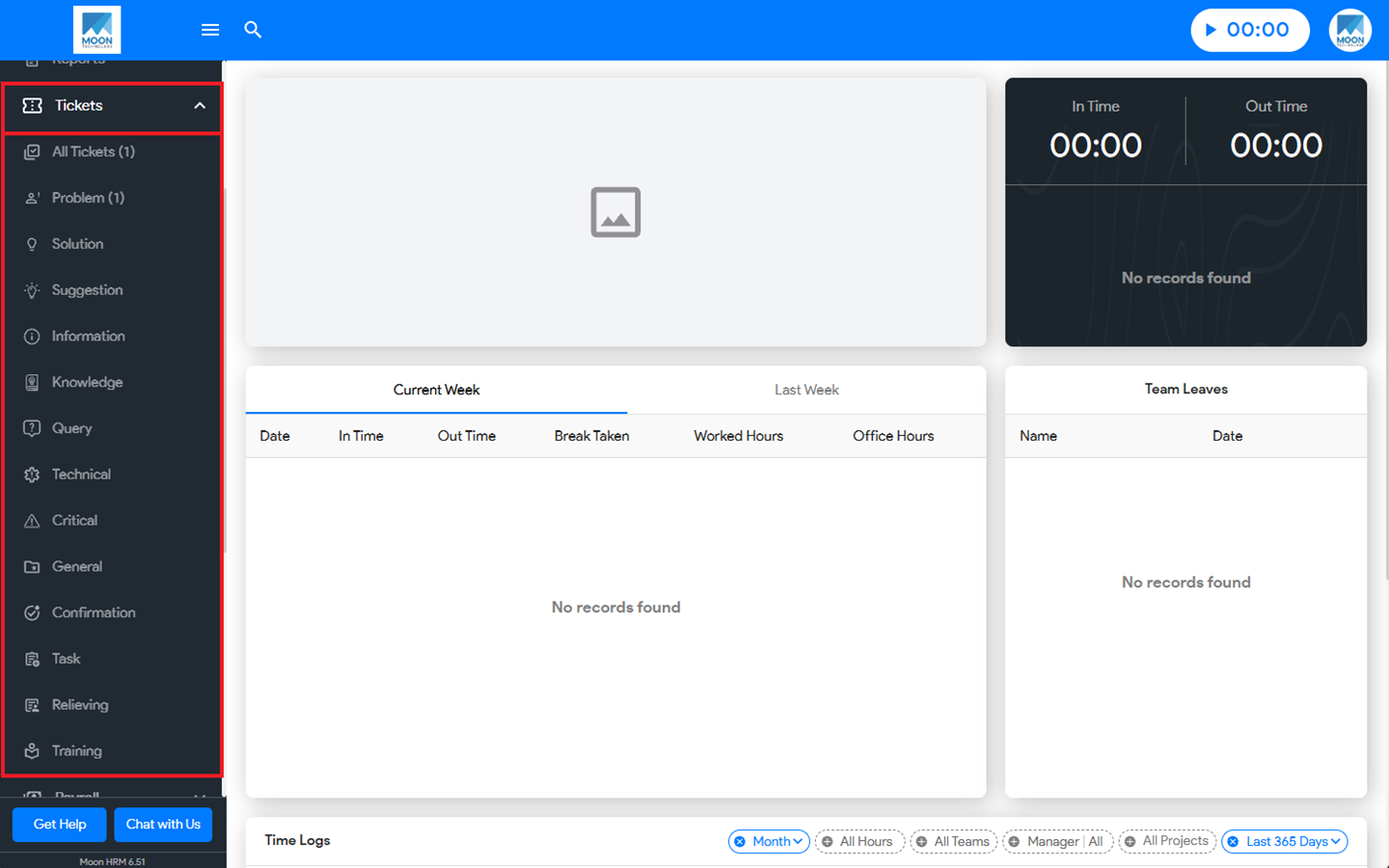
You can easily see the different ticket options in Moon HRM by following the steps below.
- Open the Moon HRM application on your device or tap on this link.
- From the main menu, navigate to Tickets.
- Now, you’ll see different ticket options.
Note:
When raising a ticket, ensure you select the appropriate option under Type. Once submitted, the ticket will appear in its respective category.