

How can I manage On-Hold Salaries during payroll execution?
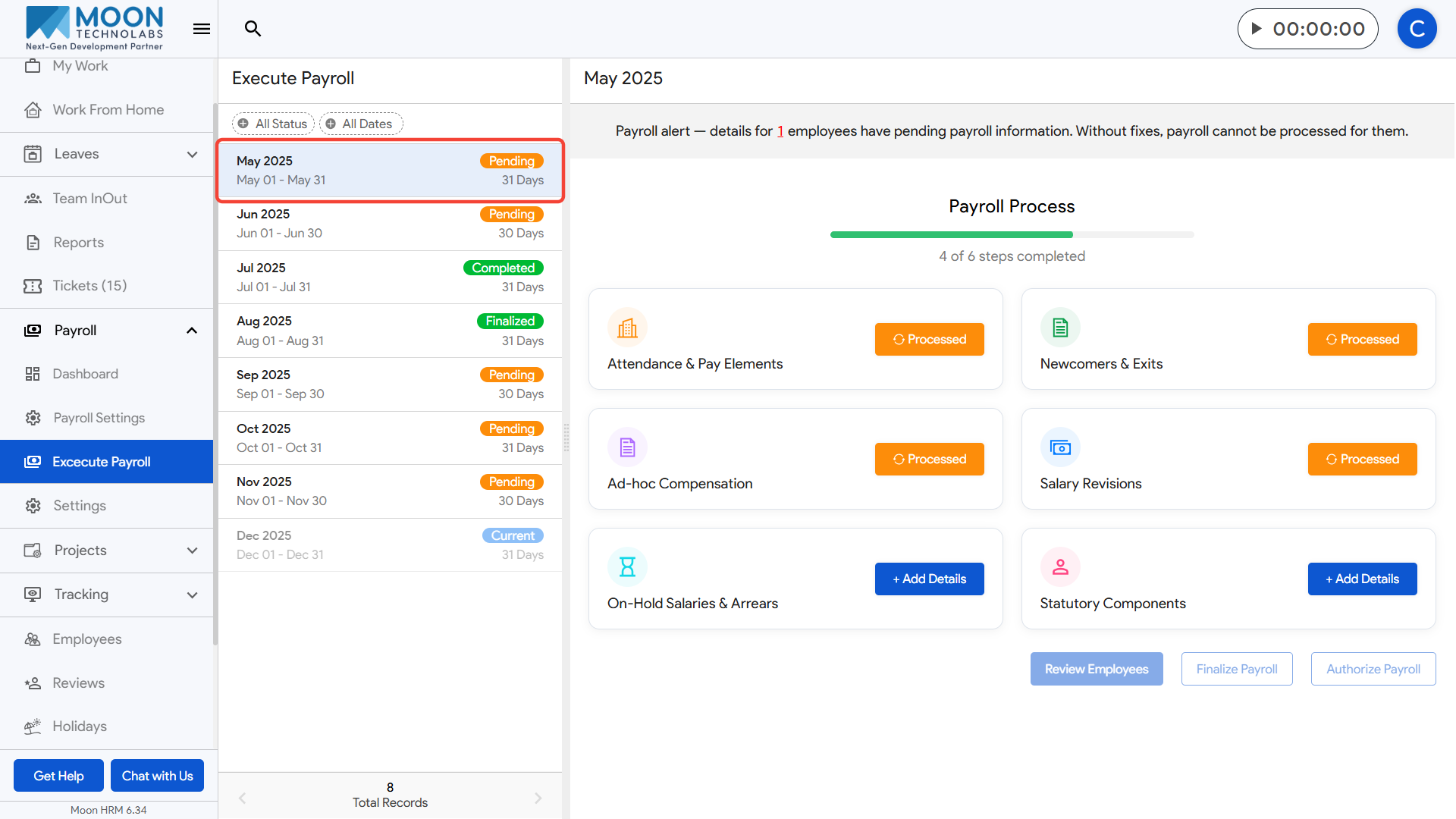
To process On-Hold Salary as part of payroll execution, click on Execute Payroll from the sidebar and select the payroll month you are working on.
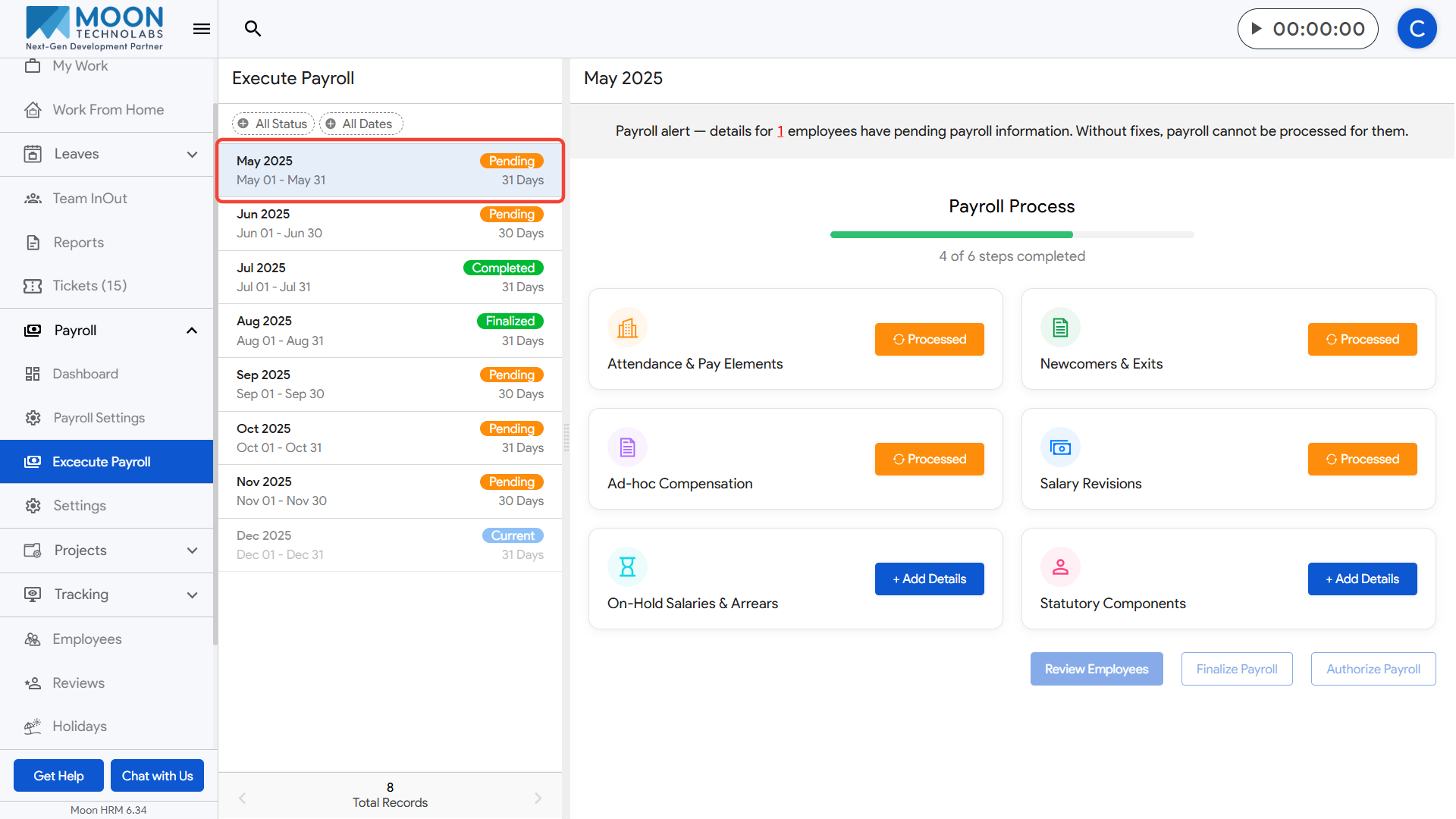
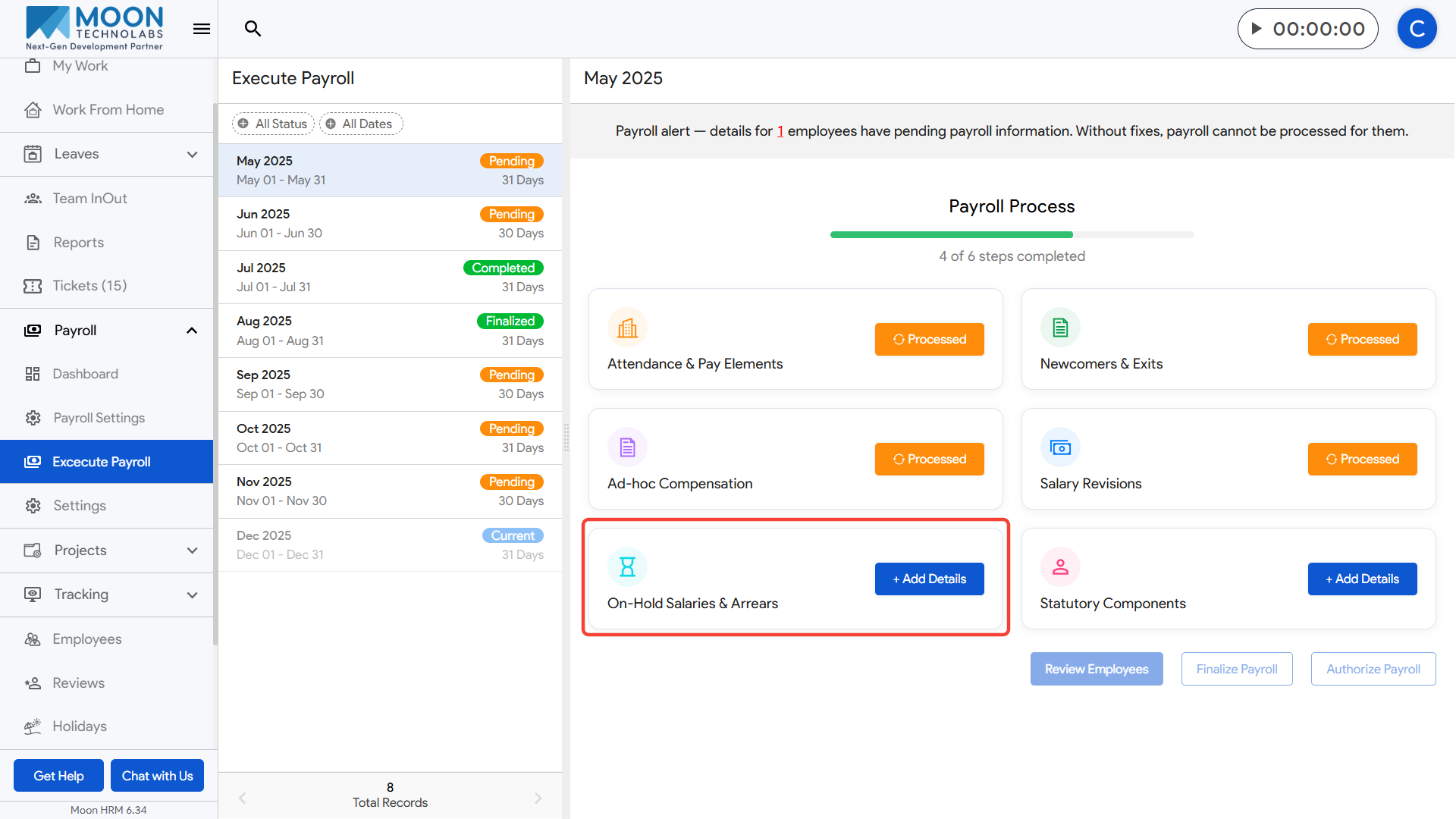
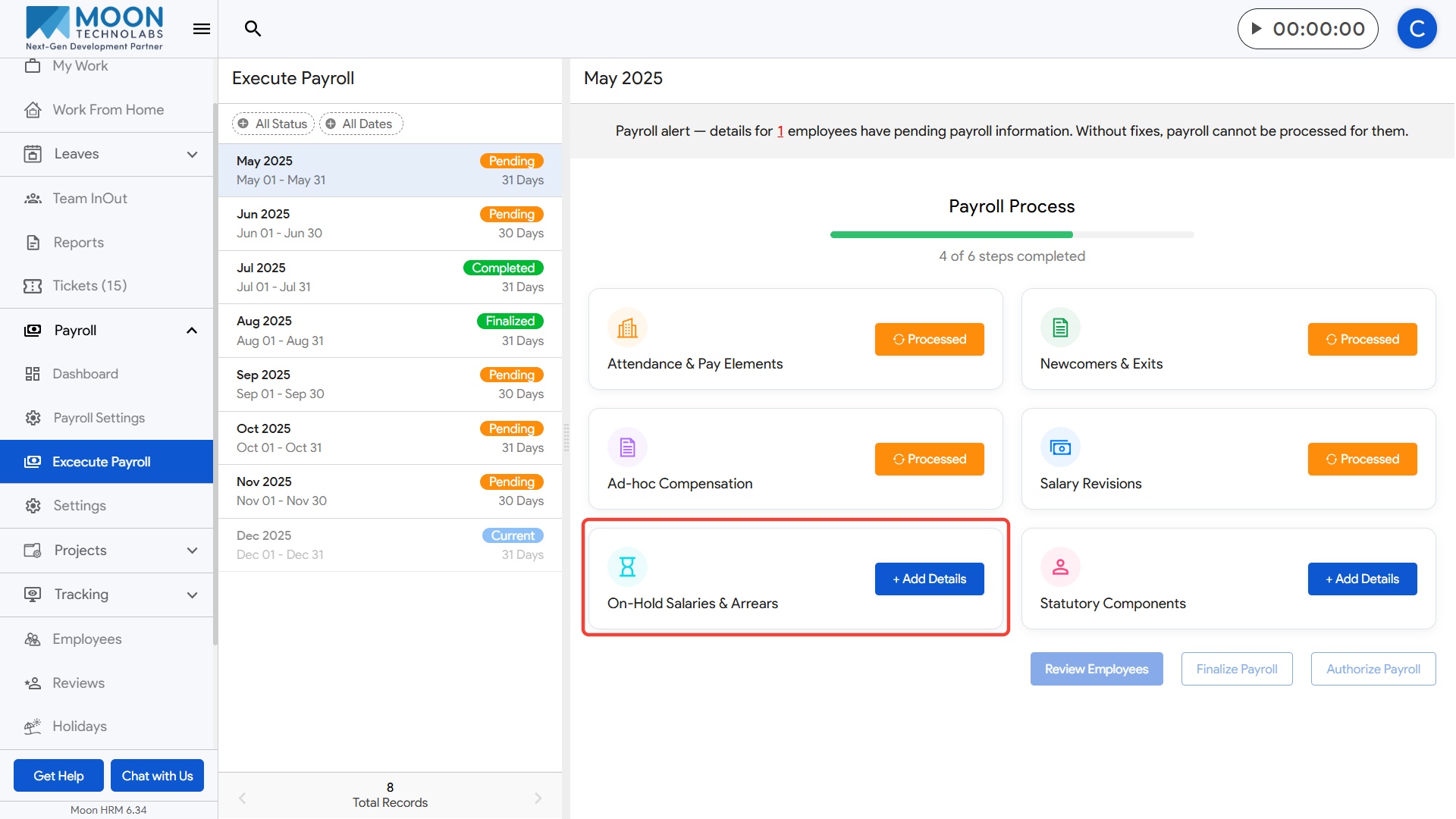
Open the On-Hold Salaries & Arrears step and switch to the On-Hold Salary tab.
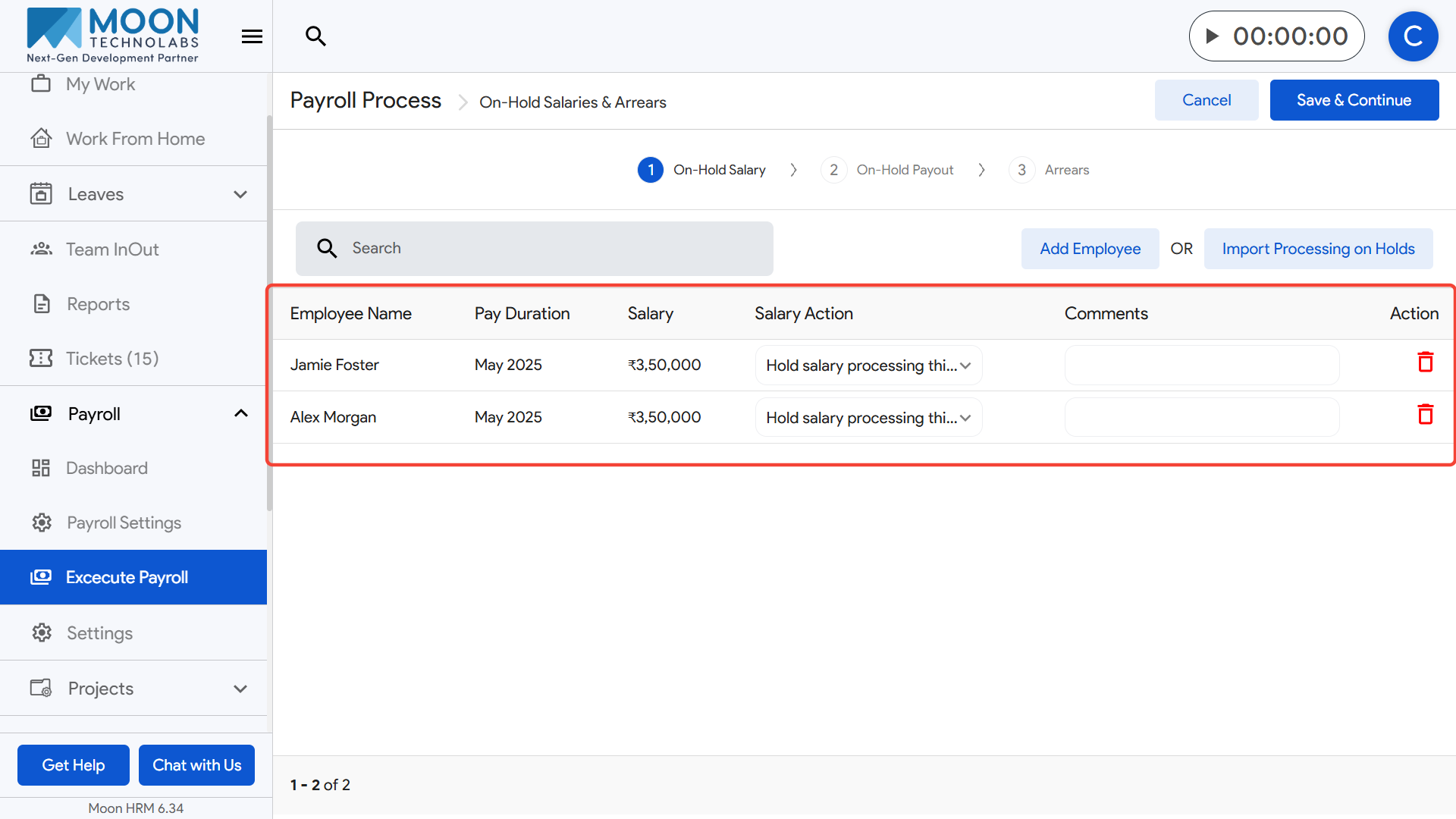
Here, you will see employees whose salaries were put on hold in previous months along with the pay duration and salary amount.
Choose the appropriate Salary Action for each employee, such as:
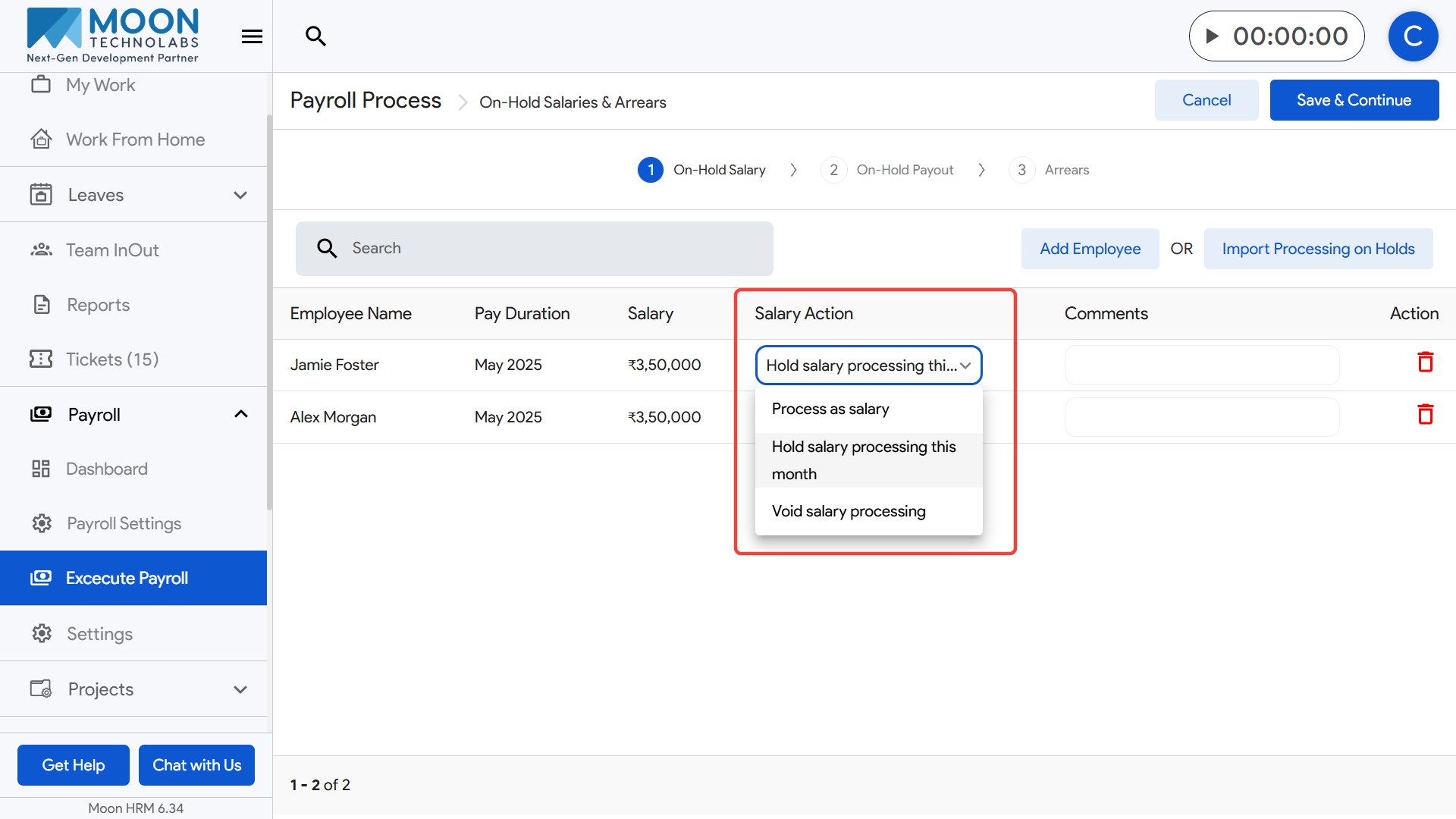
– Process as salary (to release the held salary this month)
– Hold salary processing this month (to continue keeping it on hold)
– Void salary processing (if the salary should not be processed anymore)
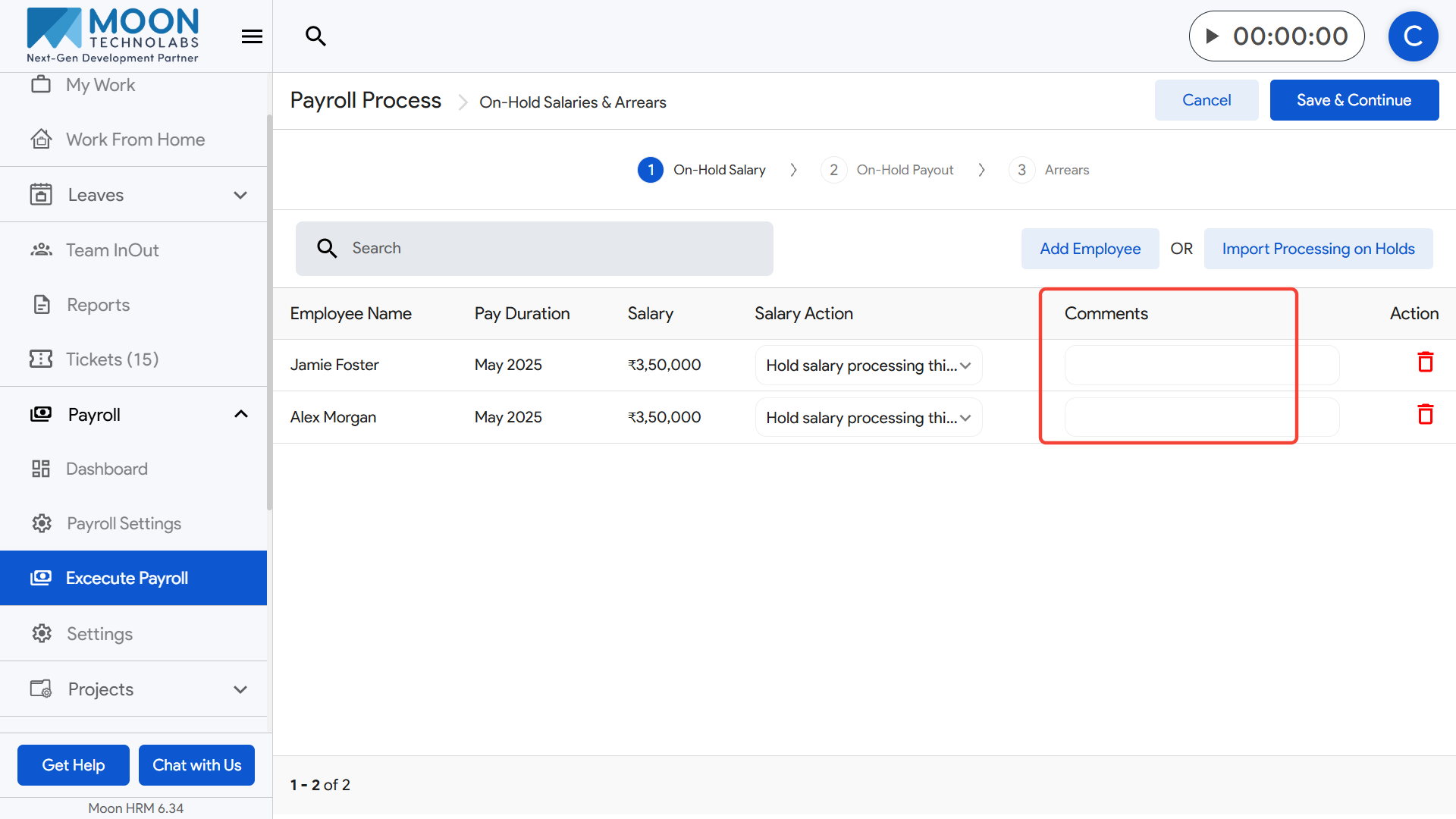
If needed, add comments to explain the reason for holding, releasing, or voiding the salary.
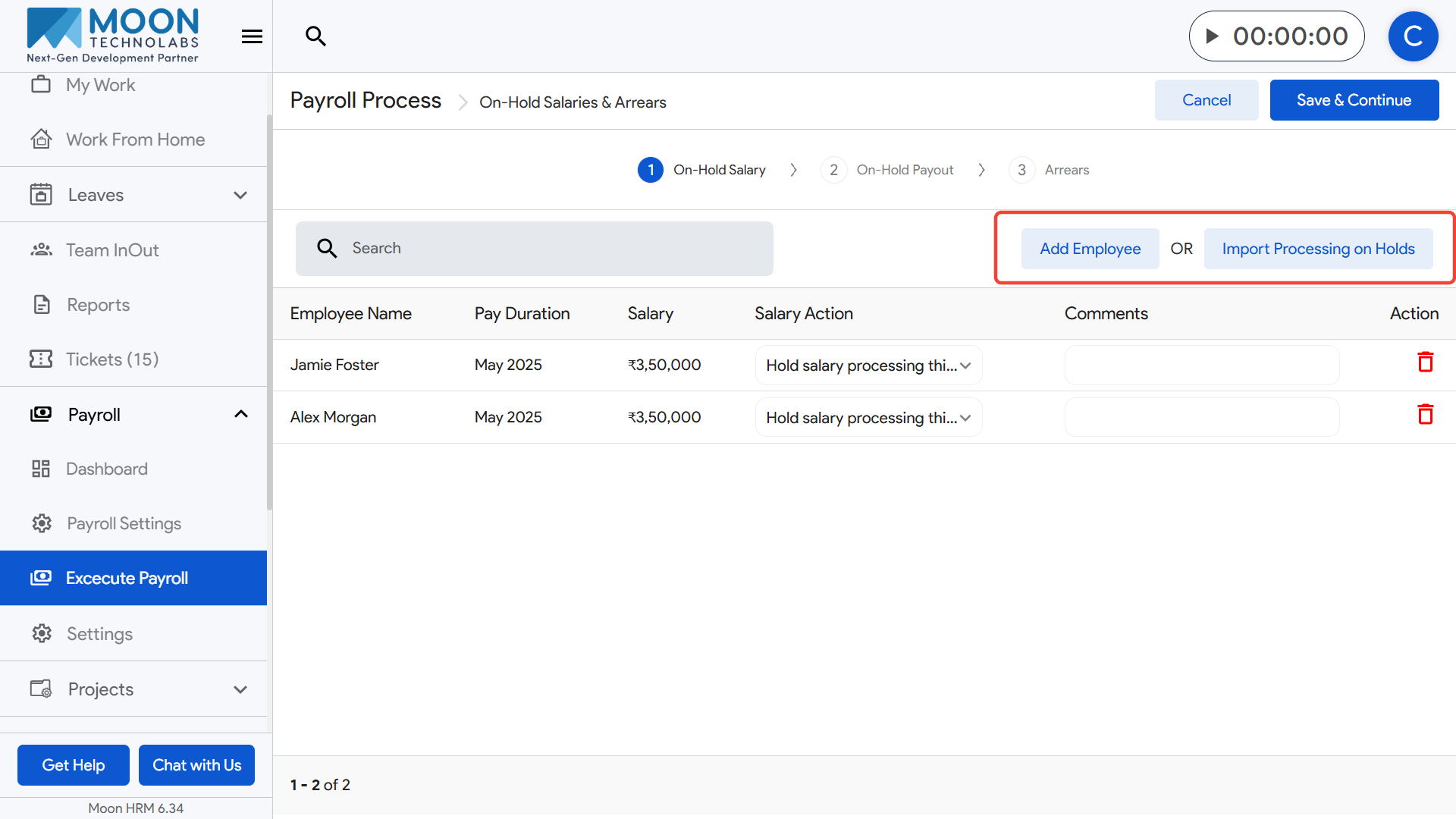
You can add additional employees to this section using the Add Employee option, or import existing hold records with the Import Processing on Holds button.
Review all entries carefully and update the actions as required.
Once everything is set, click Save & Continue to move to the next step in the payroll execution process.
How can I manage On-Hold Payout during payroll execution?
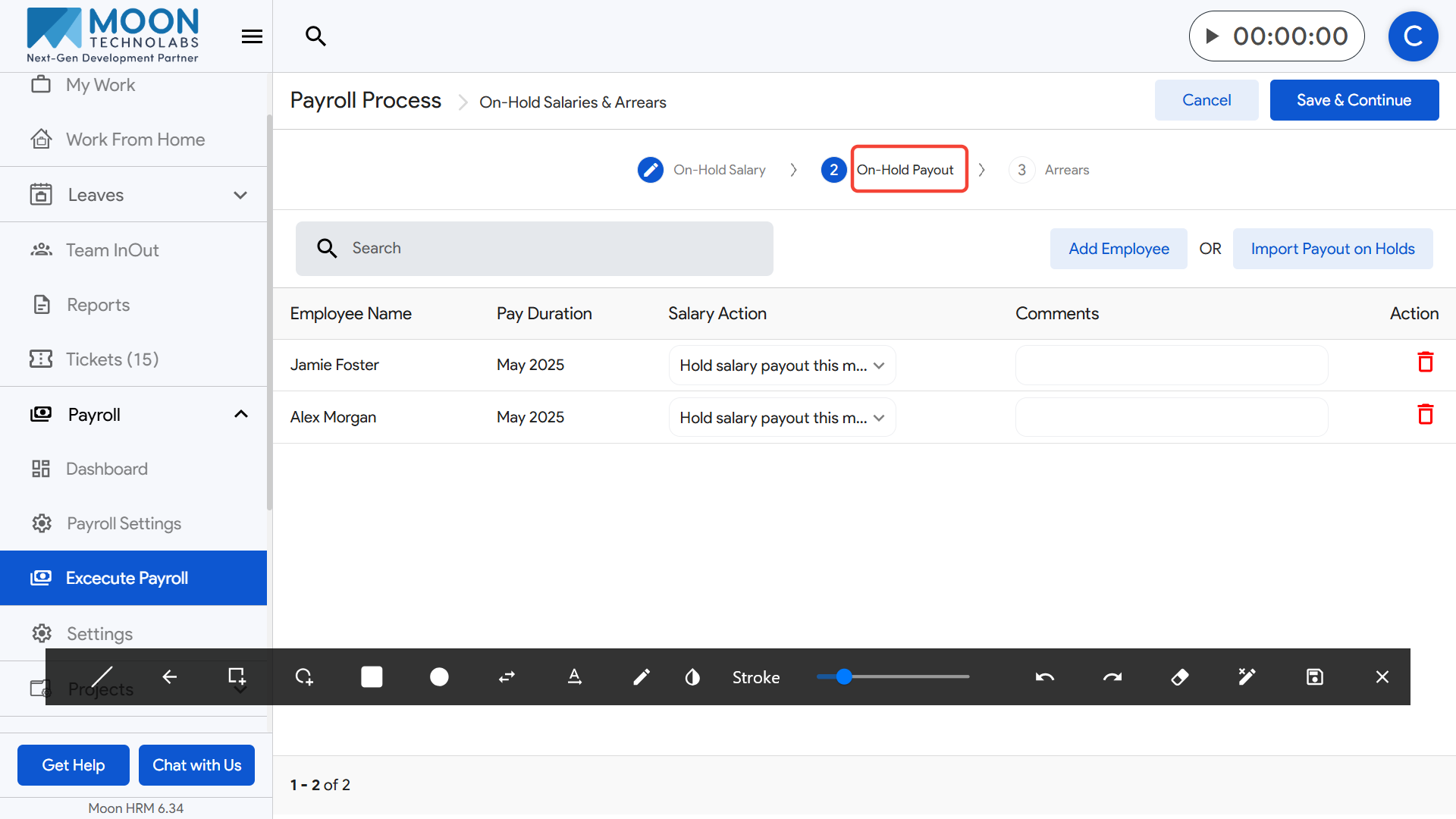
To process On-Hold Payouts as part of payroll execution, click on Execute Payroll from the sidebar and select the payroll month you are working on.
Go to the On-Hold Salaries & Arrears step and switch to the On-Hold Payout tab.
Here, you will see all employees whose salaries payout were held earlier and are now scheduled for release.
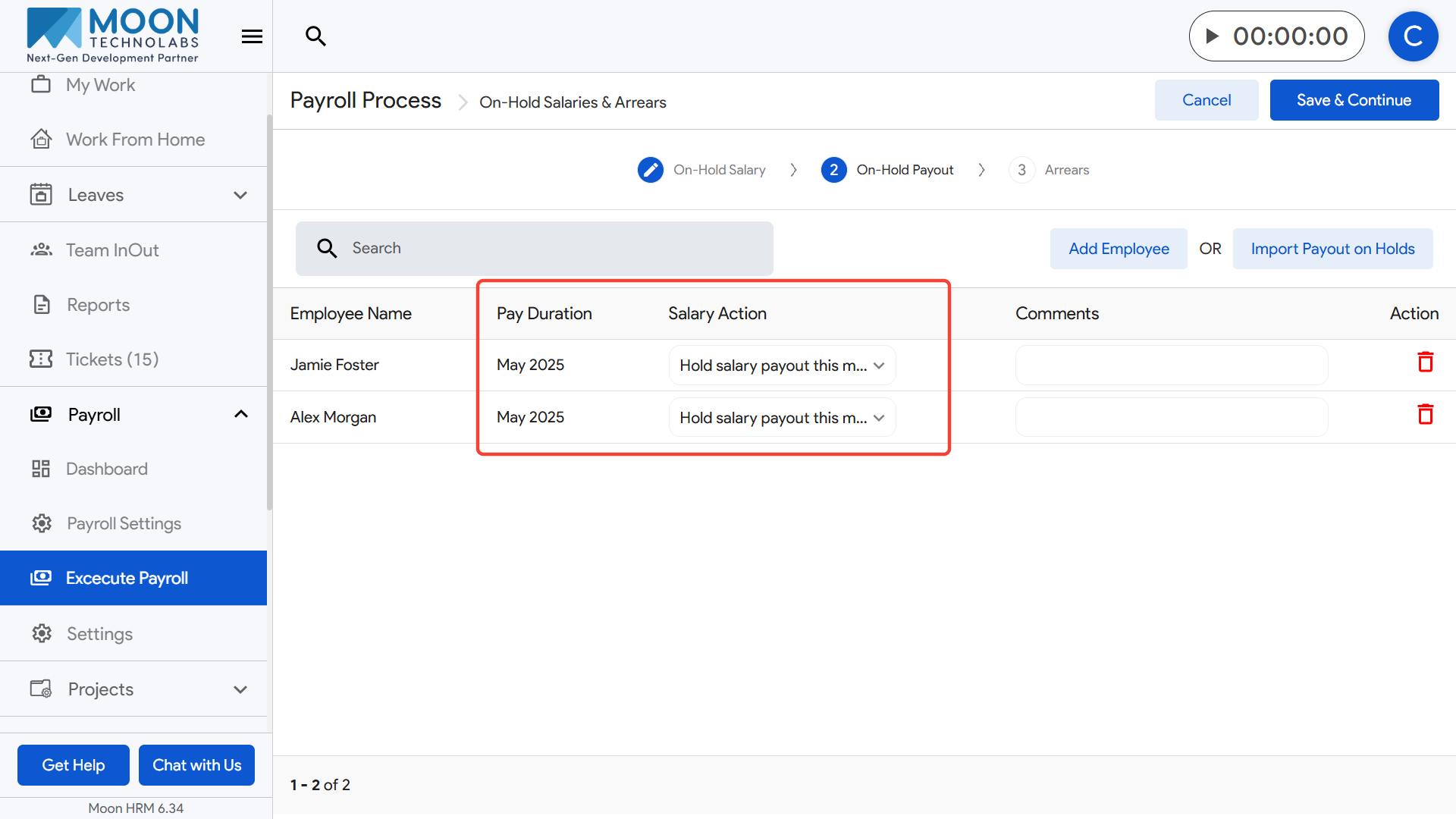
Review the pay duration and salary details for each employee listed.
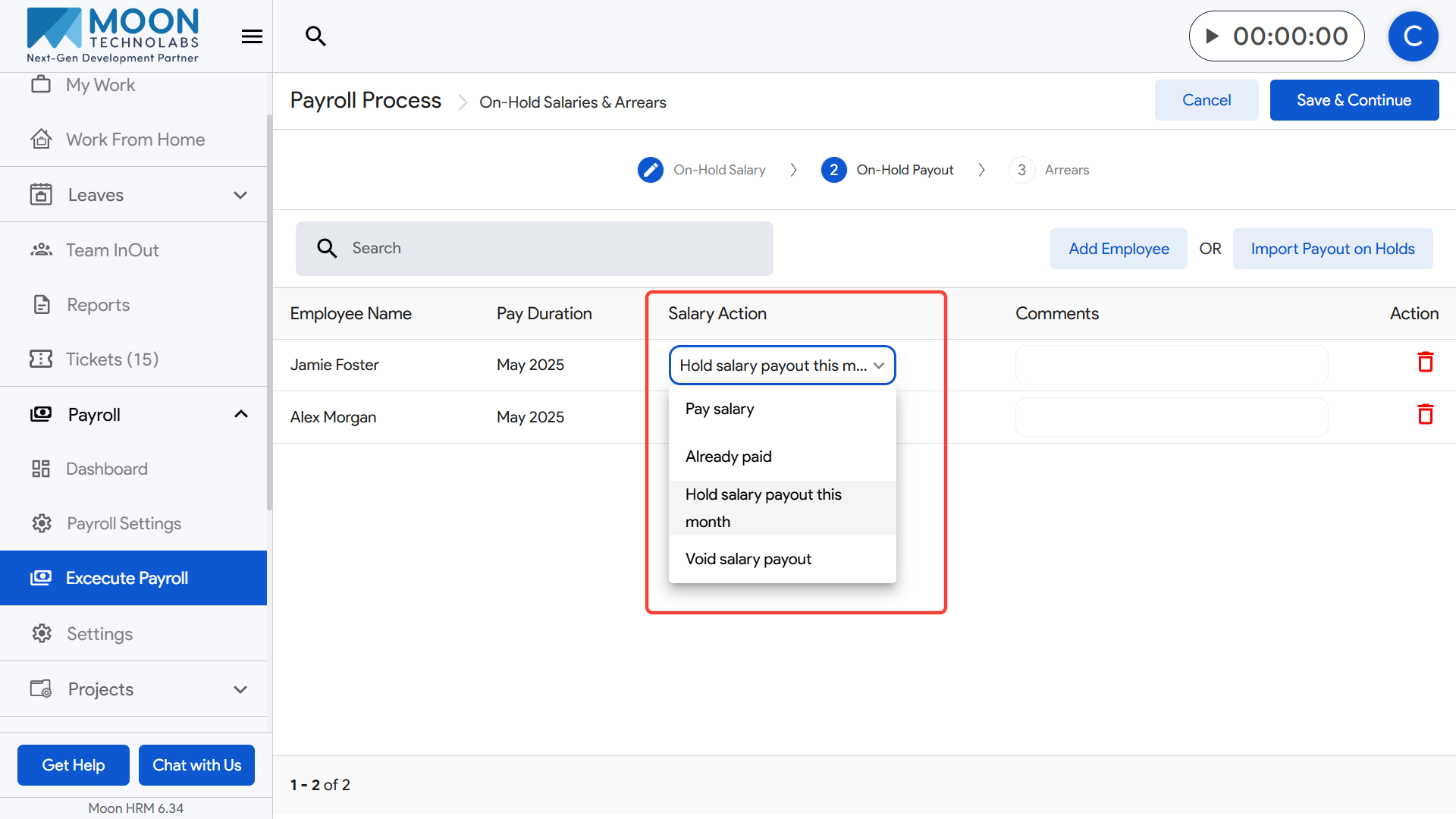
Choose the appropriate Salary Action, such as “Hold salary payout this month” or “Process salary payout this month,” depending on what needs to be done.
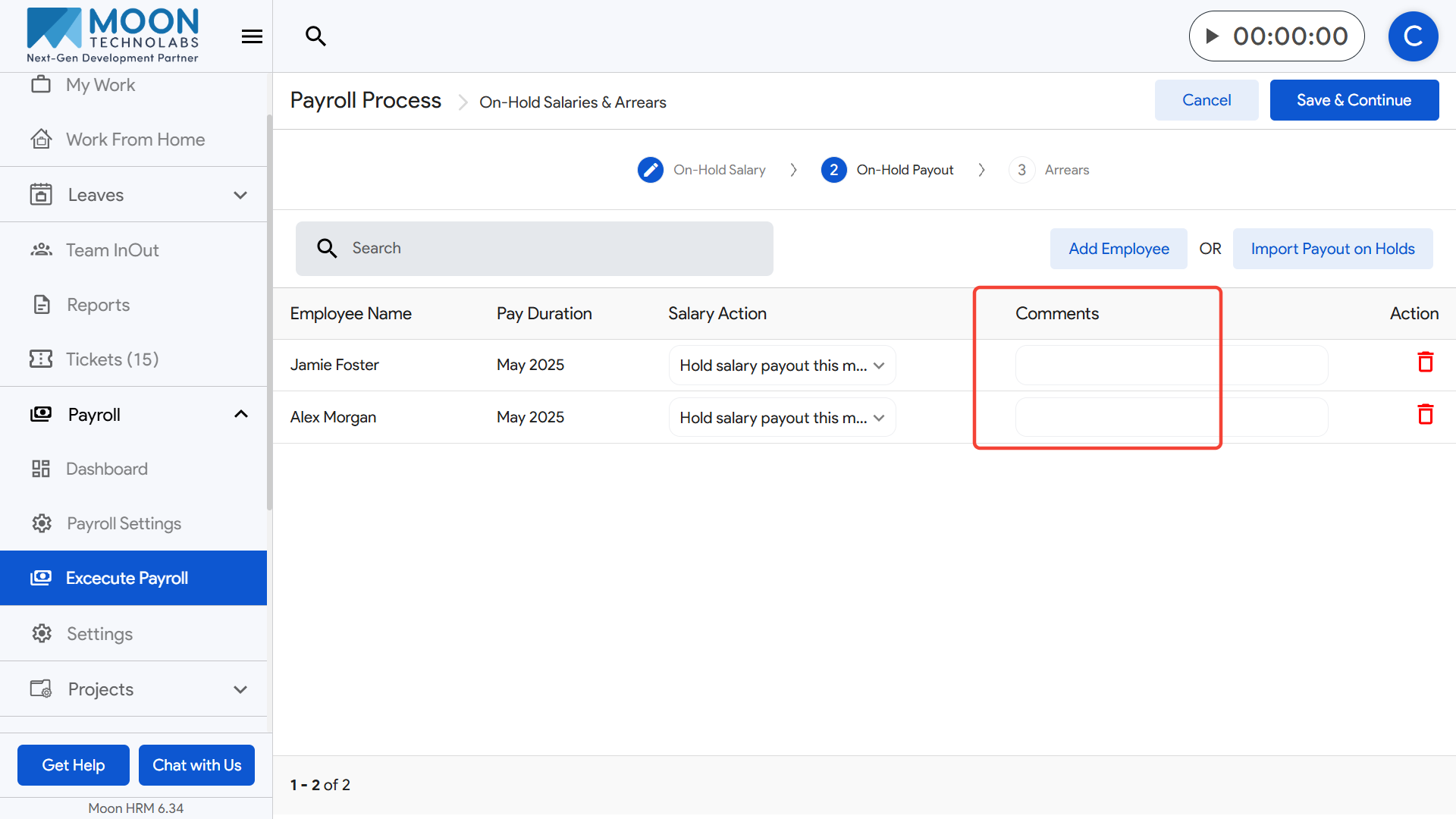
If needed, add comments to provide clarification on why the salary is being released or held again.
You can add more employees to this section using the Add Employee option, or quickly bring in existing held salary records through Import Payout on Holds.
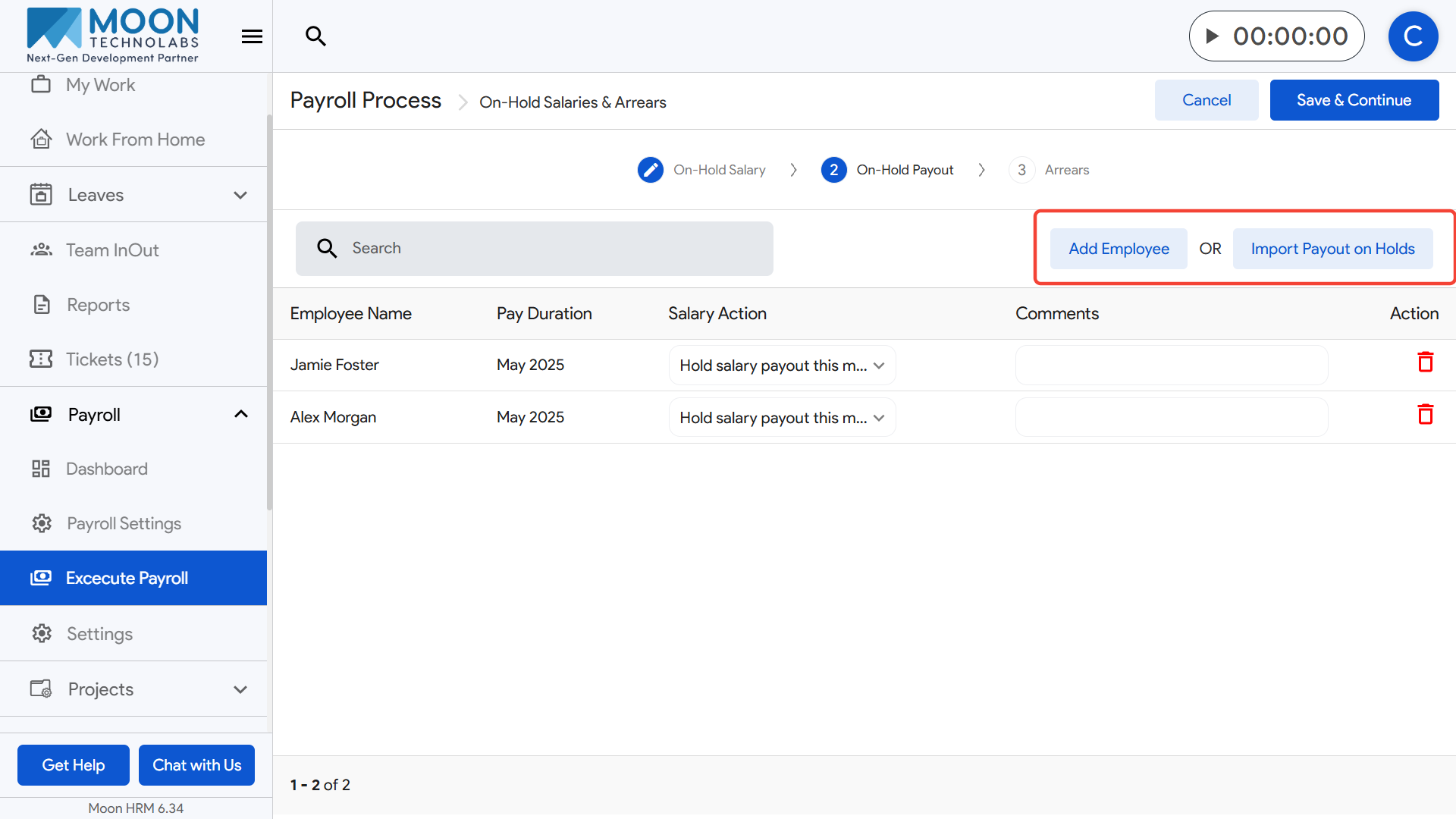
Verify all payout entries to ensure accuracy and remove any incorrect ones using the delete icon.
Once all details are updated, click Save & Continue to move to the next step in the payroll execution process.