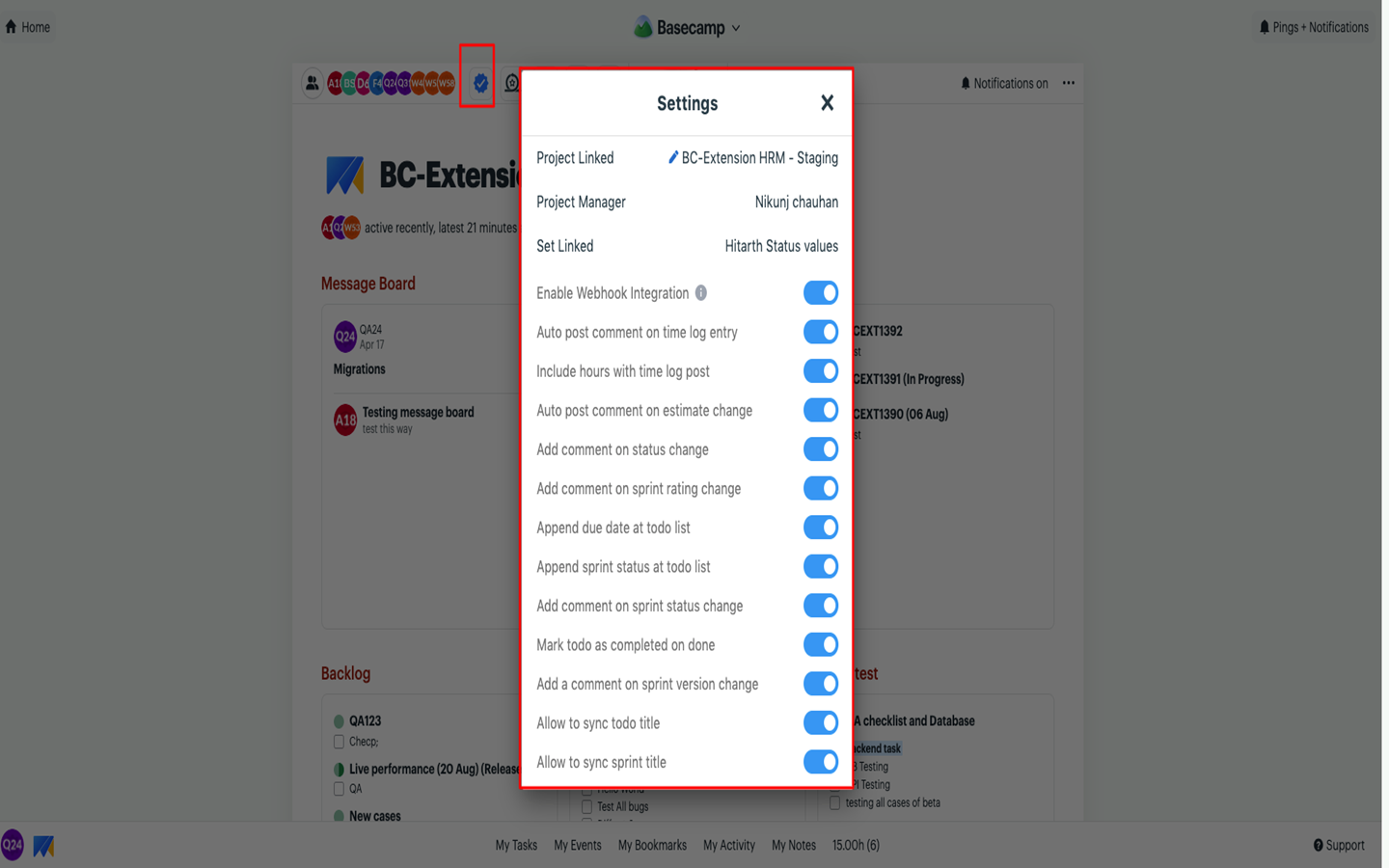
You can easily link Basecamp to a Project in Moon HRM by following the steps below.
- Open the Moon HRM application on your device or tap this link.
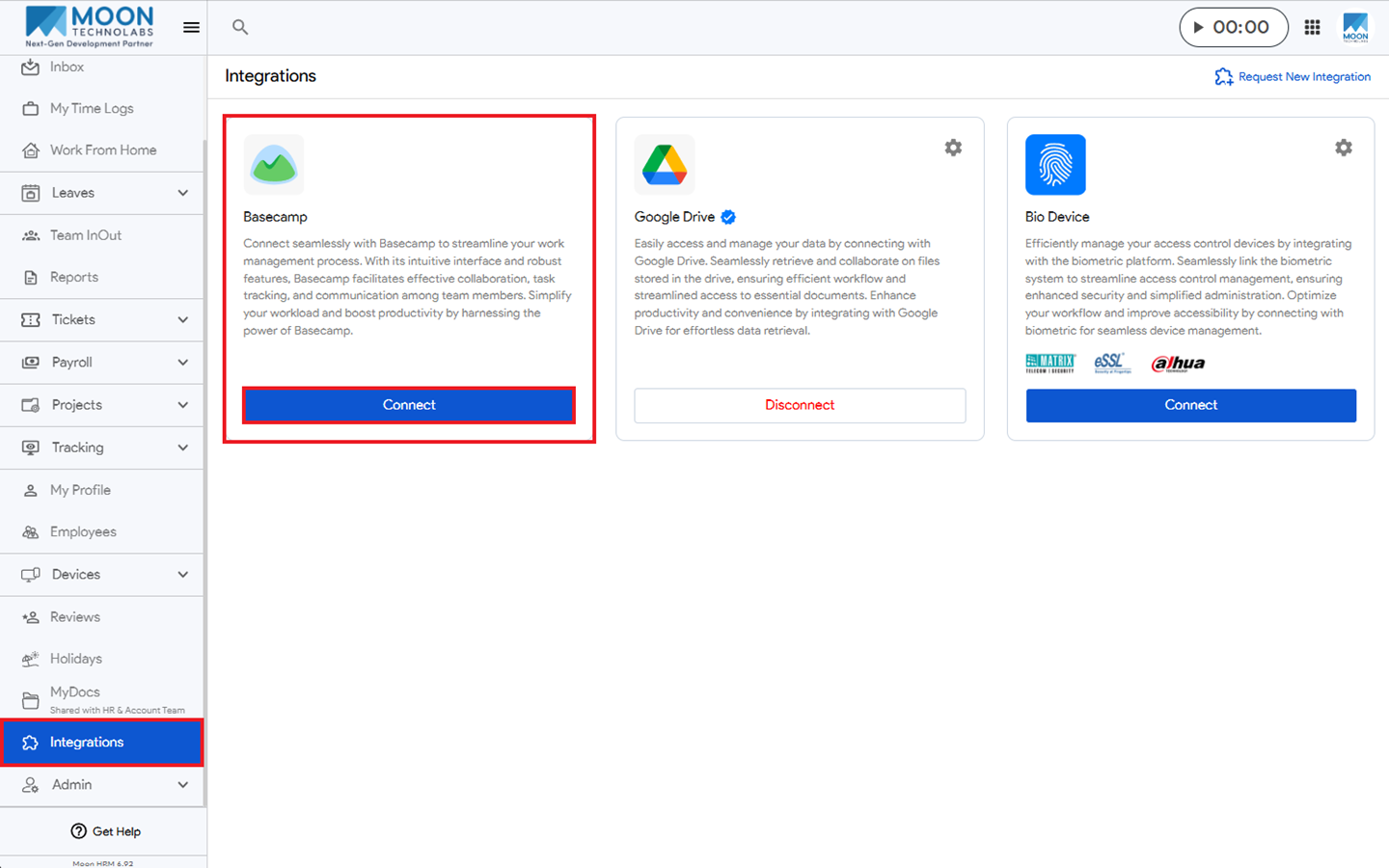
- From the main menu, navigate to Integrations, find Basecamp, and then click Connect.
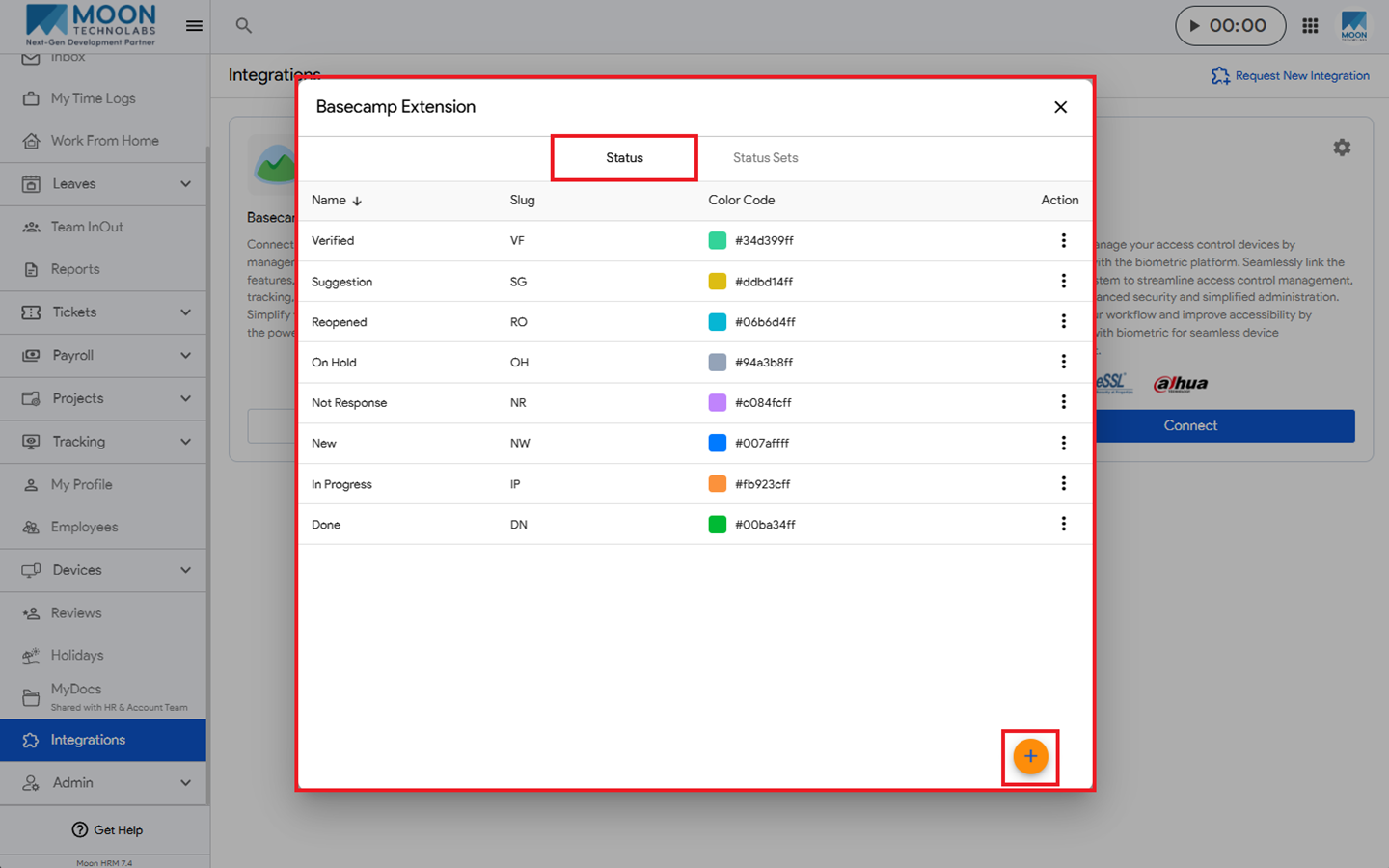
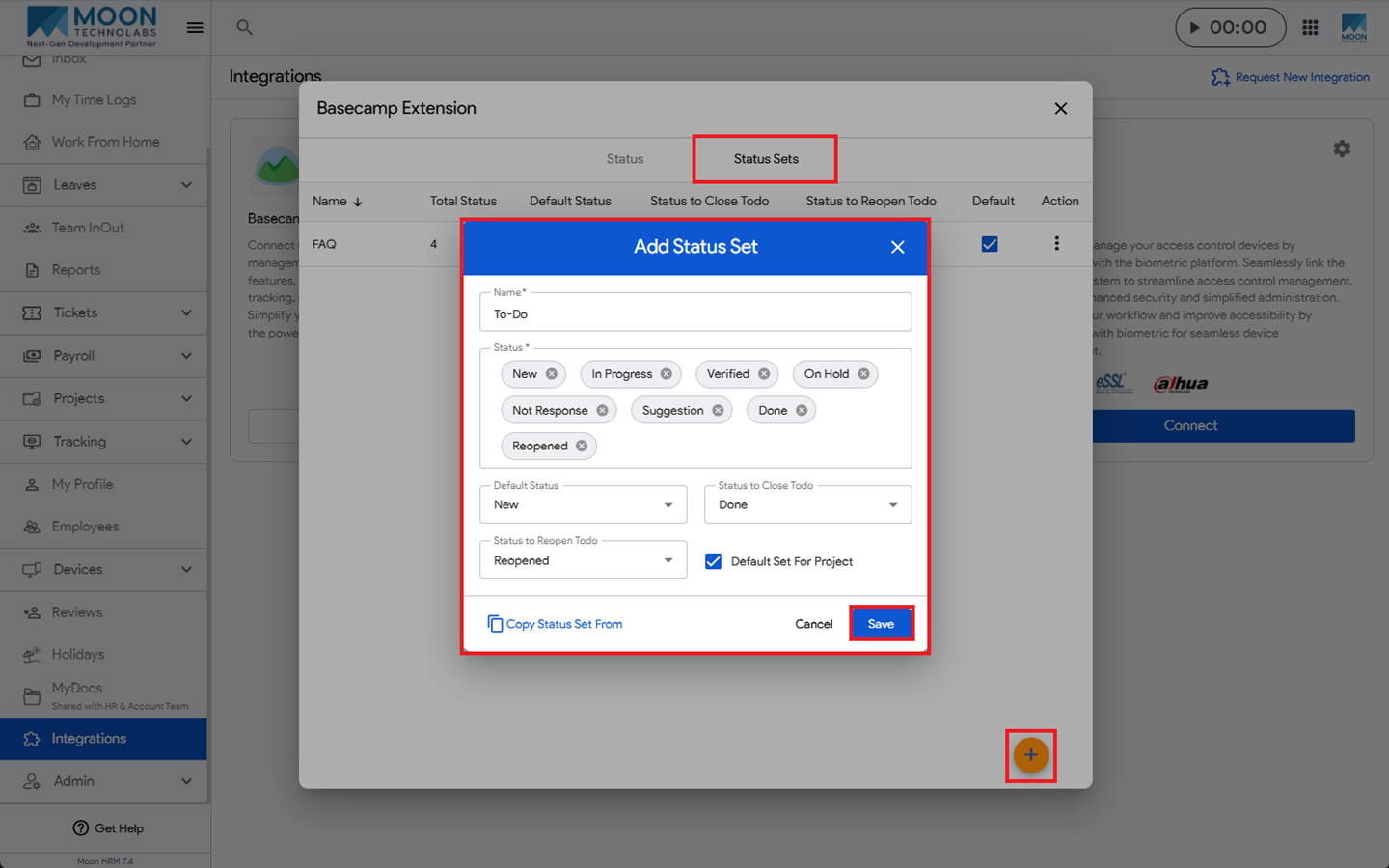
- Click on the Settings icon and add the Status and Status Sets.
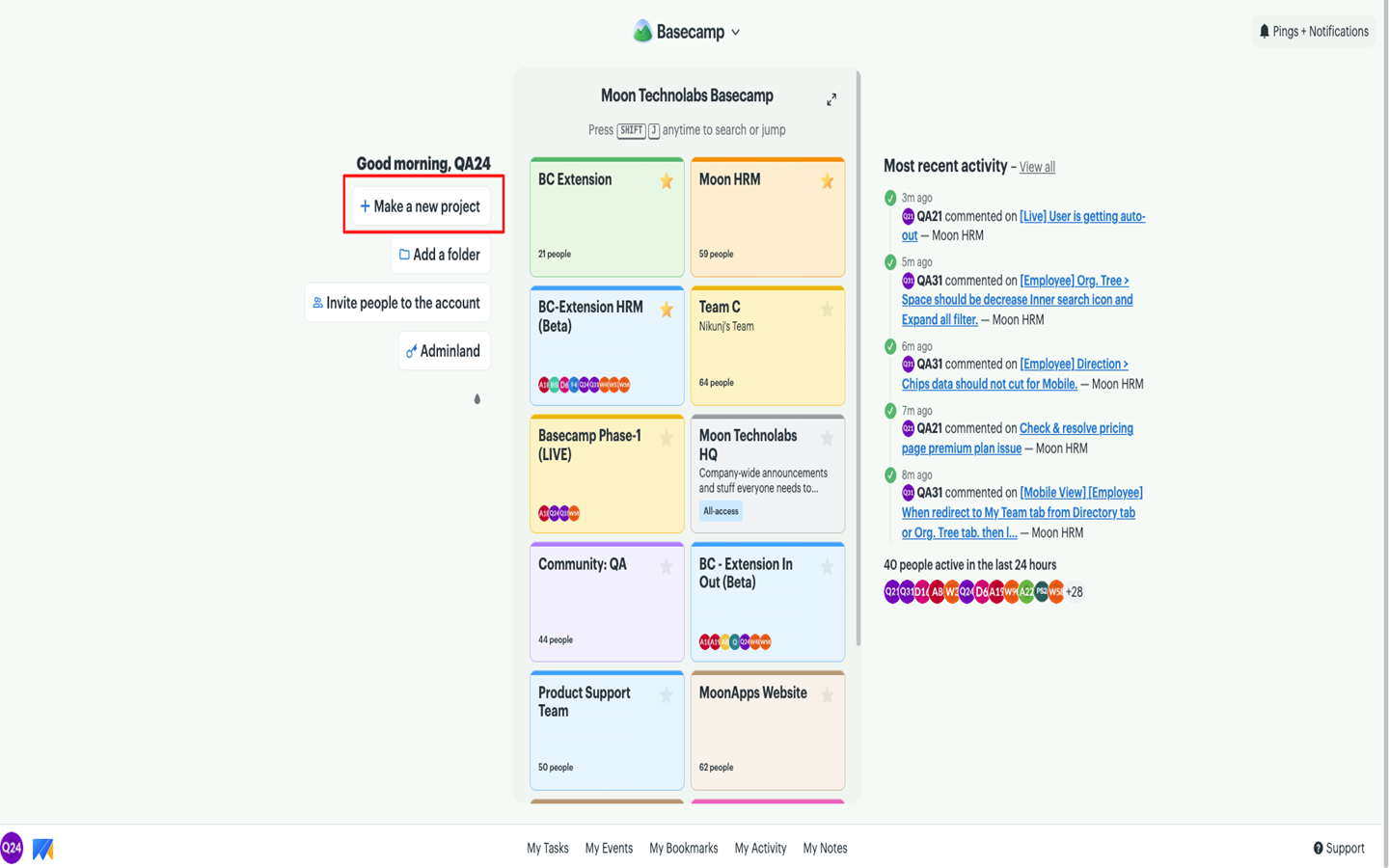
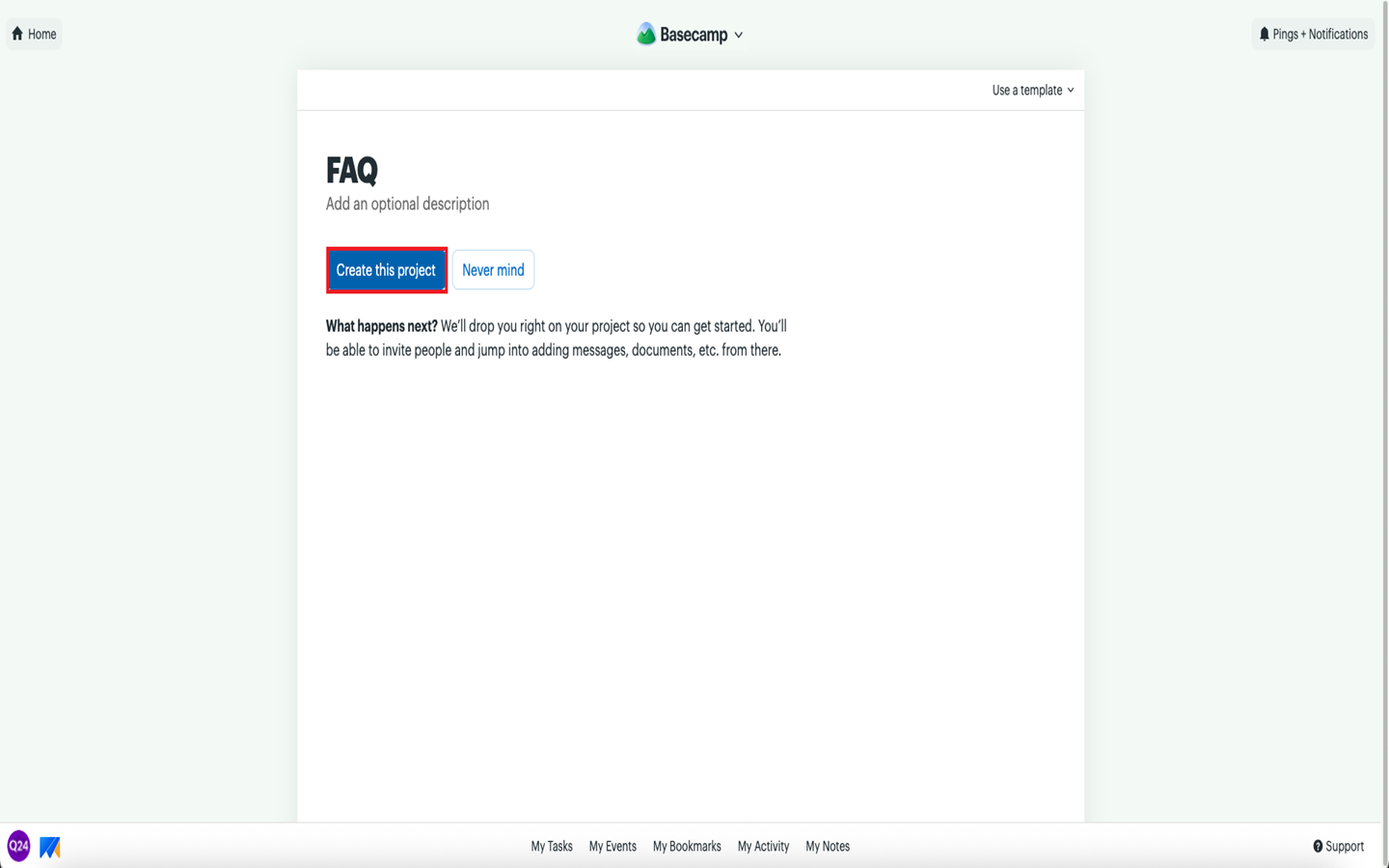
- Go to Basecamp and create a project.
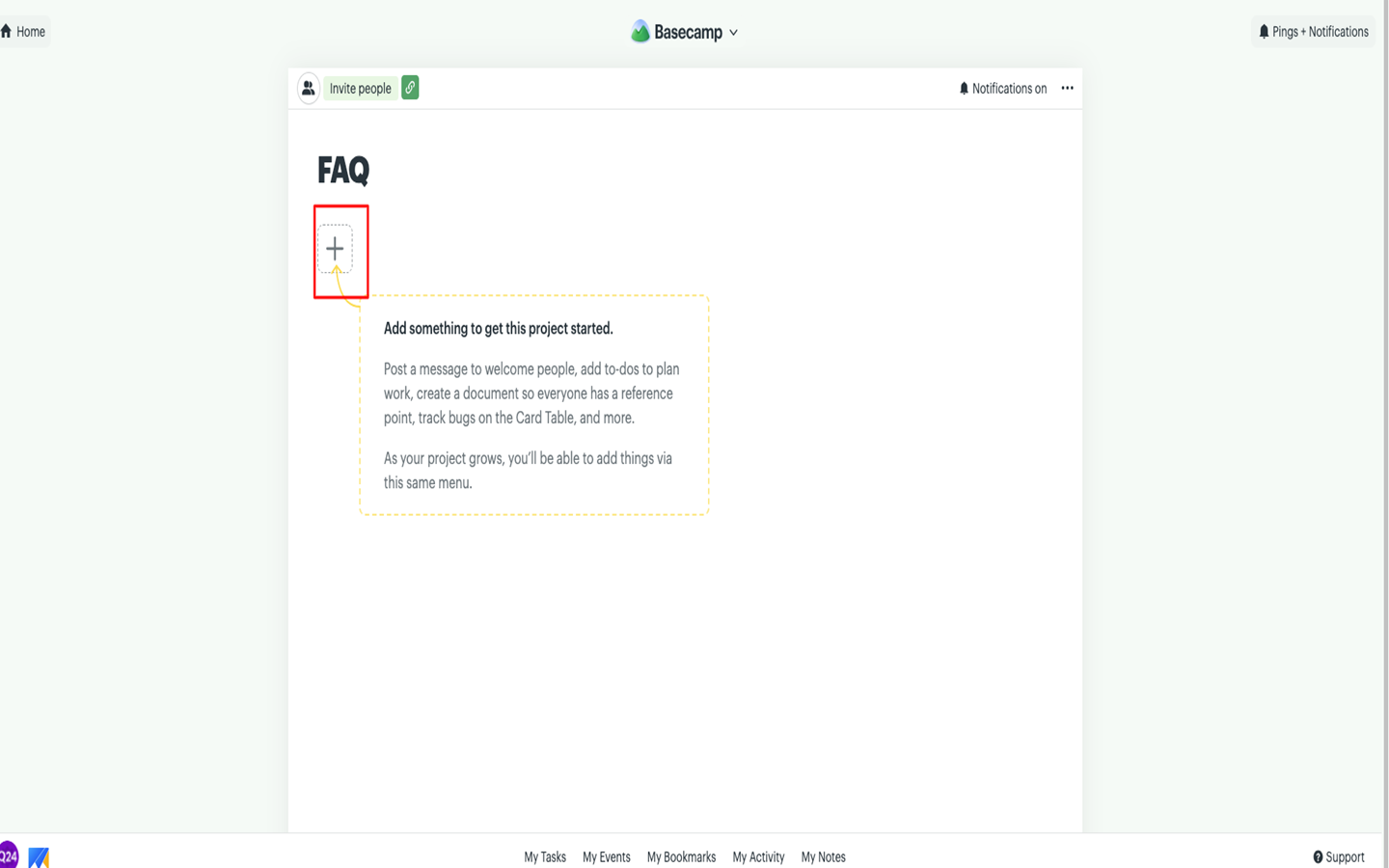
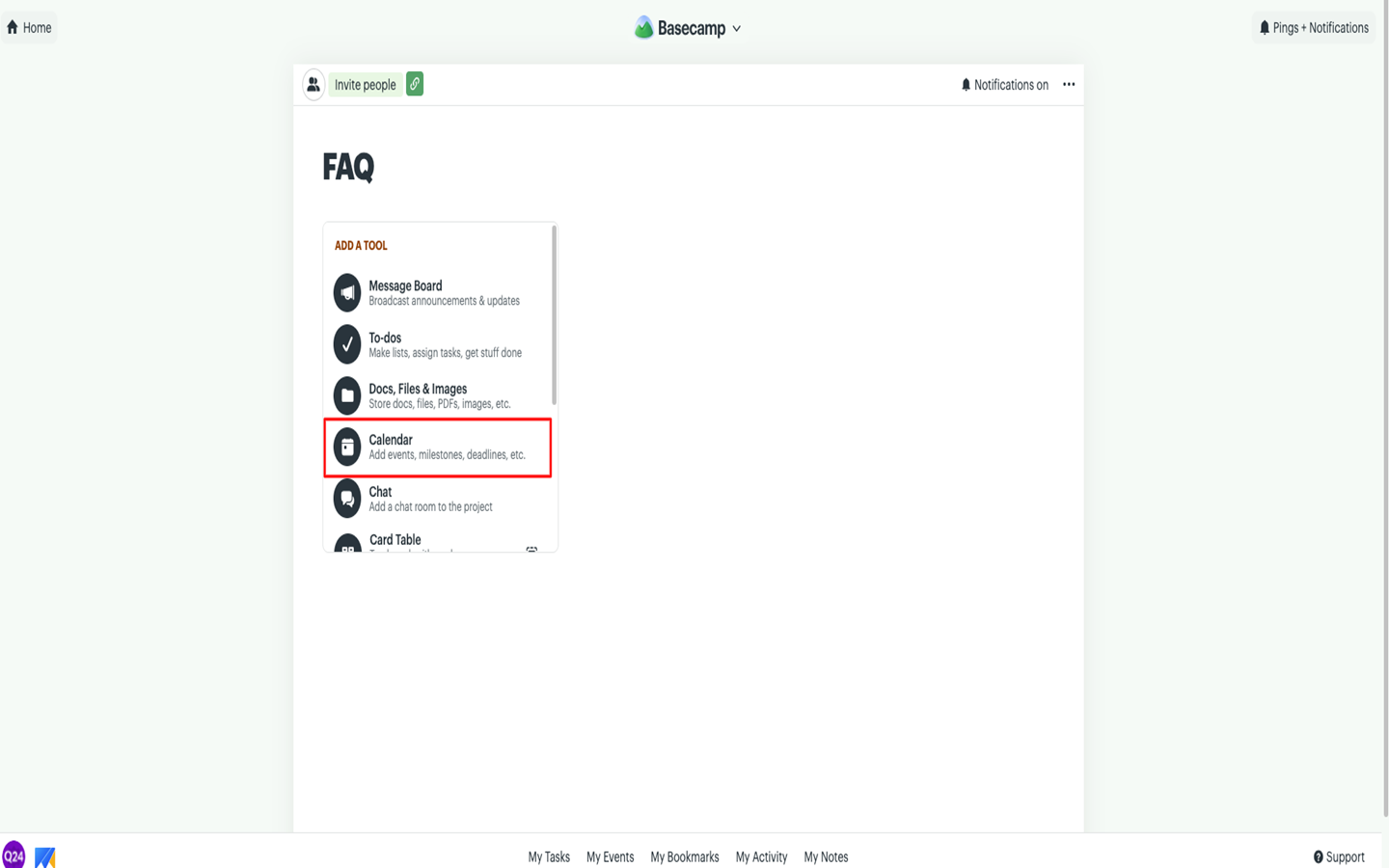
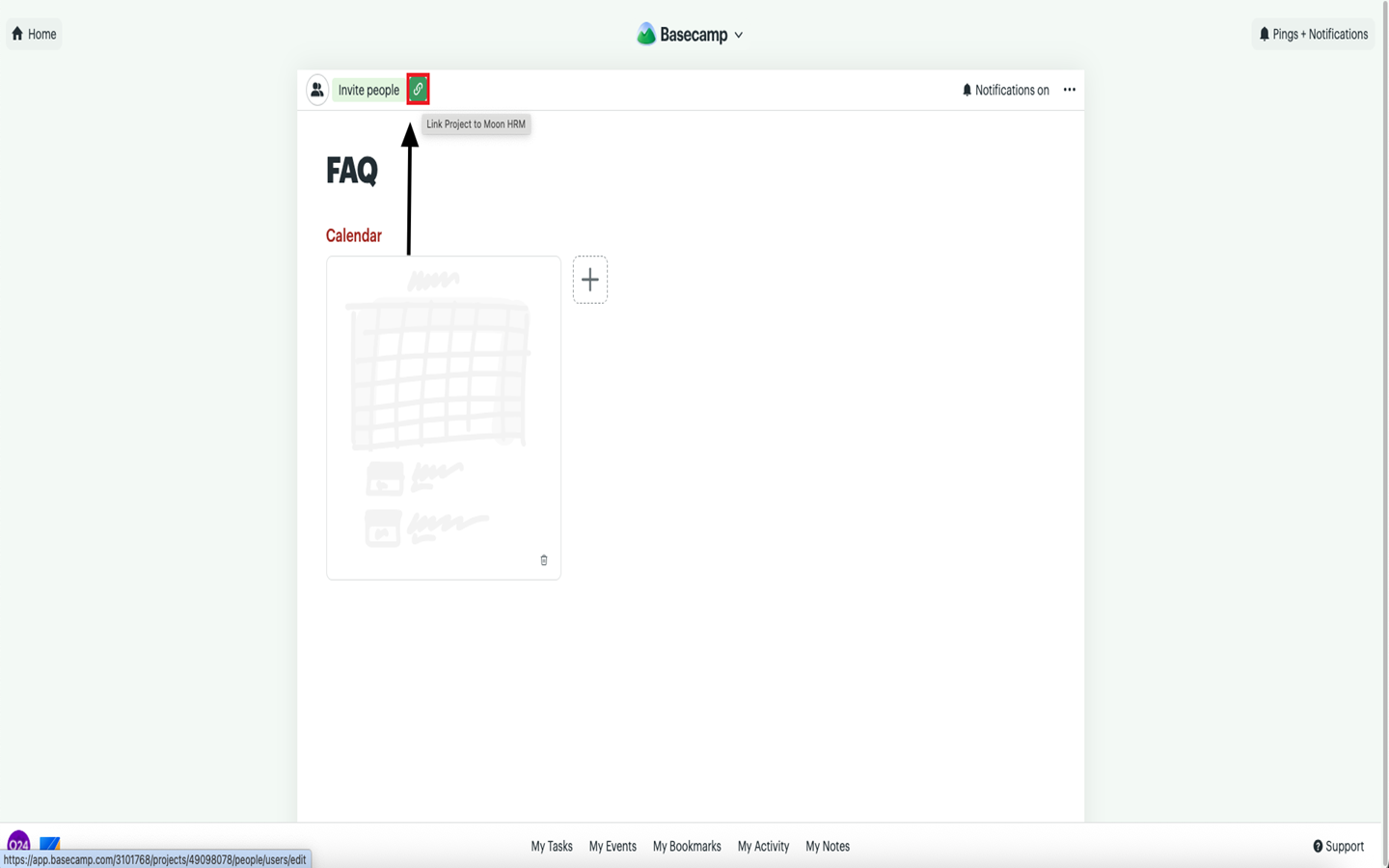
- Under the project, click on the + icon to add a Calendar.
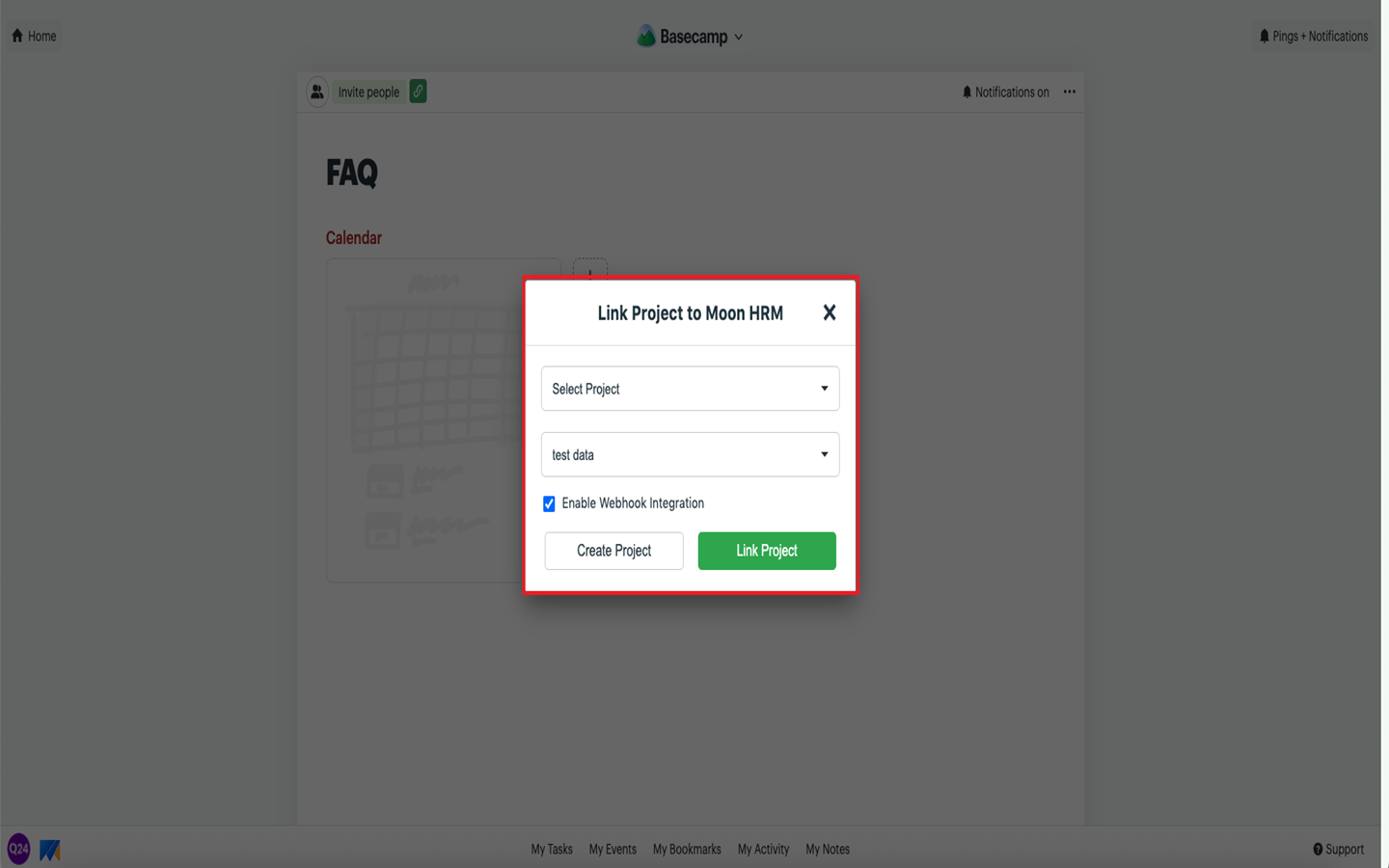
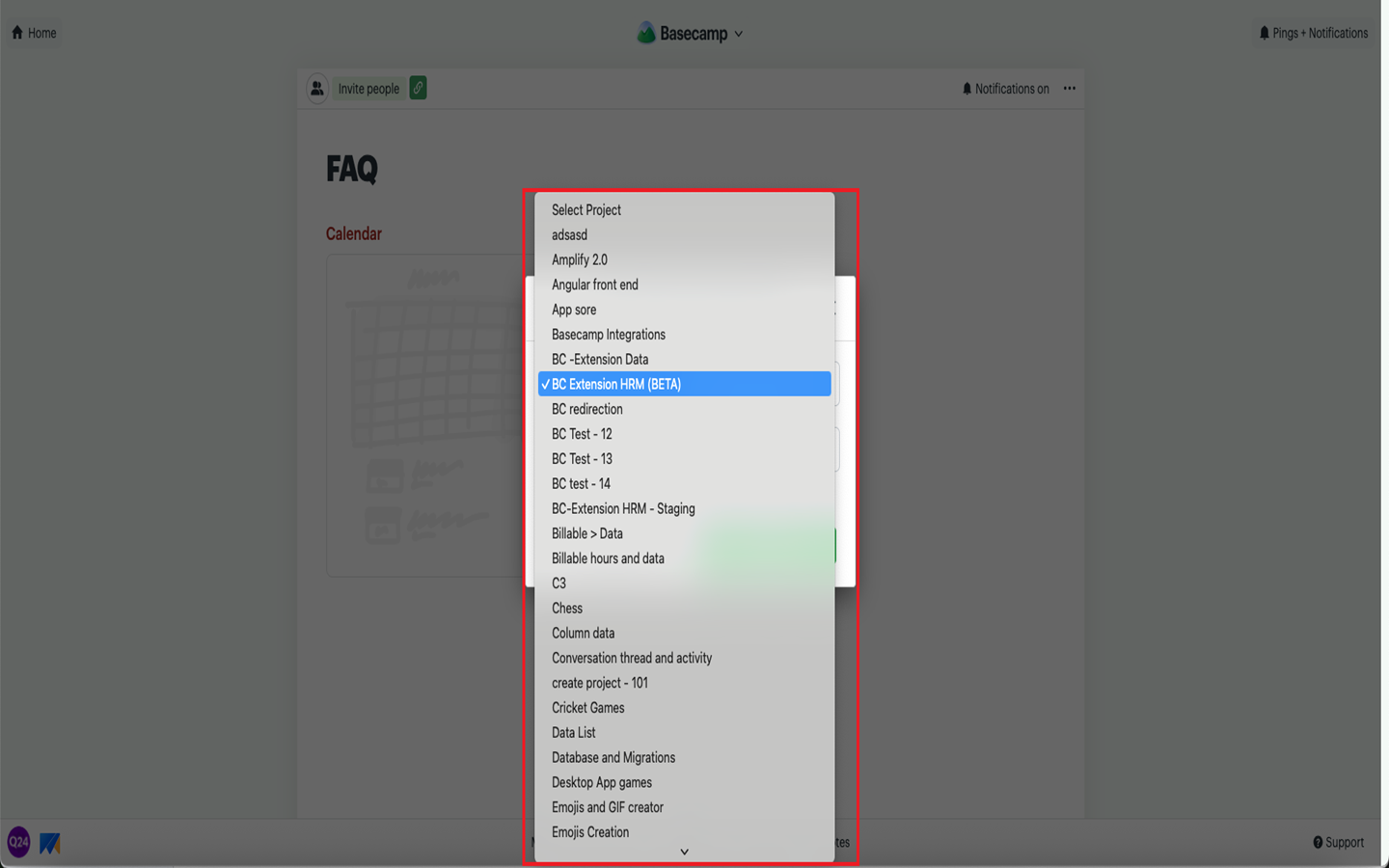
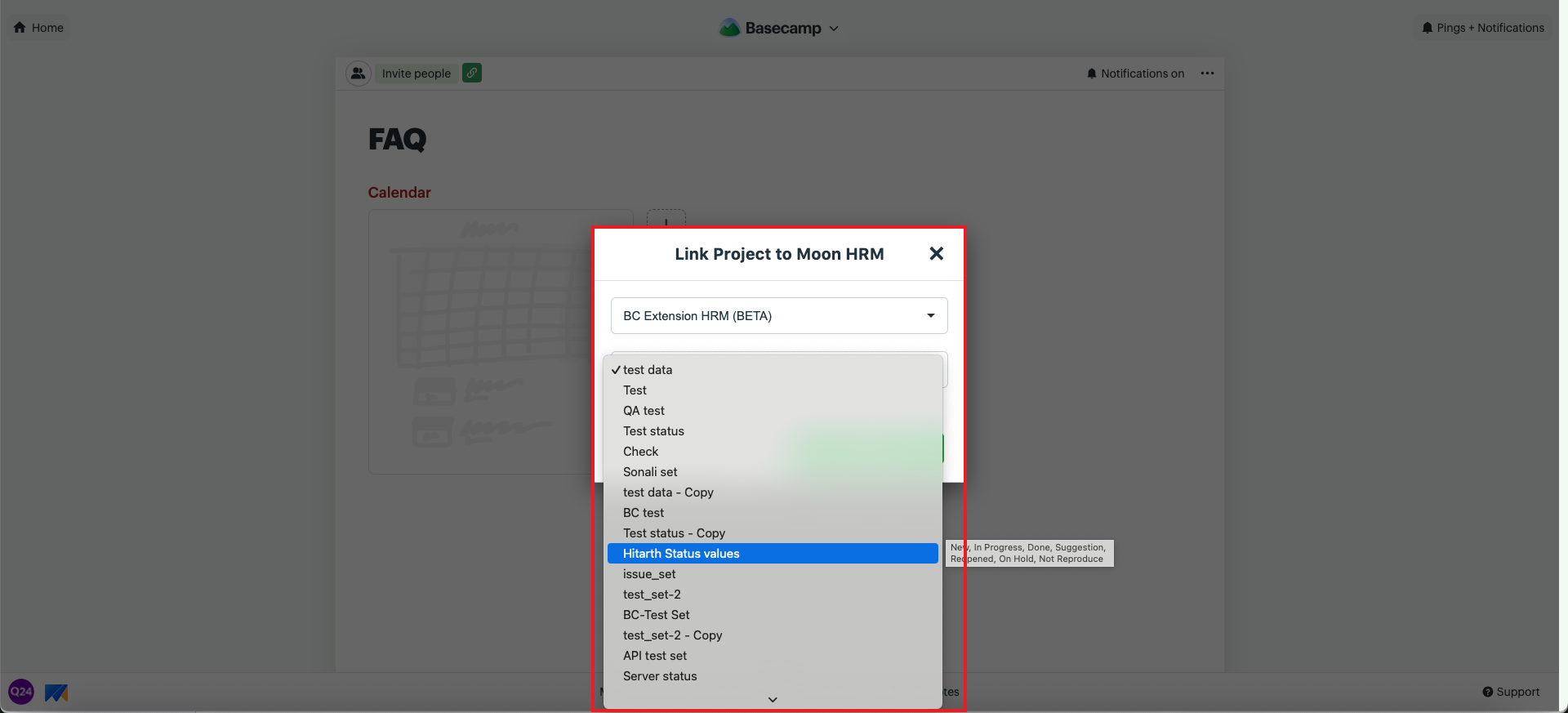
- Click Link Pin, select the required Project and Status, then click Link Project.
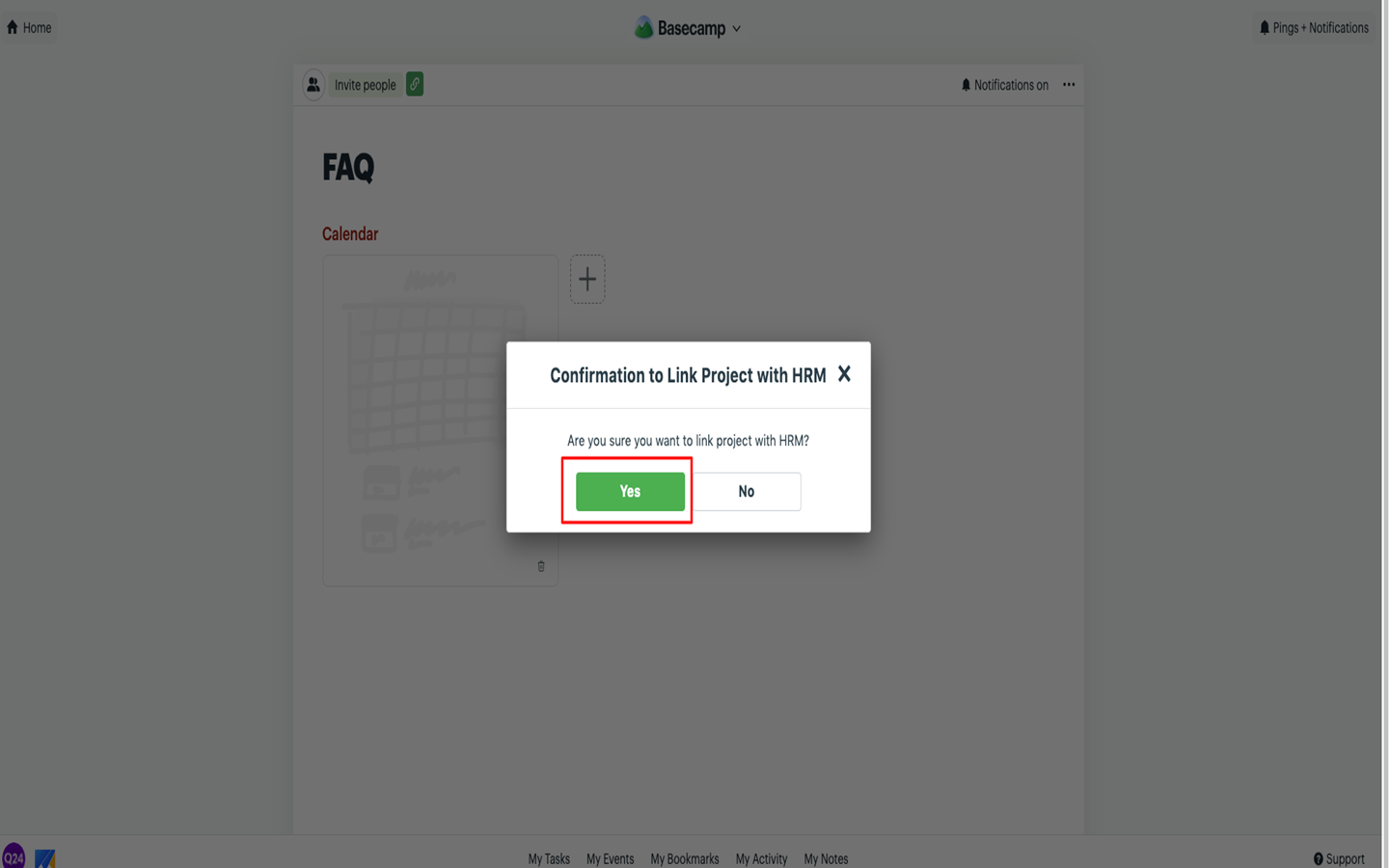
- A confirmation prompt will appear. Click Yes to confirm.
- A notification will appear in the bottom-right corner confirming that the project has been linked successfully.