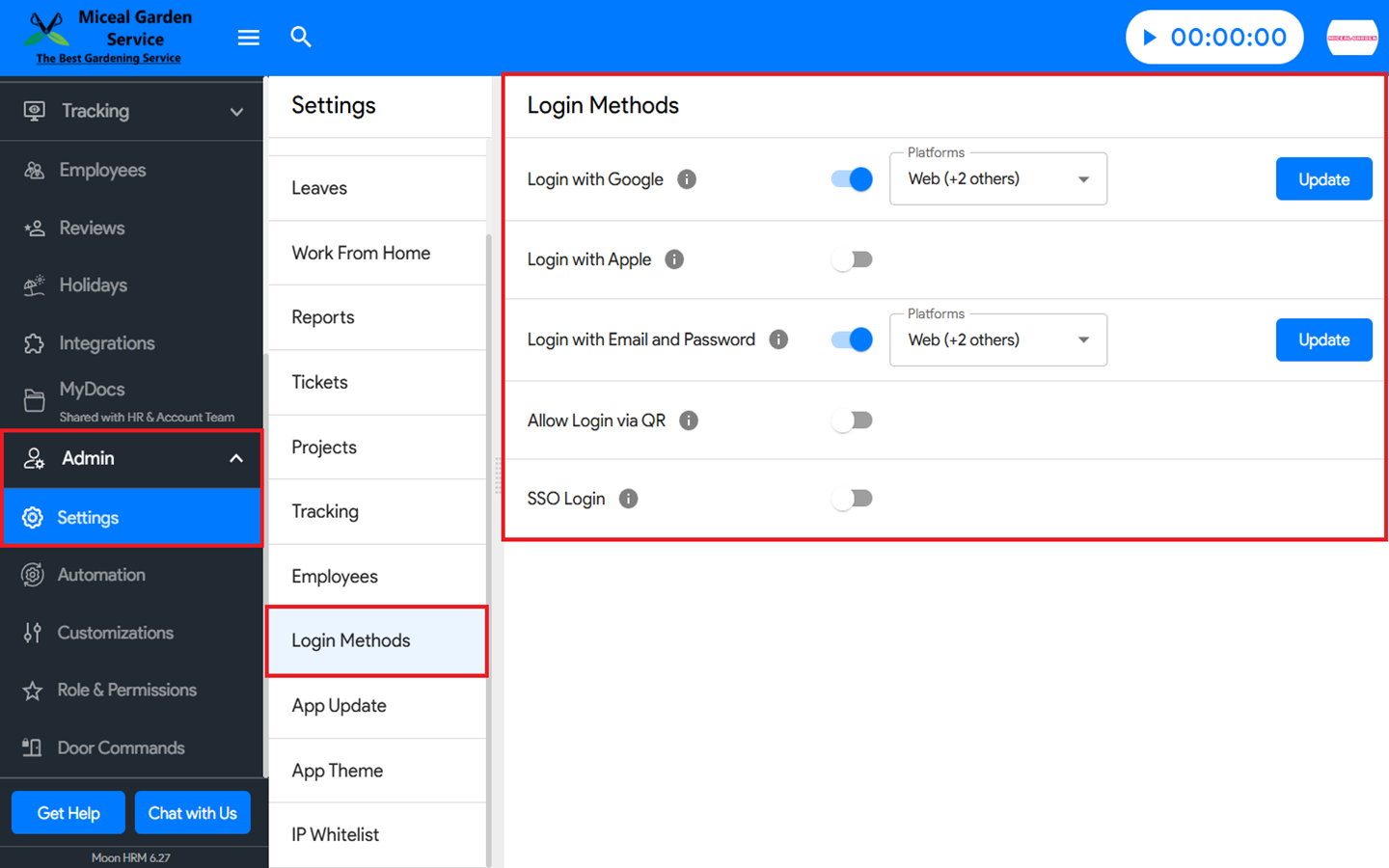
You can enable/disable different login methods in Moon HRM easily by following the steps below.
- Open the Moon HRM application on your device or tap on this link.
- From the main menu, navigate to Admin ➜ Settings ➜ Login Methods.
- You can now choose from the different Login Methods and toggle them on or off as you prefer.