To explore today’s overview options in Moon HRM, follow the steps below.
- Open the Moon HRM application on your device or tap on this link.
- From the main menu, click on the Profile icon and select Today’s Overview.
- Now, you’ll see today’s overview.
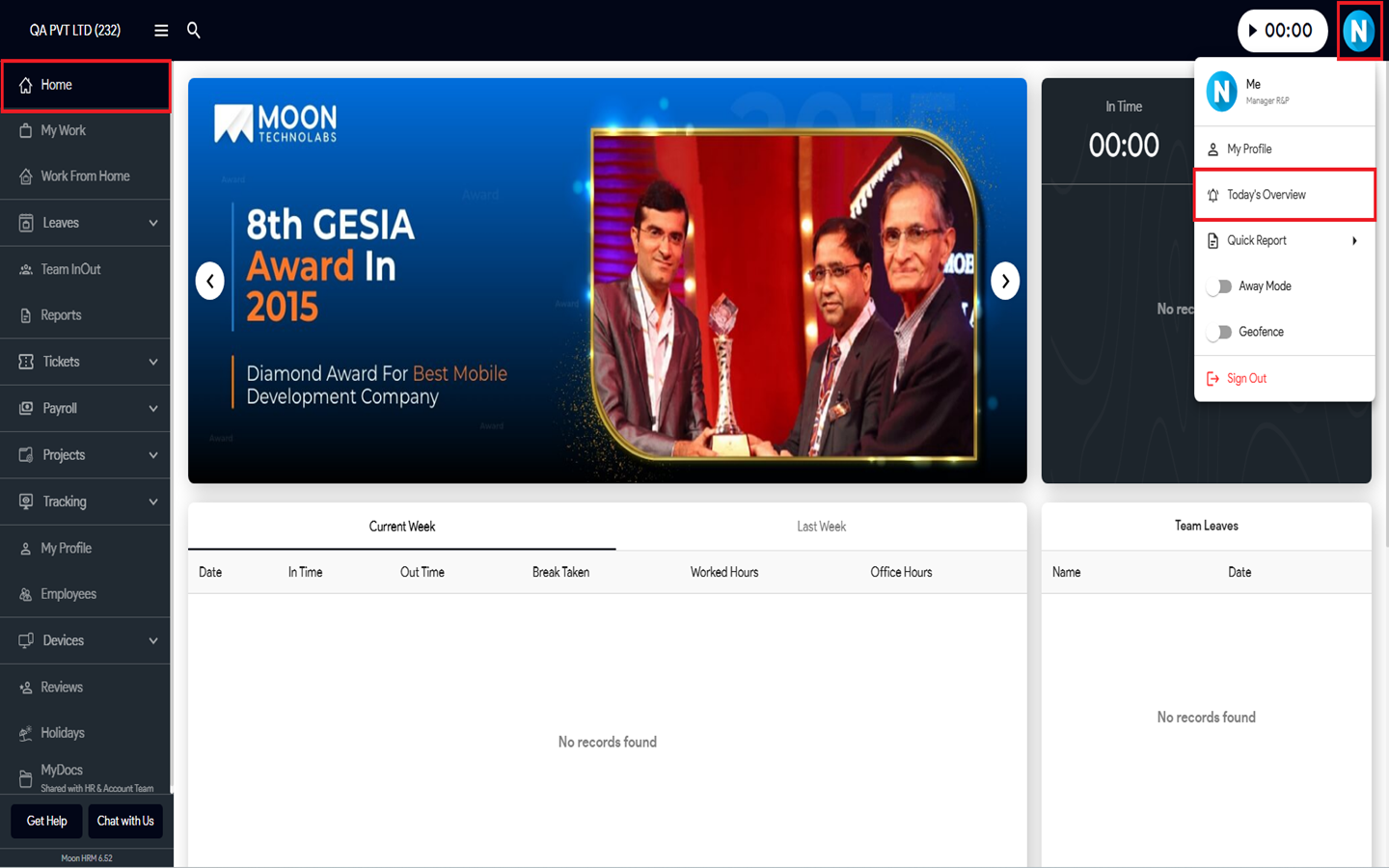
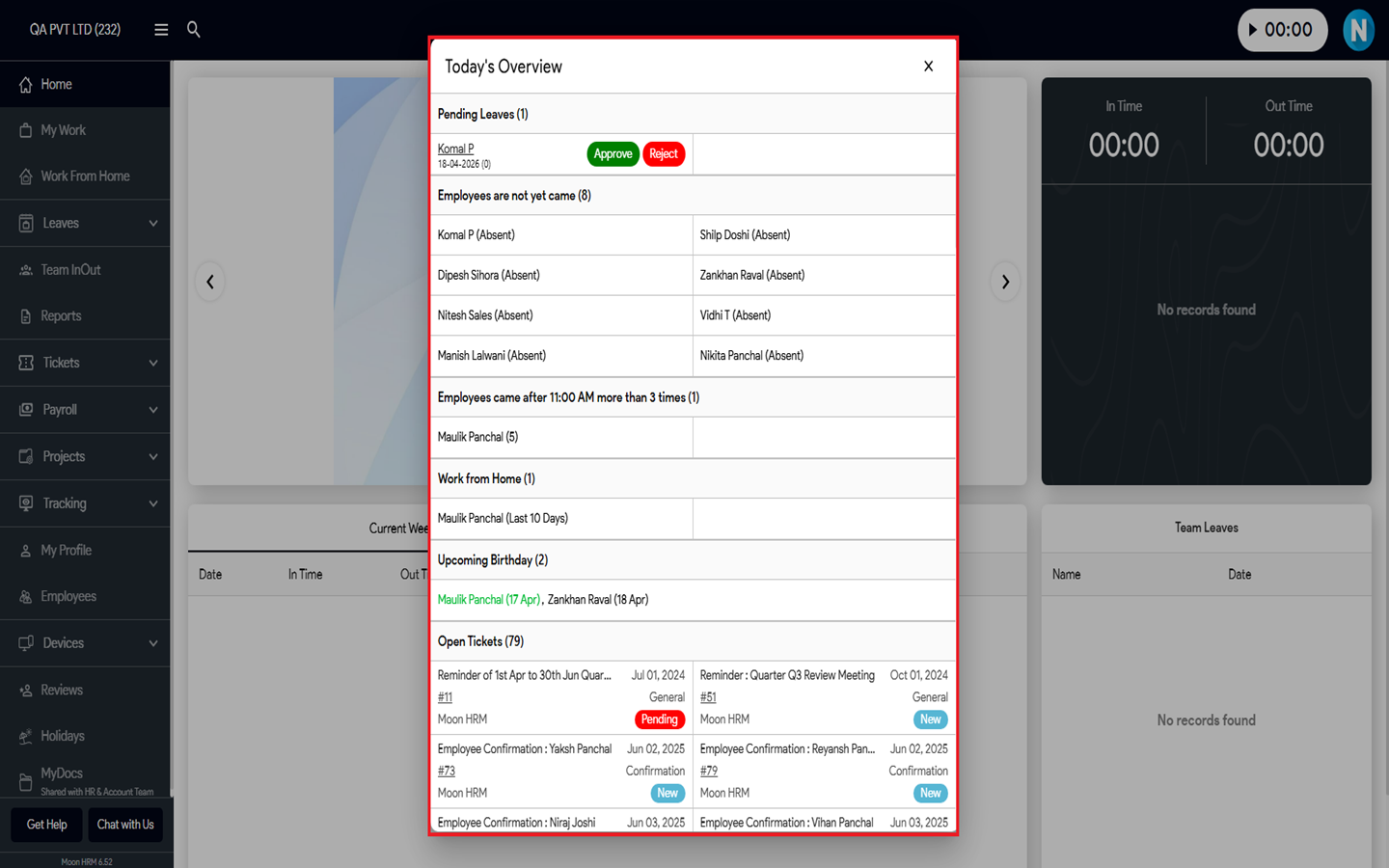


To explore today’s overview options in Moon HRM, follow the steps below.
Was this article helpful?
0 out of 0 found this helpful
Have more questions? Submit a request