You can easily check the analytics in Moon Dialer by following the steps below.
- Open the Moon Dialer app.
- From the main menu on your left, tap on the “Analytics”.
- Now, you’ll see all the analytics data on your screen.
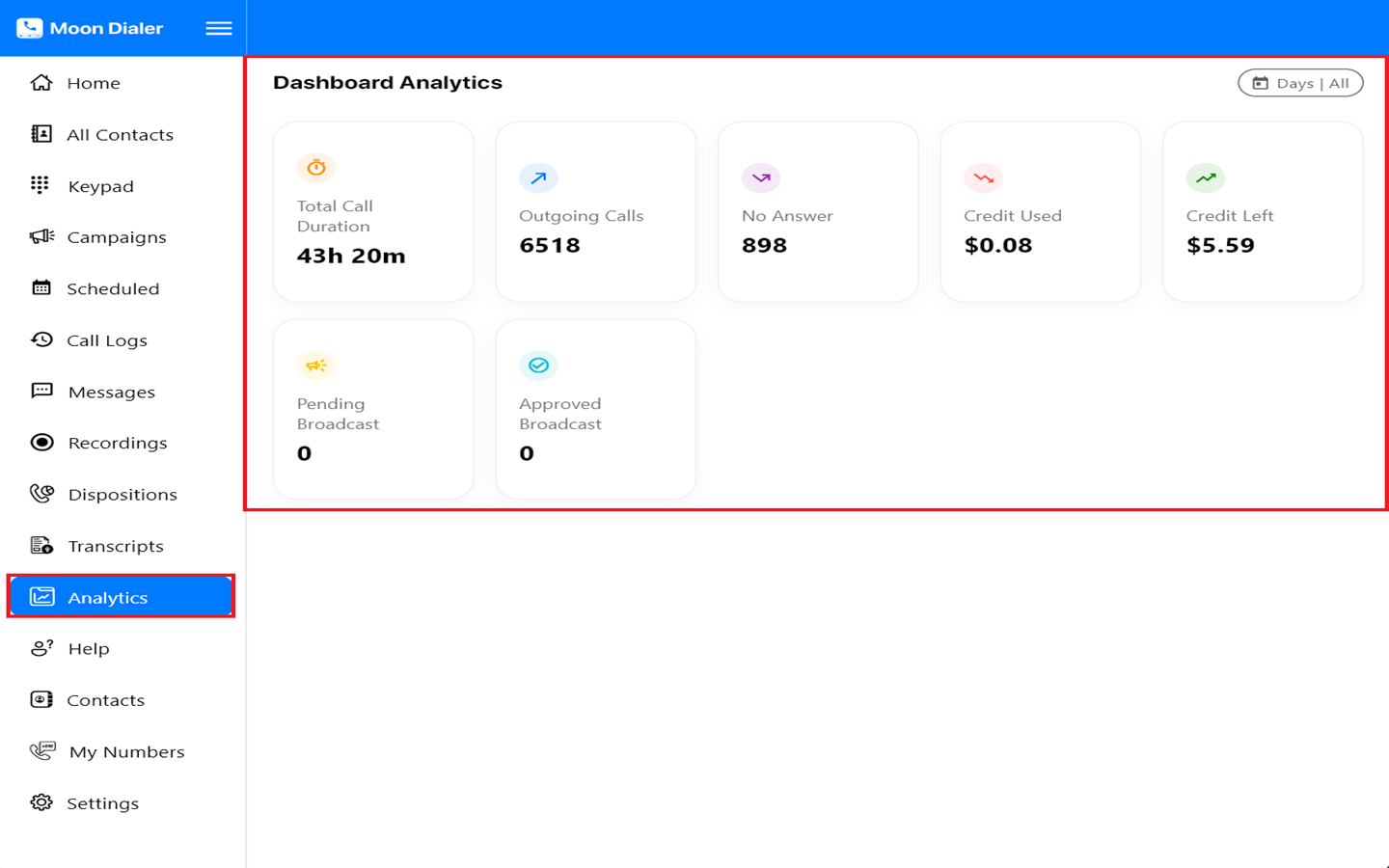


You can easily check the analytics in Moon Dialer by following the steps below.
Was this article helpful?
0 out of 0 found this helpful
Have more questions? Submit a request