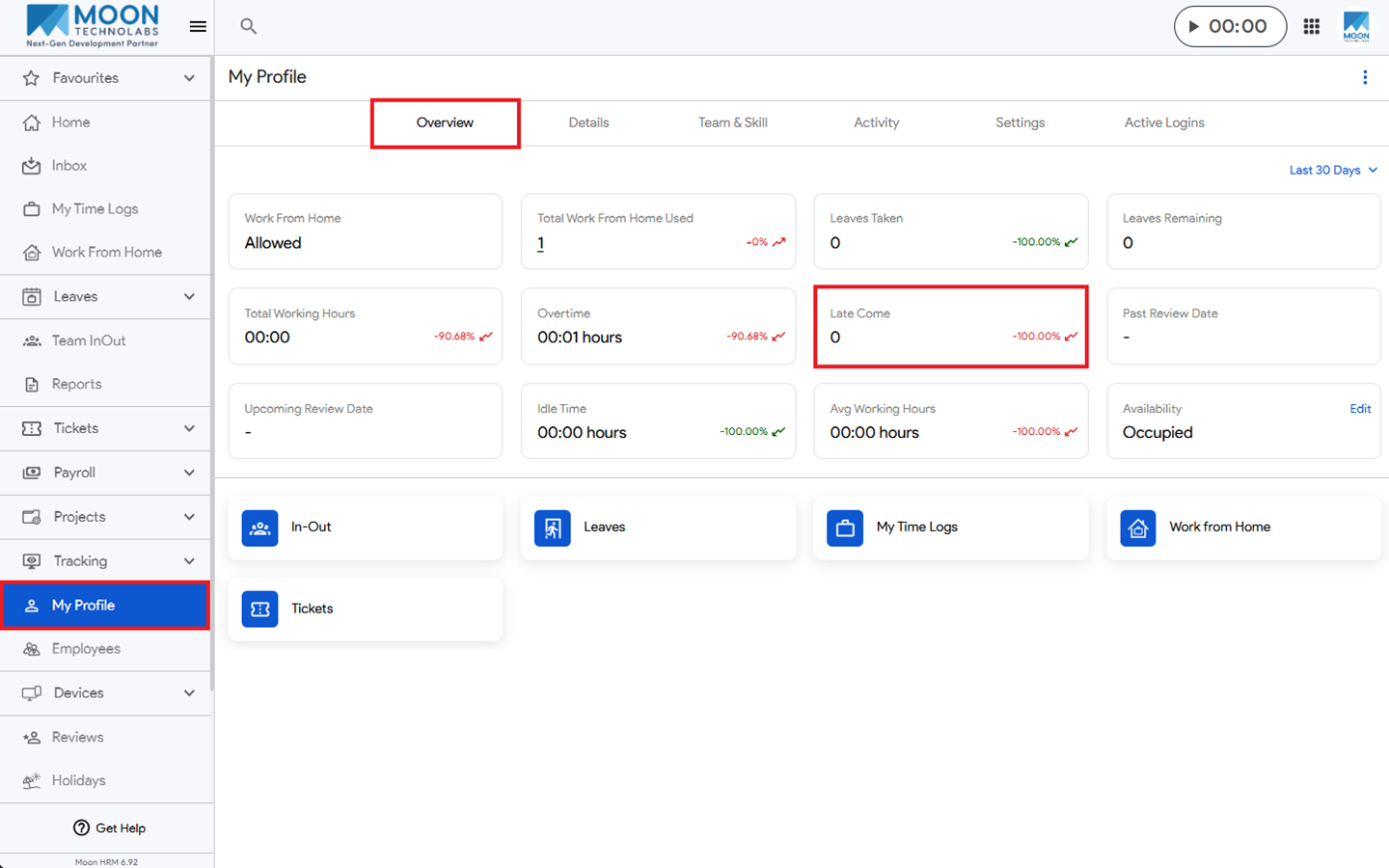
You can easily see your late come count in Moon HRM by following the steps below.
- Open the Moon HRM application on your device or tap this link.
- From the main menu, navigate to My Profile.
- Under Overview, you’ll find the Late Come option, which shows how many days you logged in late.