

To manage salary components for a specific payroll group, click on Payroll Settings from the sidebar and open the Payroll Groups section.
Select the payroll group you want to configure and go to the Salary Components tab.

Under Recurring Components, you can view all fixed earnings, deductions, contributions, and reimbursements assigned to this group.
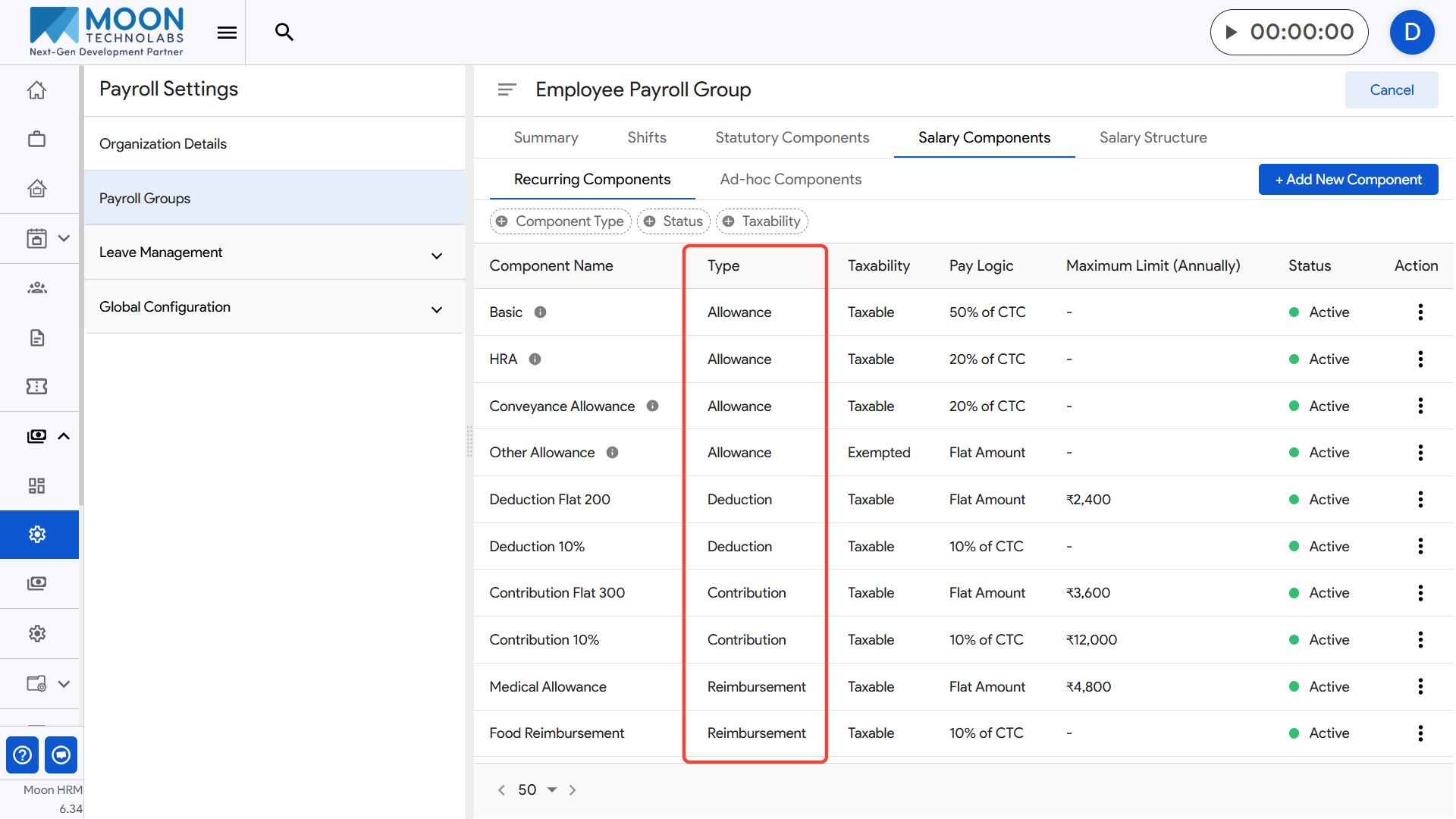
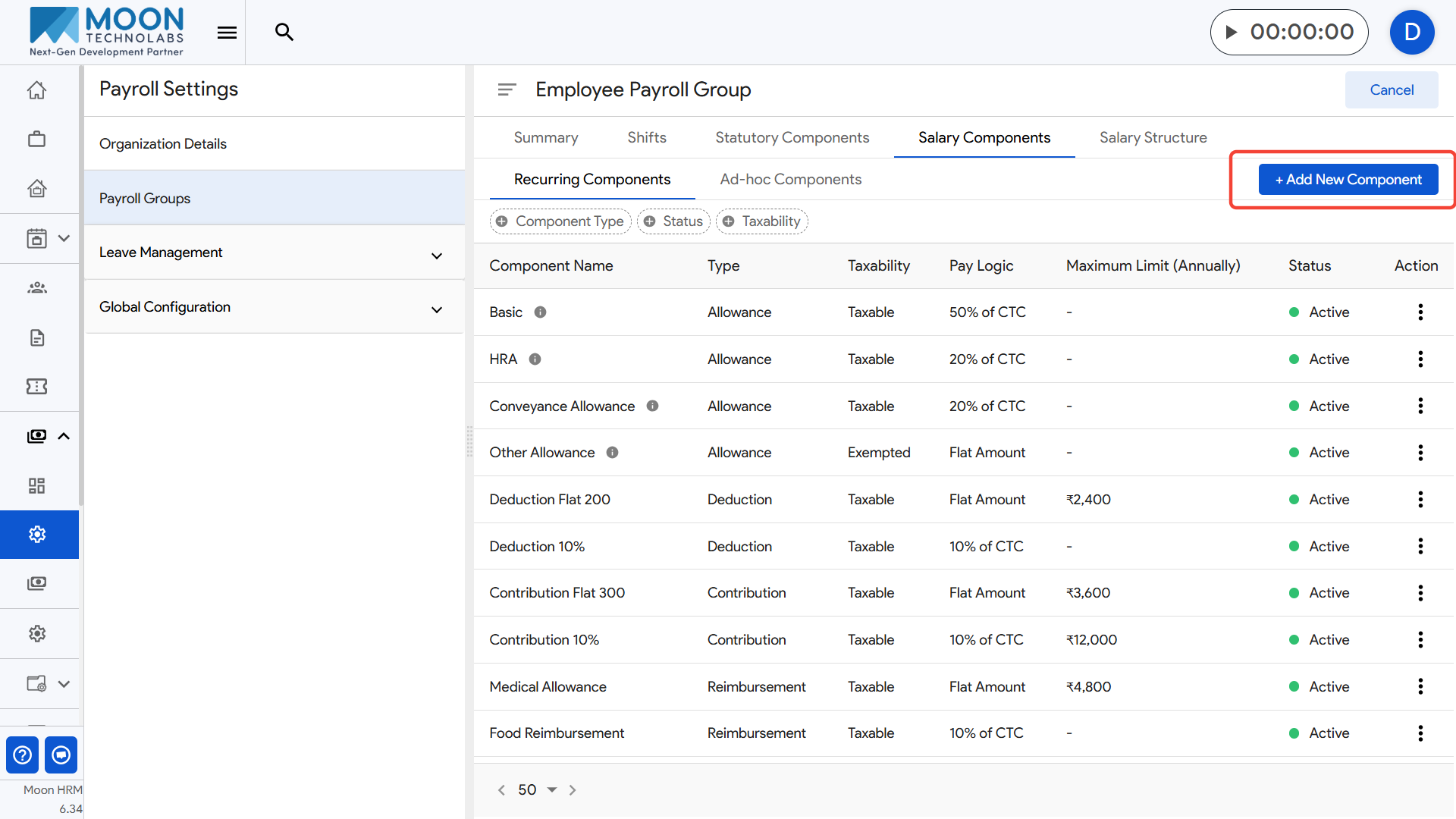
To add a new component, click the Add New Component button and enter details such as the component name, type, taxability, pay logic, and maximum annual limit.
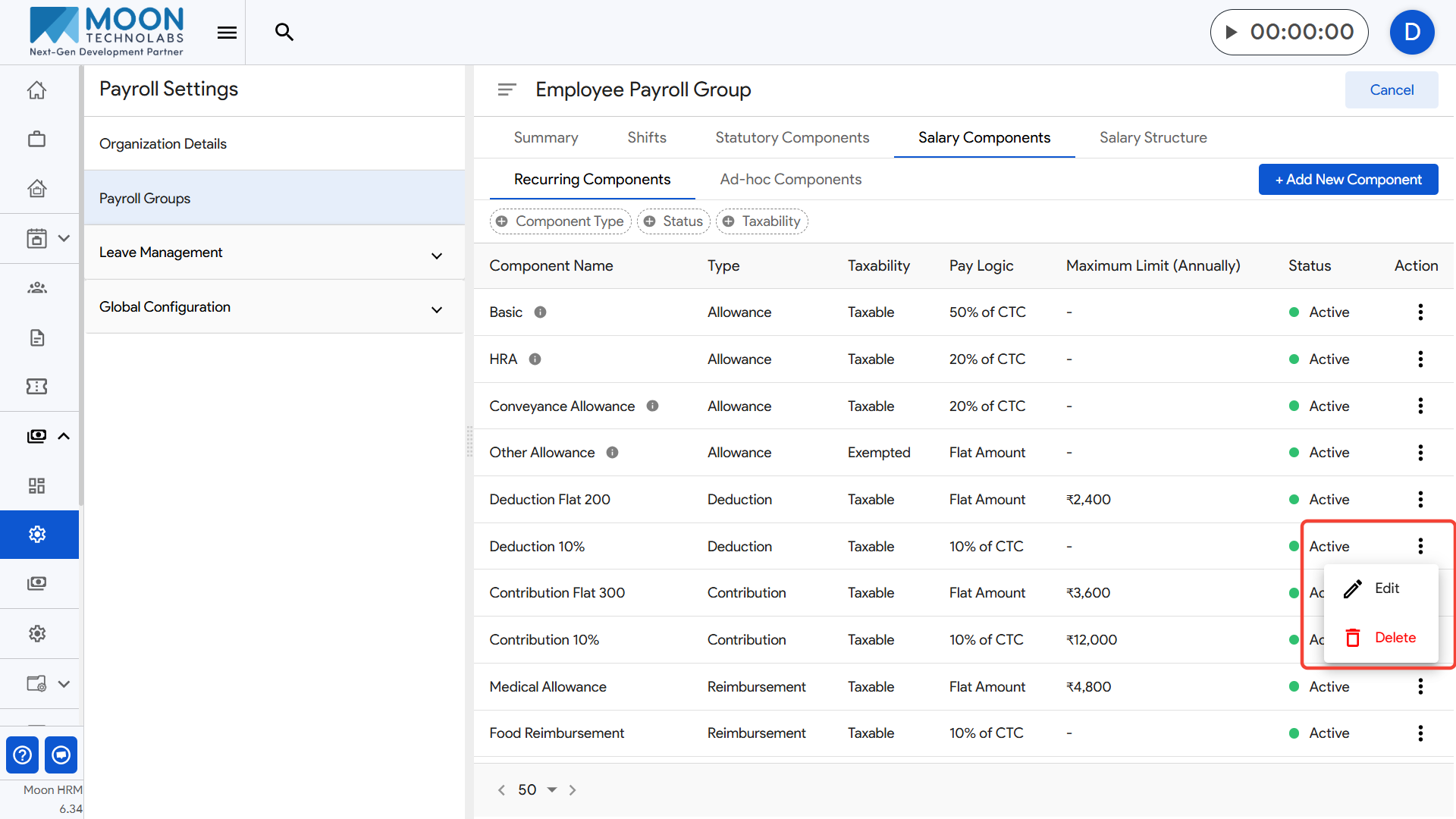
If you want to update or deactivate an existing component, use the action menu (three dots) next to the component.
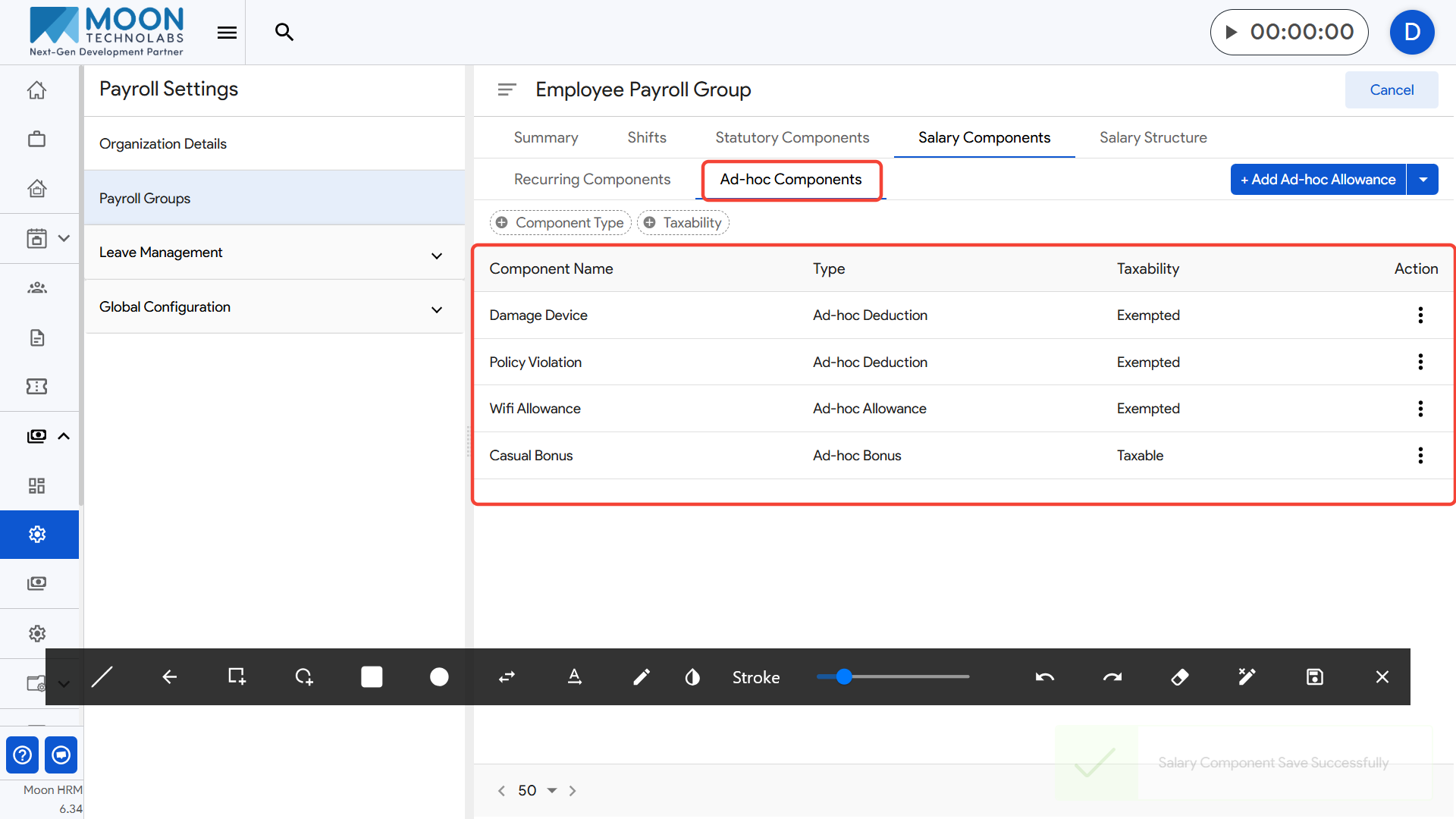
You can also switch to the Ad-hoc Components tab to manage one-time earnings or deductions that may be applied during payroll processing.
Once you finish updating the required components, save your changes to ensure the payroll group follows the correct salary structure.