

To manage Appraisal Settings, define how an employee’s appraisal month should be adjusted based on their joining date and leave usage.
Go to Payroll Settings → Global Configuration → Year End Settings.
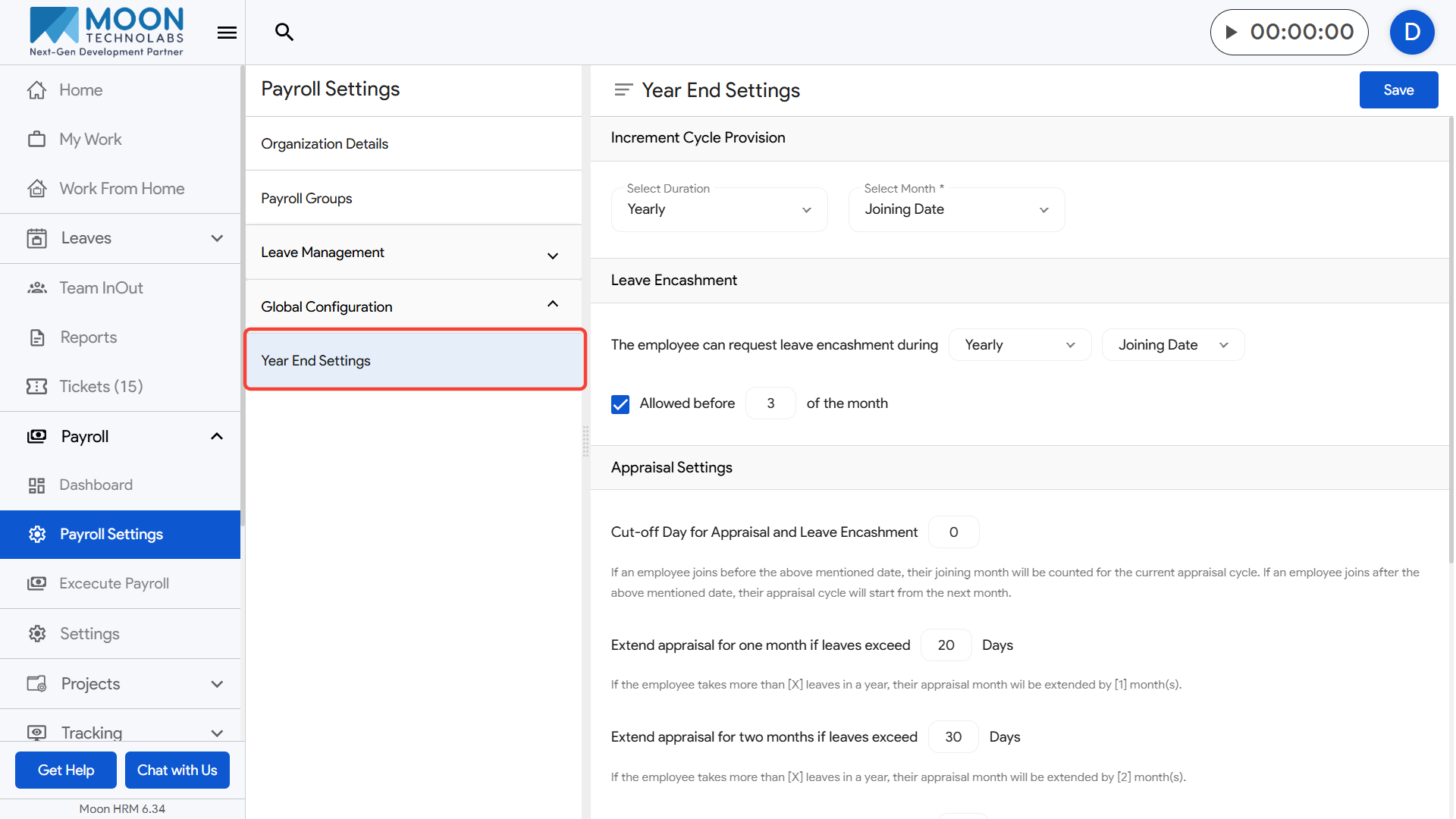
Cut-off Day for Appraisal and Leave Encashment: Set the date that determines whether an employee’s joining month counts for the current appraisal cycle.
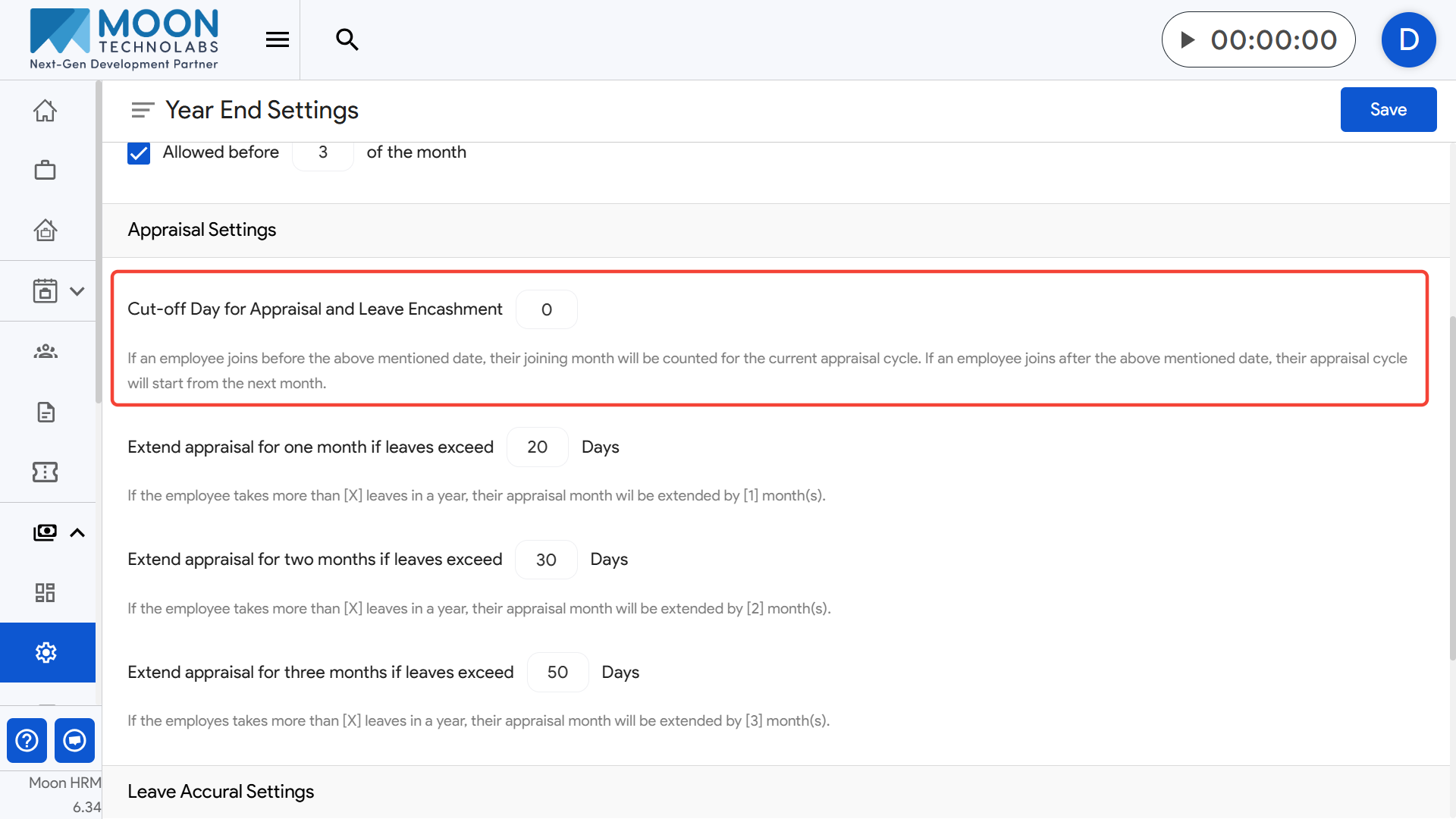
- Example: If the cut-off is 5 and an employee joins on the 3rd, their appraisal starts immediately; if they join on the 7th, it starts next month.
Extend appraisal for one month if leaves exceed [X] days: If an employee takes more than the specified leave limit, their appraisal is pushed by one month.
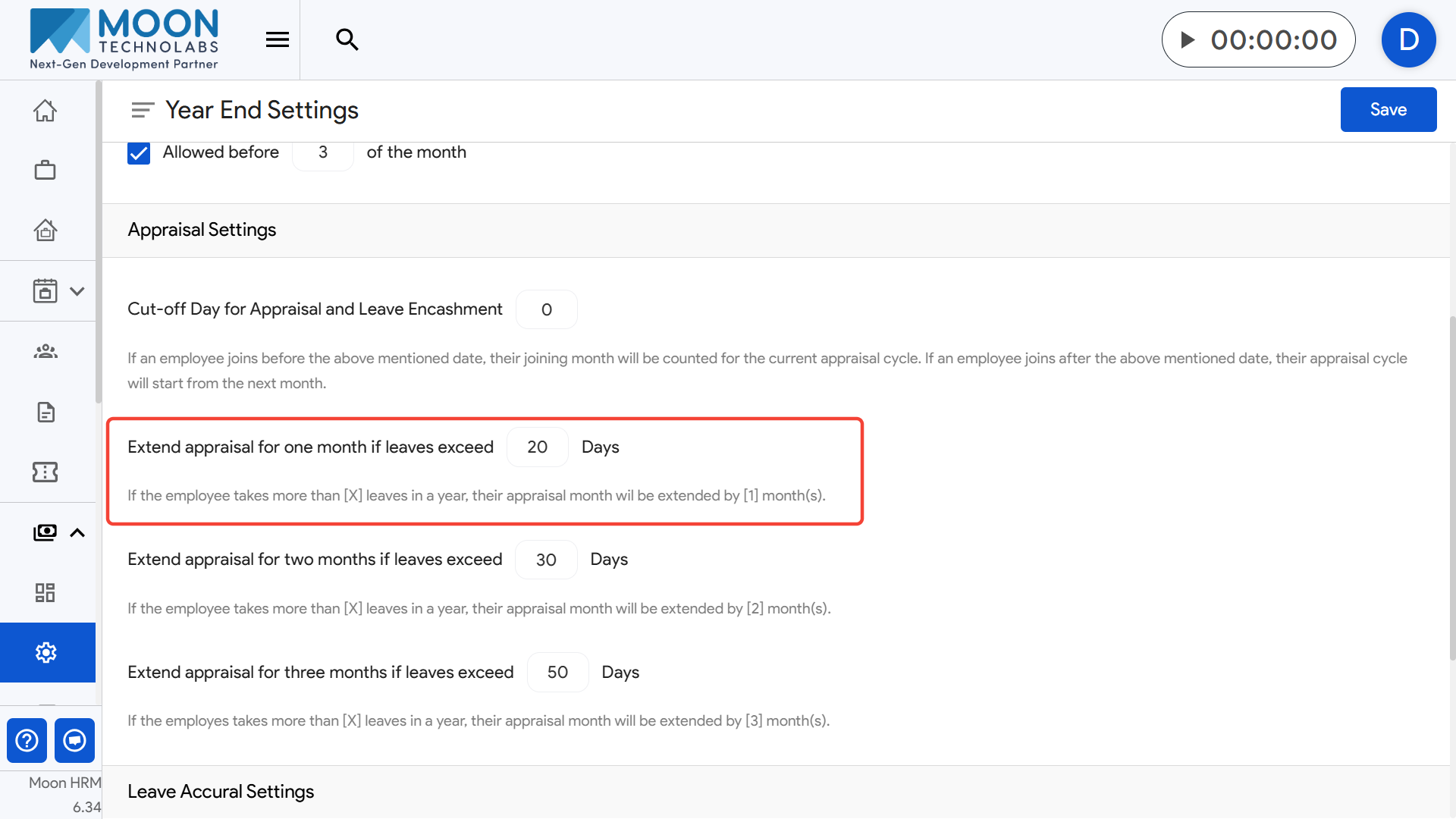
- Example: If the limit is 20 days and the employee uses 25 days, the appraisal is extended by one month.
Extend appraisal for two months if leaves exceed [X] days: Extend the appraisal month by two months when leave usage crosses this threshold.
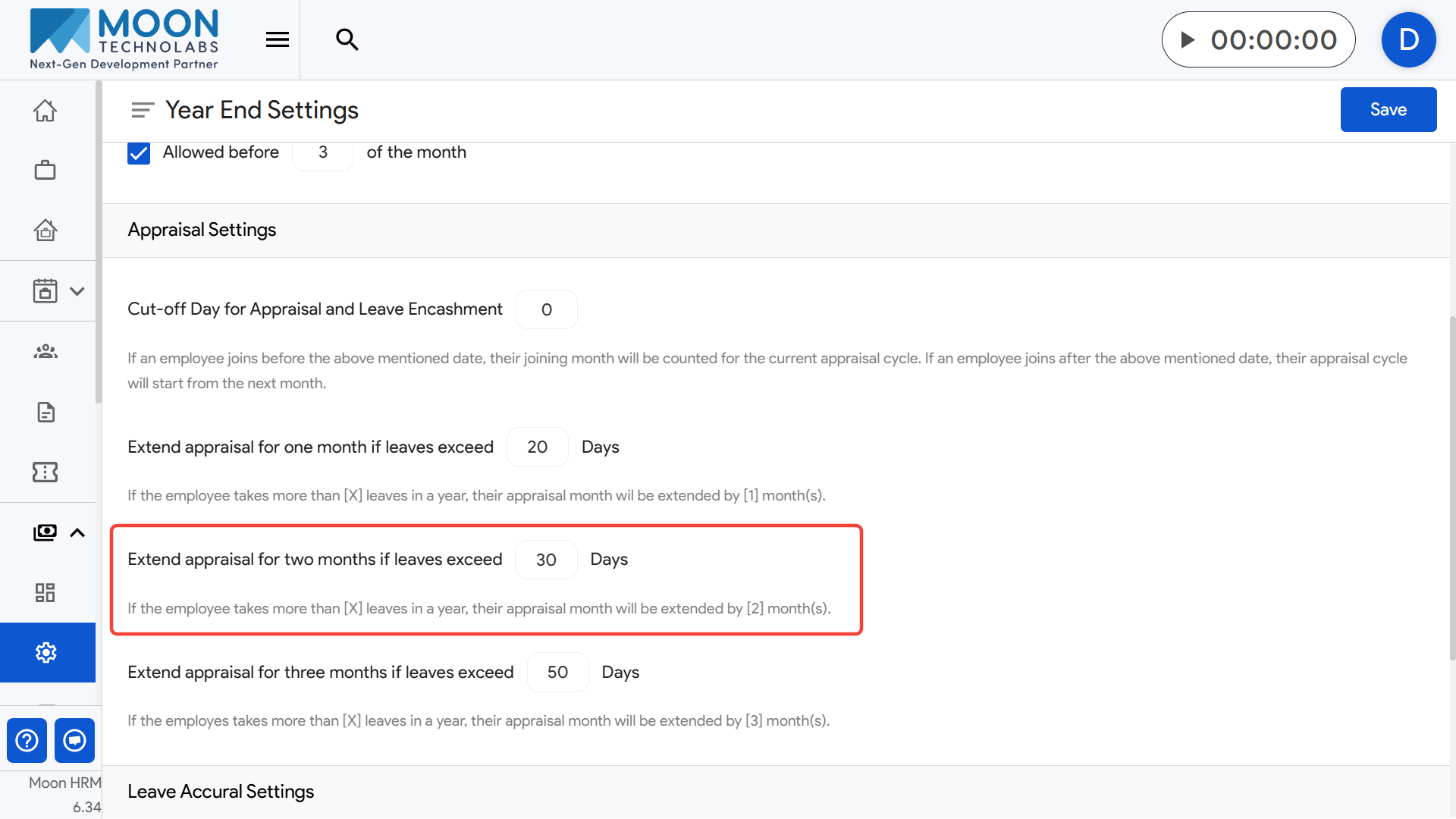
- Example: If the limit is 30 days and the employee uses 32 days, the appraisal is delayed by two months.
Extend appraisal for three months if leaves exceed [X] days: Extend the appraisal month by three months when leave usage exceeds the higher threshold.
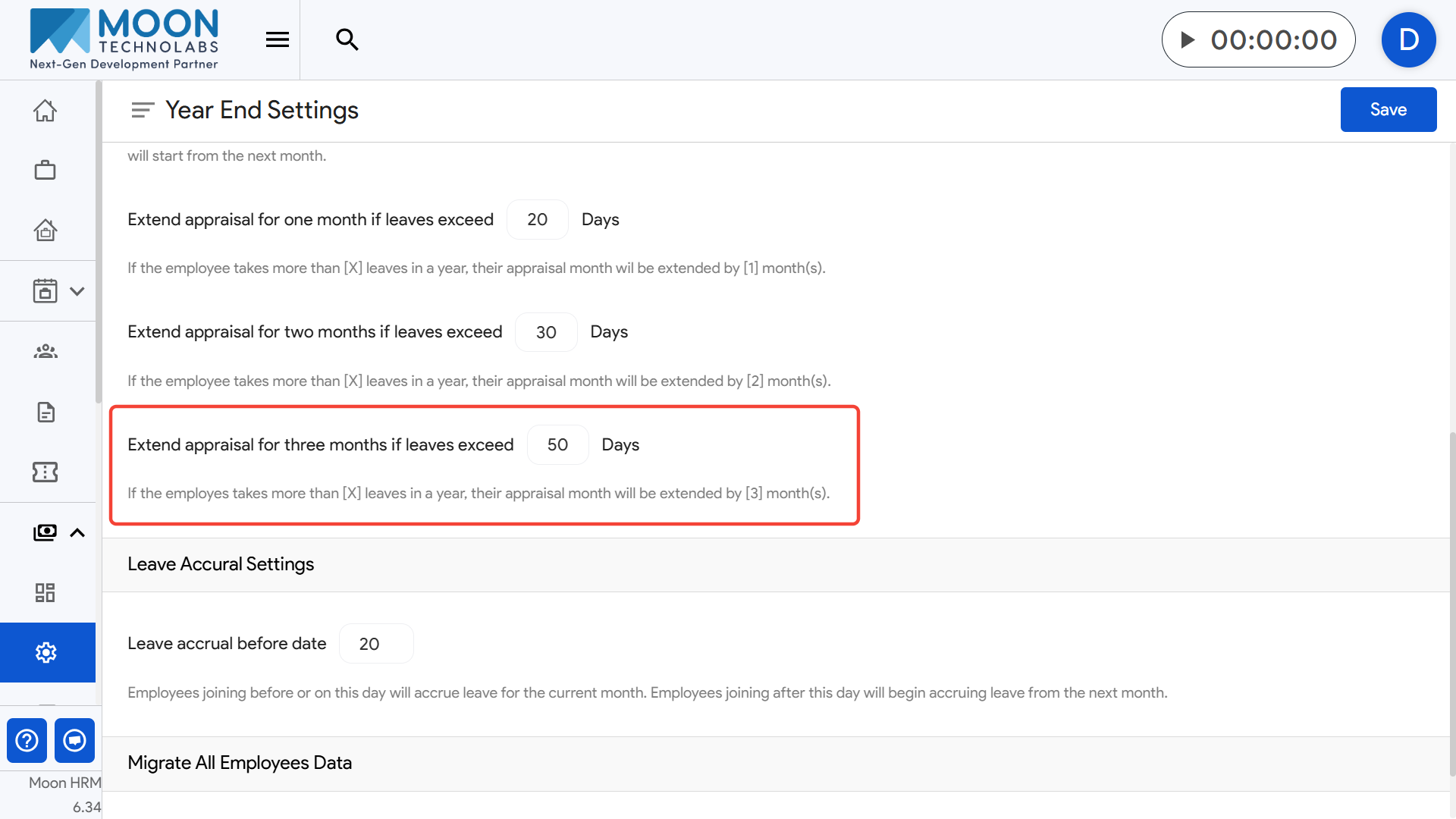
- Example: If the limit is 50 days and the employee uses 55 days, their appraisal is postponed by three months.
Purpose: These settings ensure fair appraisal scheduling by adjusting timelines based on excessive leave usage.