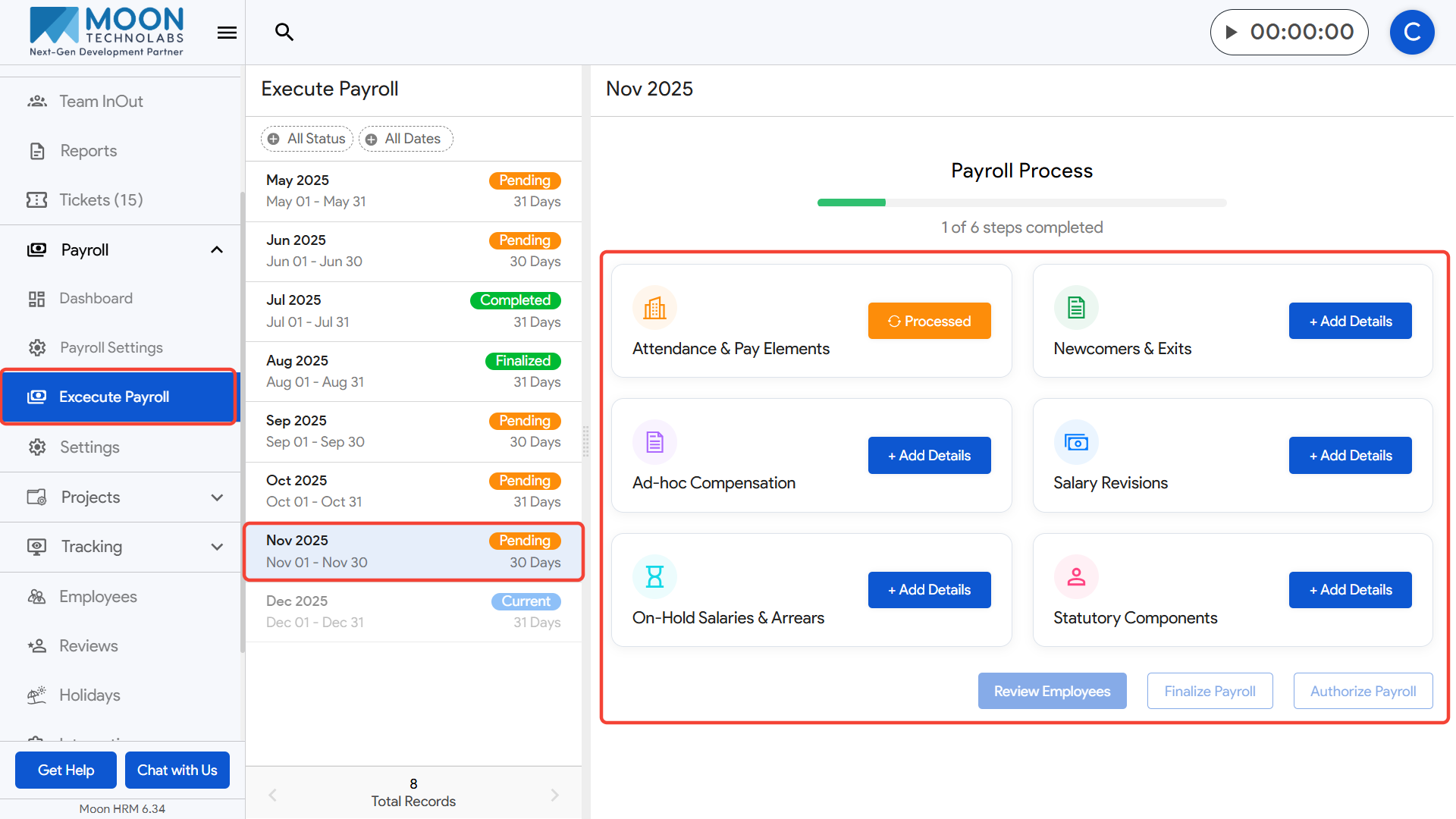
To execute payroll, first click on Execute Payroll from the left sidebar menu.
Select the payroll month you want to process from the list on the left panel.
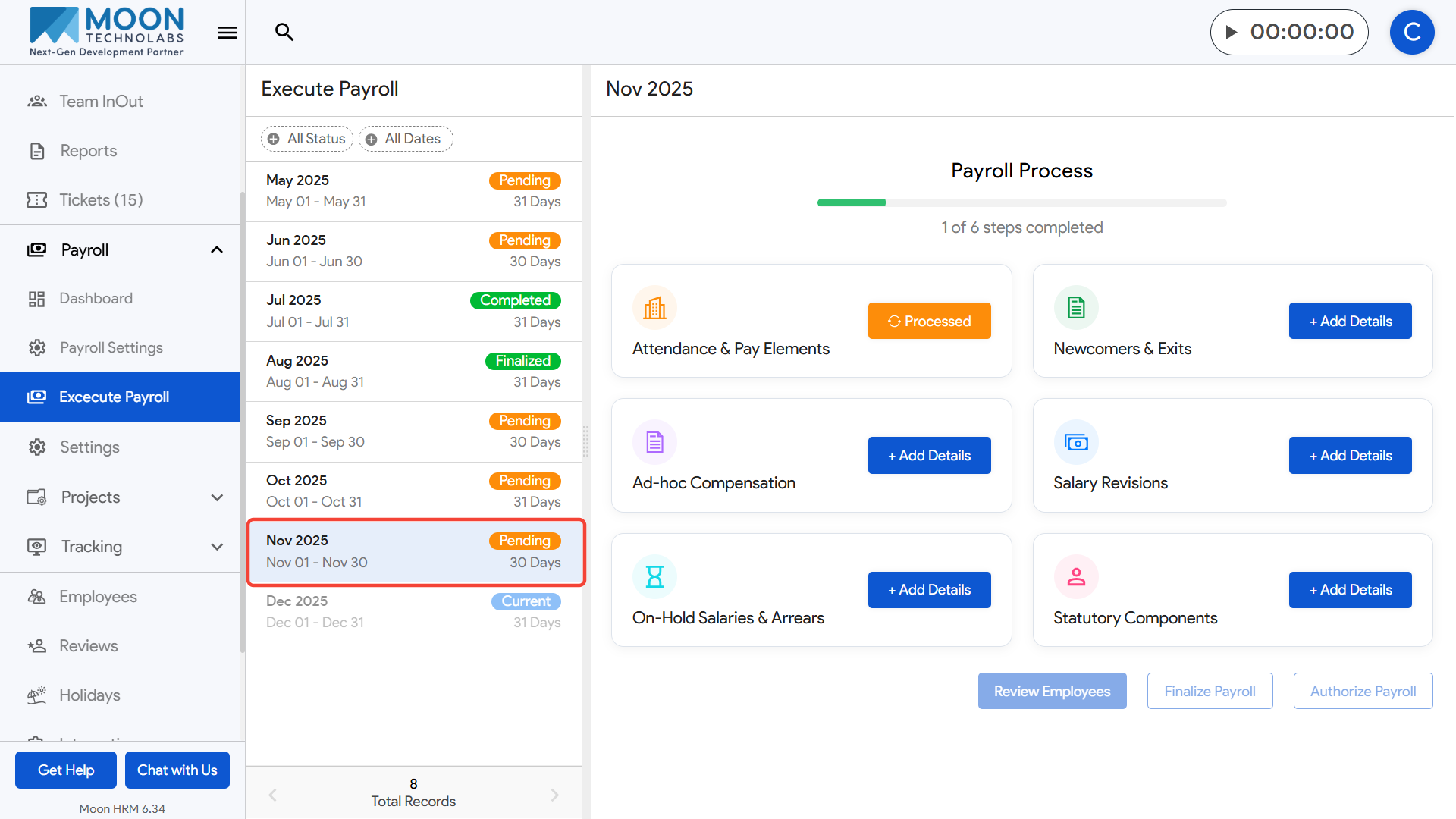
After selecting the month, all payroll steps for that period will appear on the right.
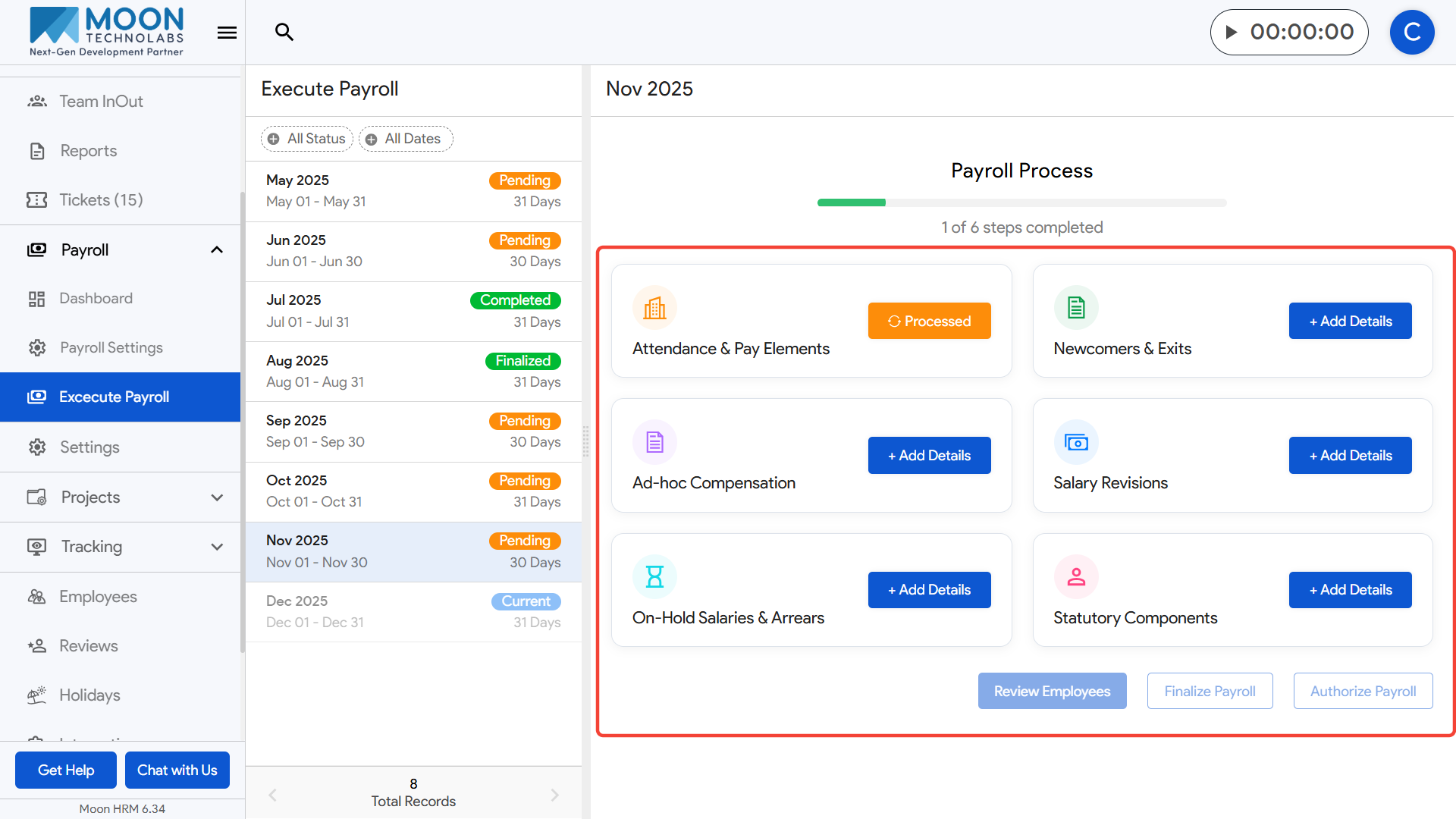
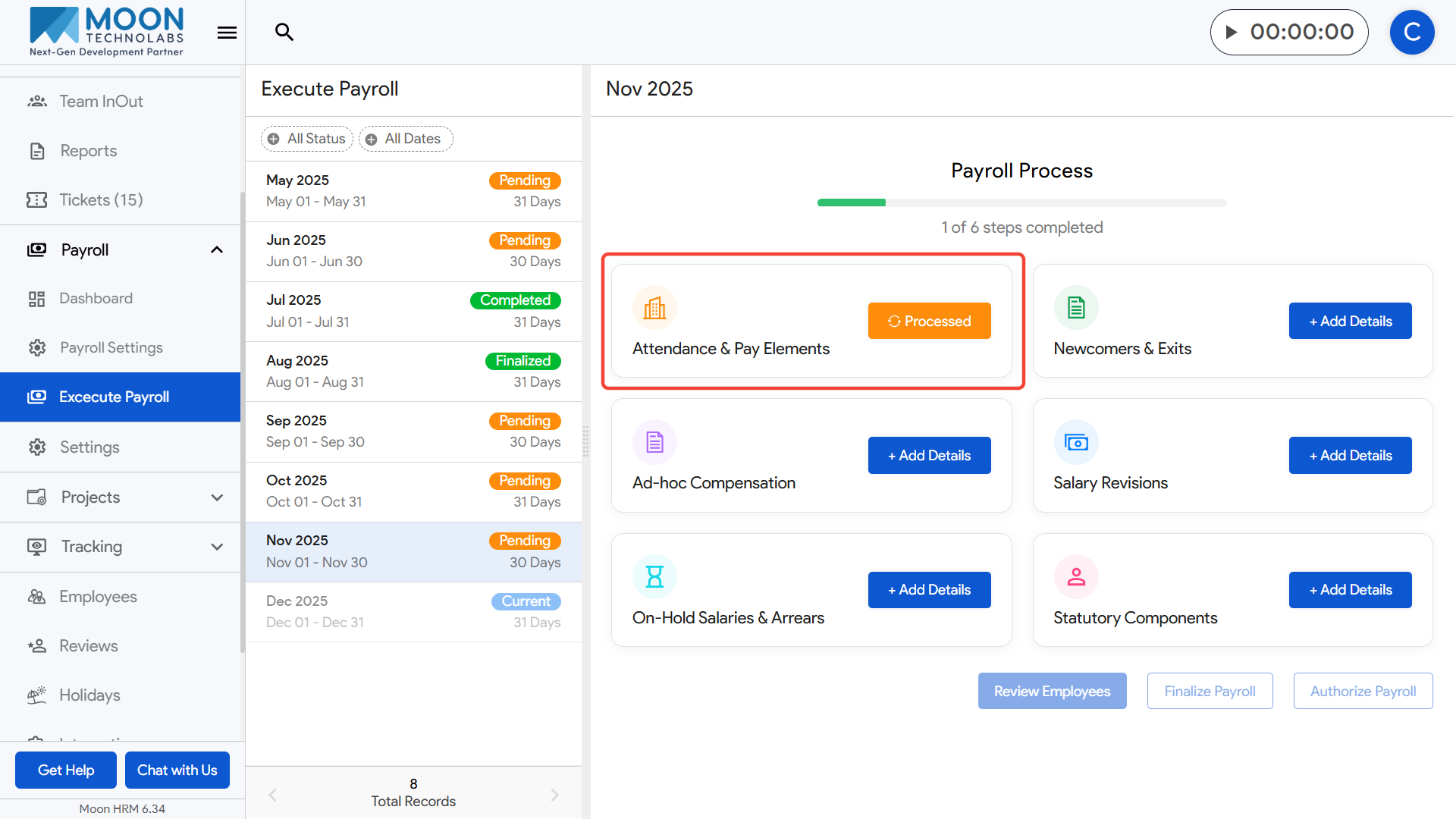
Start with Attendance & Pay Elements to process attendance, earnings, and deductions.
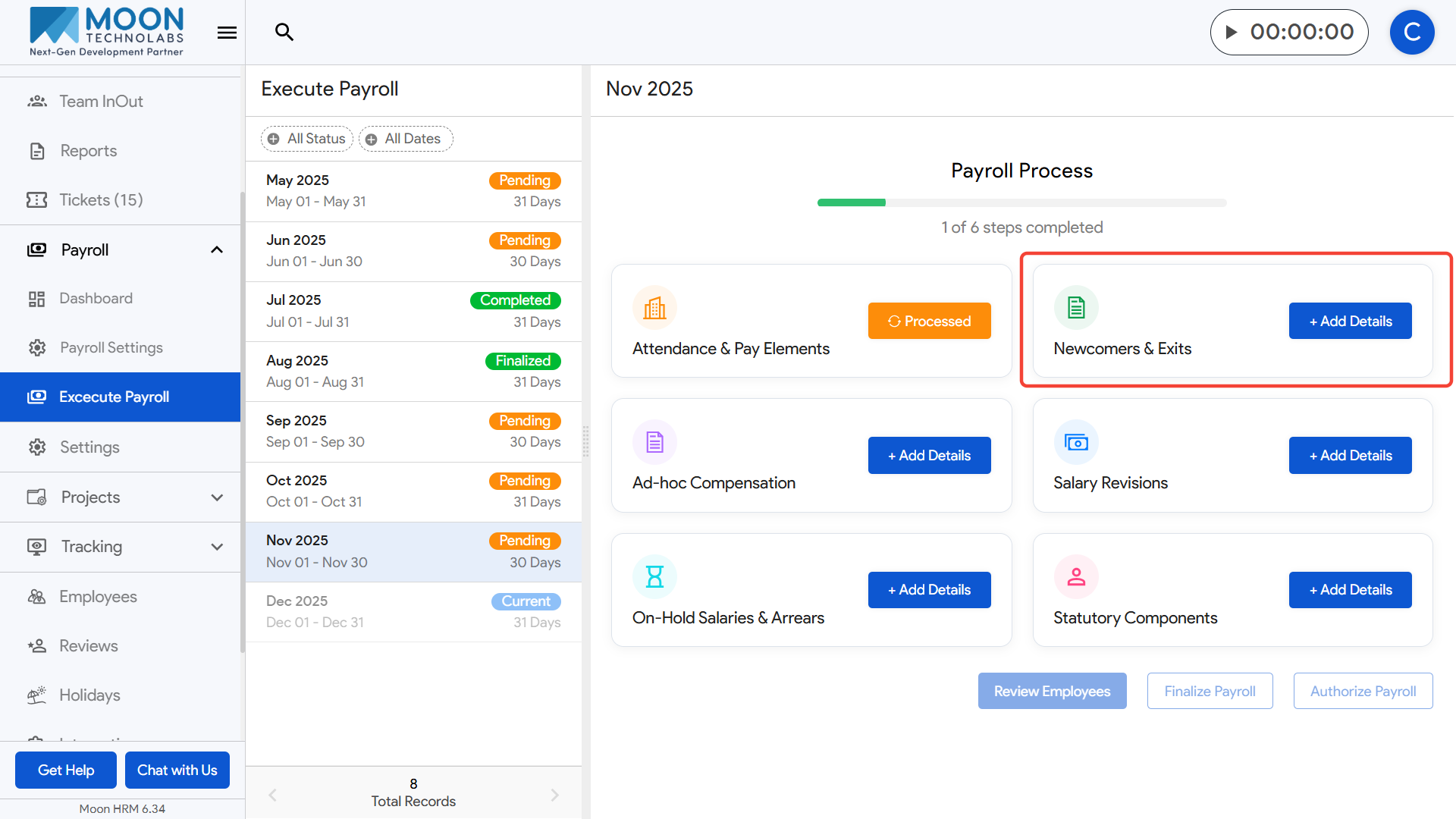
Move to Newcomers & Exits to update details of employees who joined or left during the selected month.
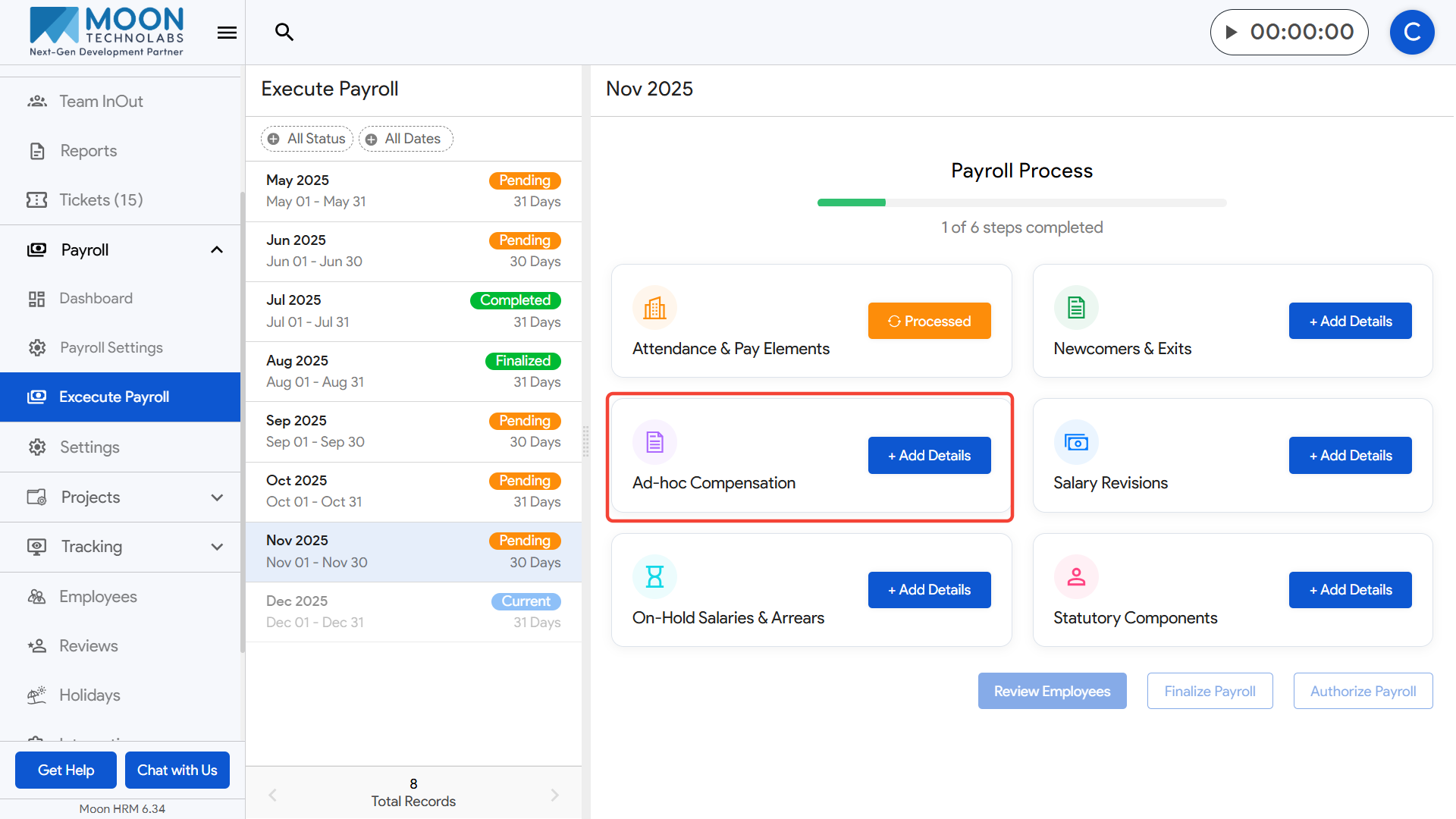
Add any Ad-hoc Compensation such as bonuses, incentives, or one-time payments where needed.
Enter Salary Revisions for employees whose salary updates should take effect in this cycle.

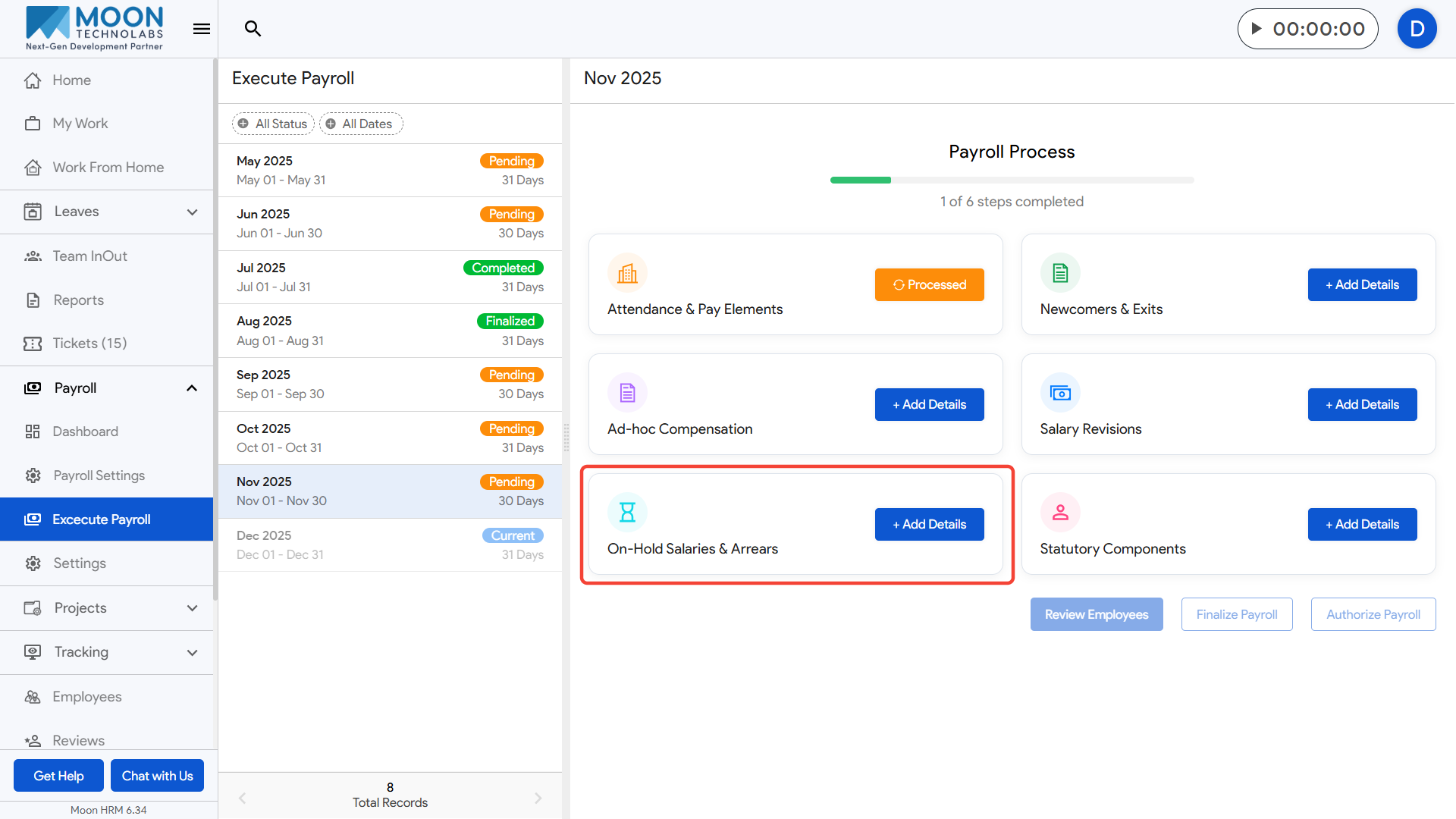
Update On-Hold Salaries & Arrears if any pending payouts or previous-month adjustments must be included.
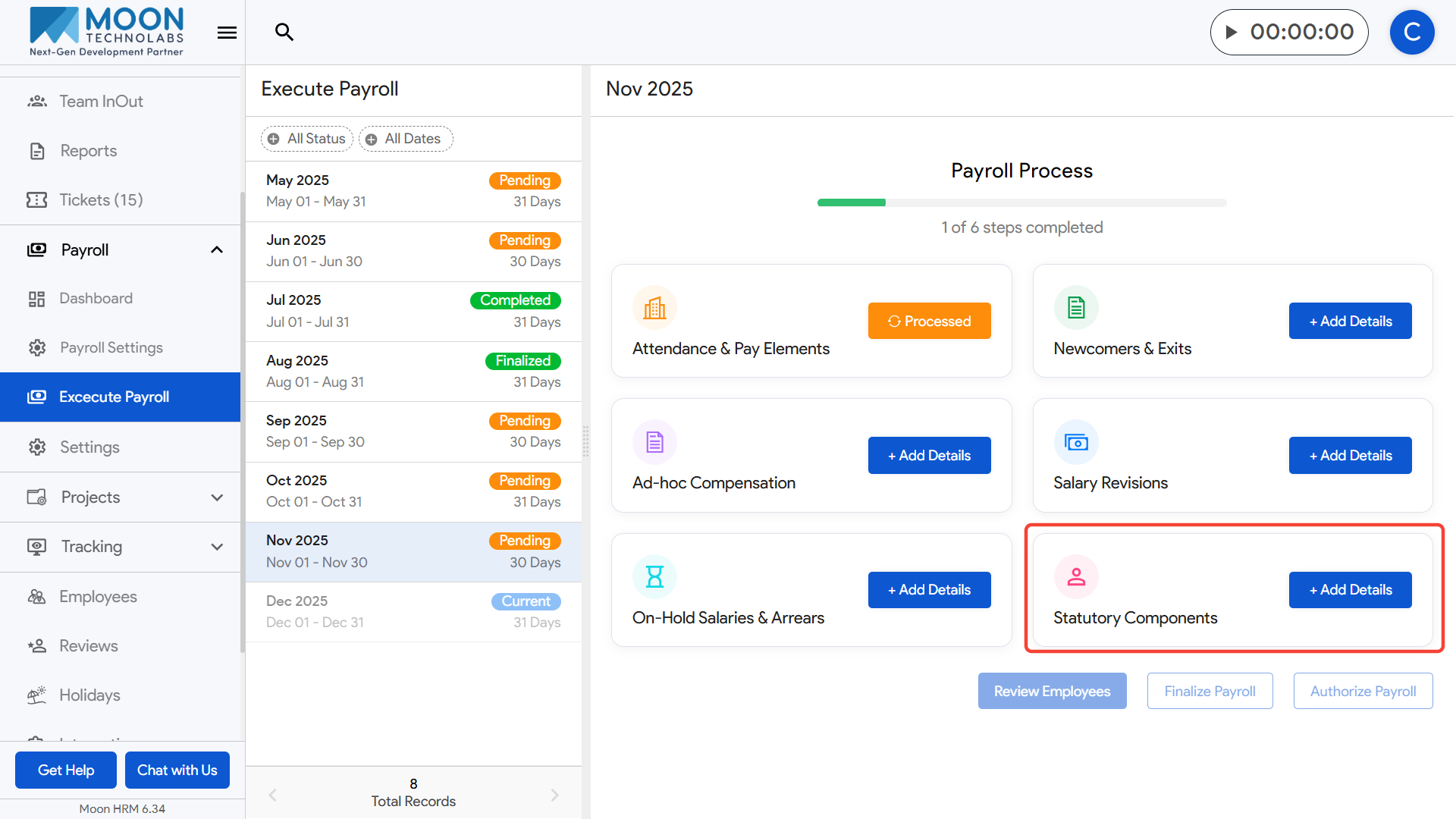
Review the Statutory Components section to ensure PF, ESI, and PT are calculated correctly.
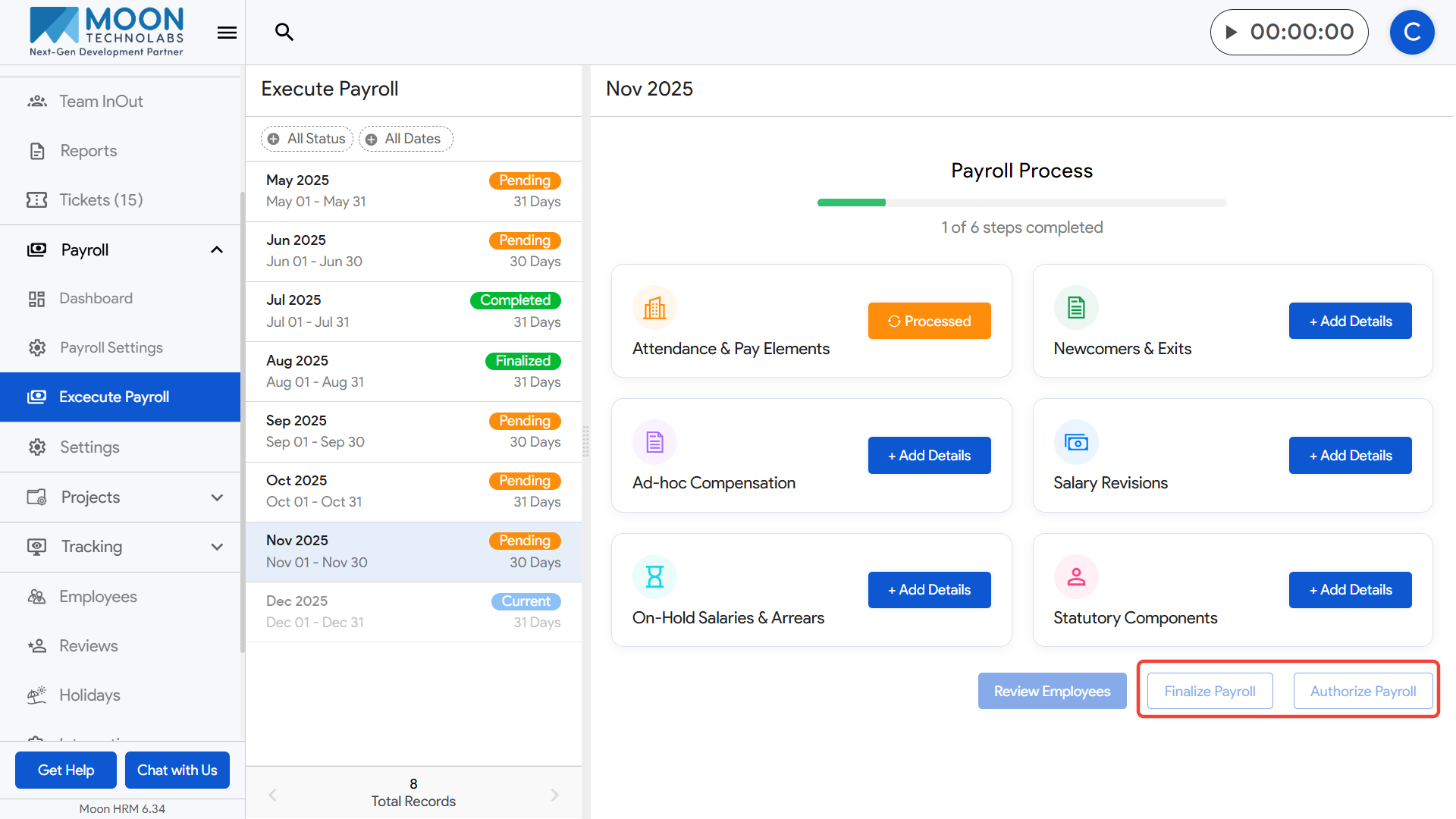
Once all steps are completed, click Review Employees to verify each employee’s payroll details.
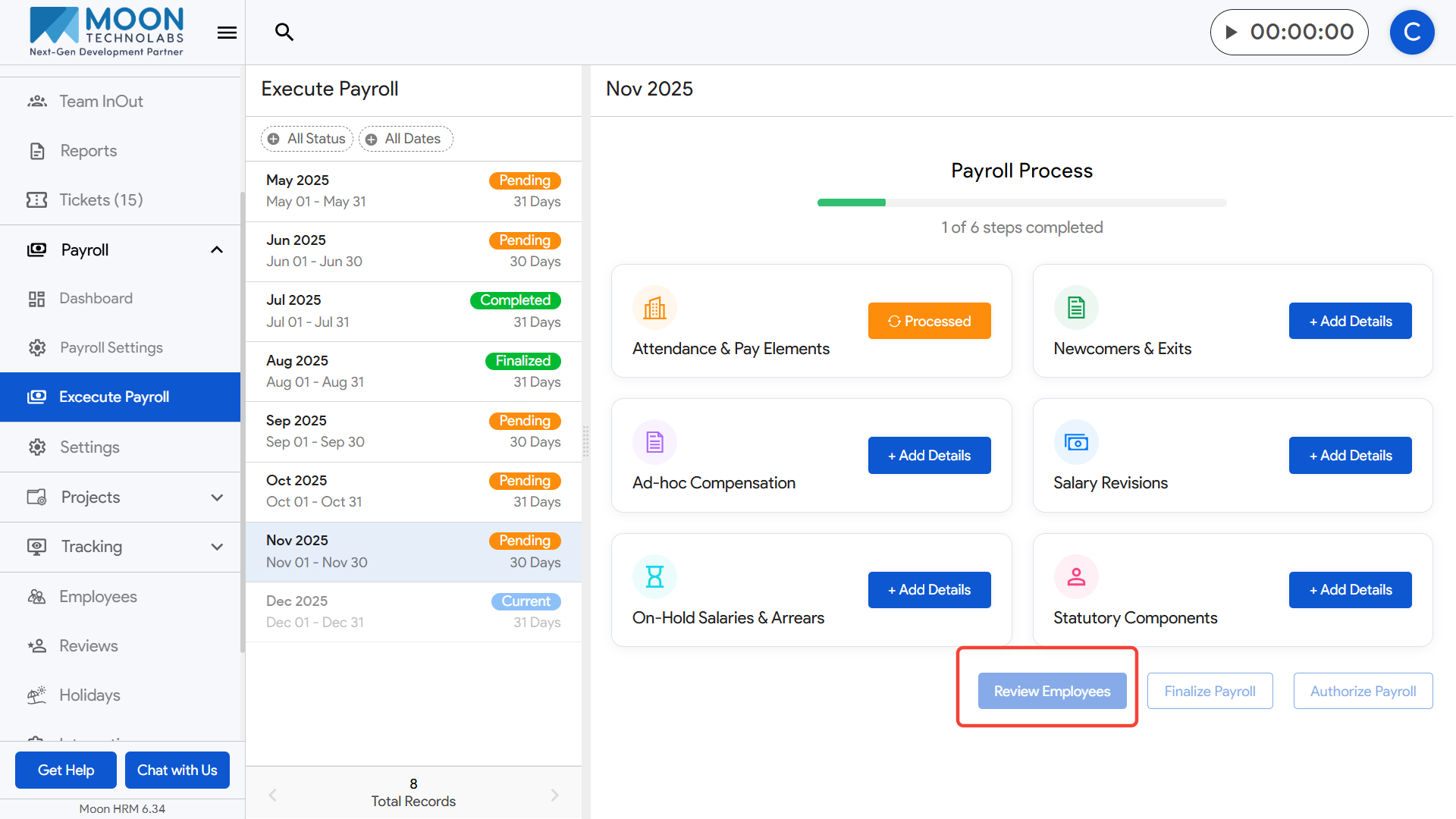
Finally, finalize the payroll and authorize it for payout once everything looks correct.