

To create a Shift for a specific payroll group, go to Payroll Settings from the sidebar and open the Payroll Groups section.
Select the Payroll Group you want to configure and click on the Shifts tab.
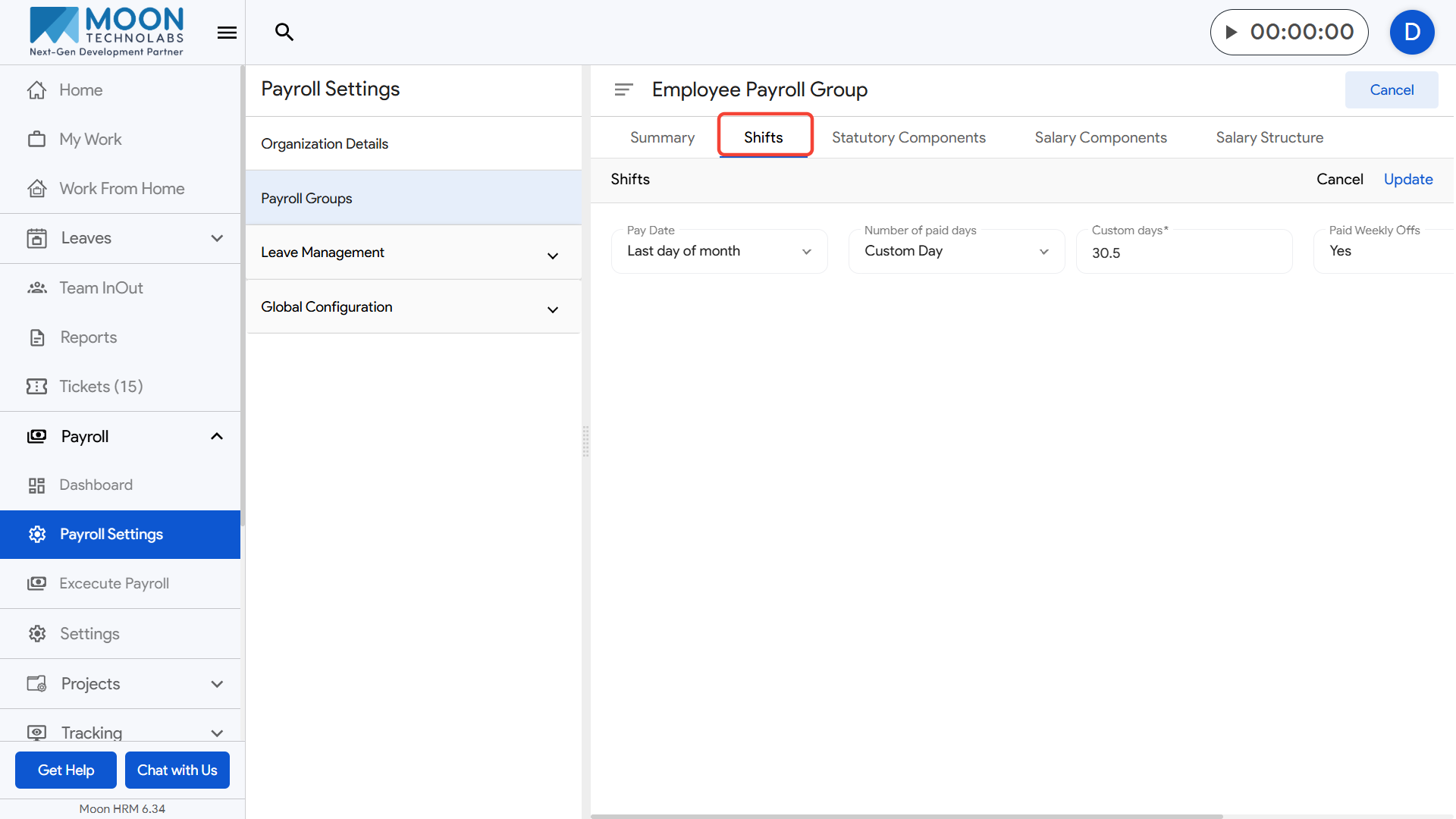
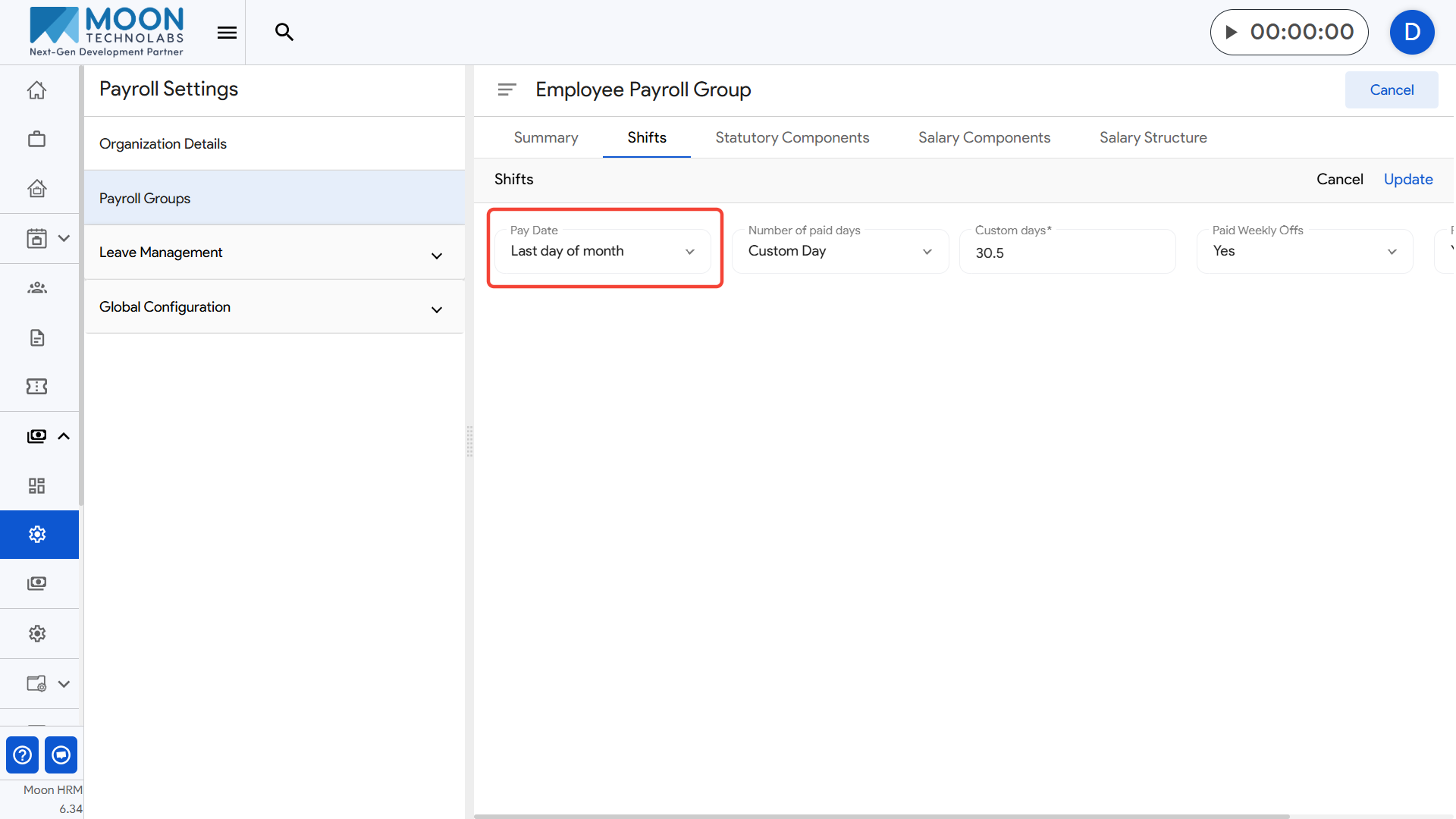
Here, you can set the Pay Date by choosing when the salary should be paid, such as the last day of the month.
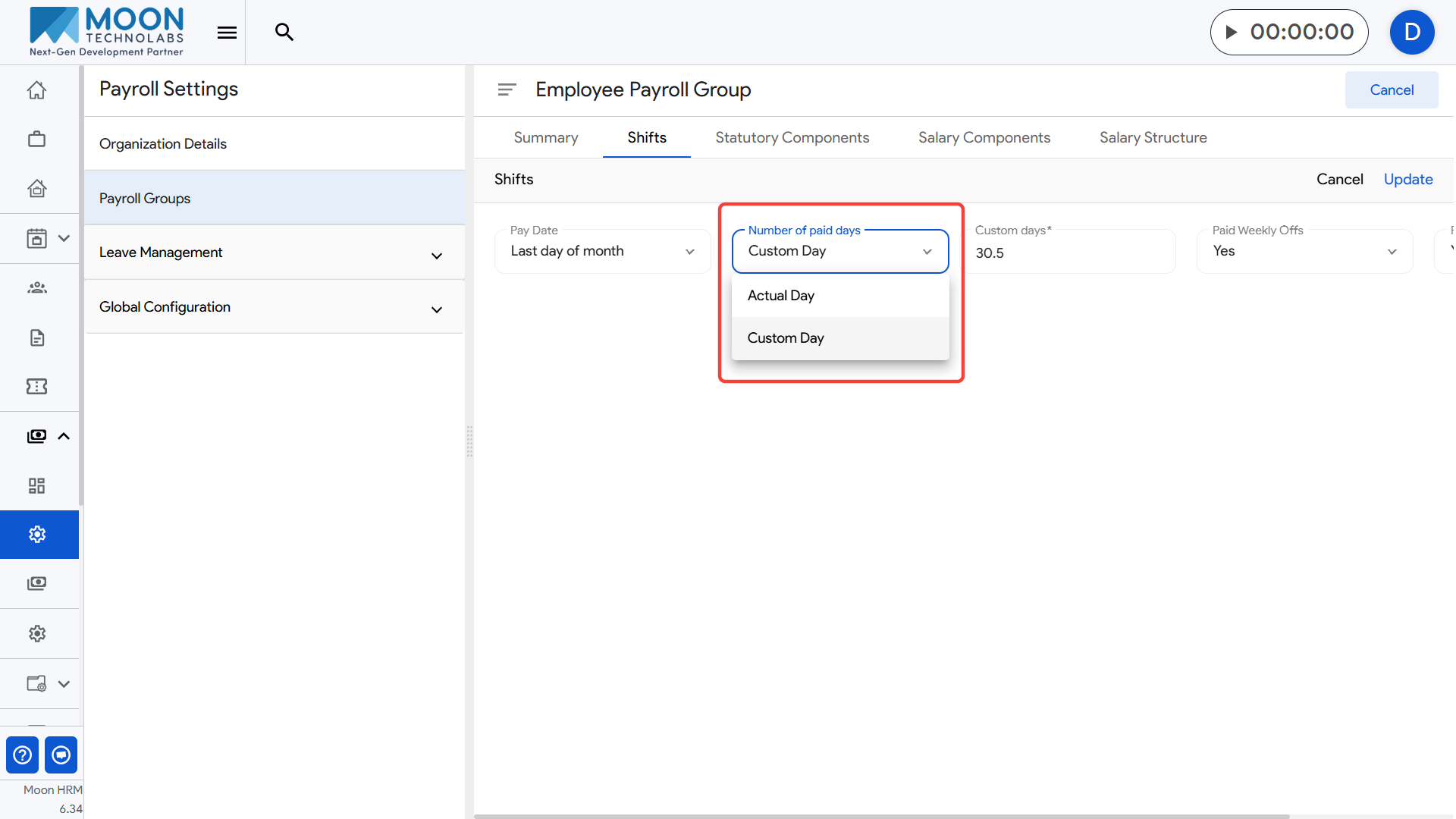
Next, choose the Number of paid days method, like Custom Day, based on how your organization calculates salary.
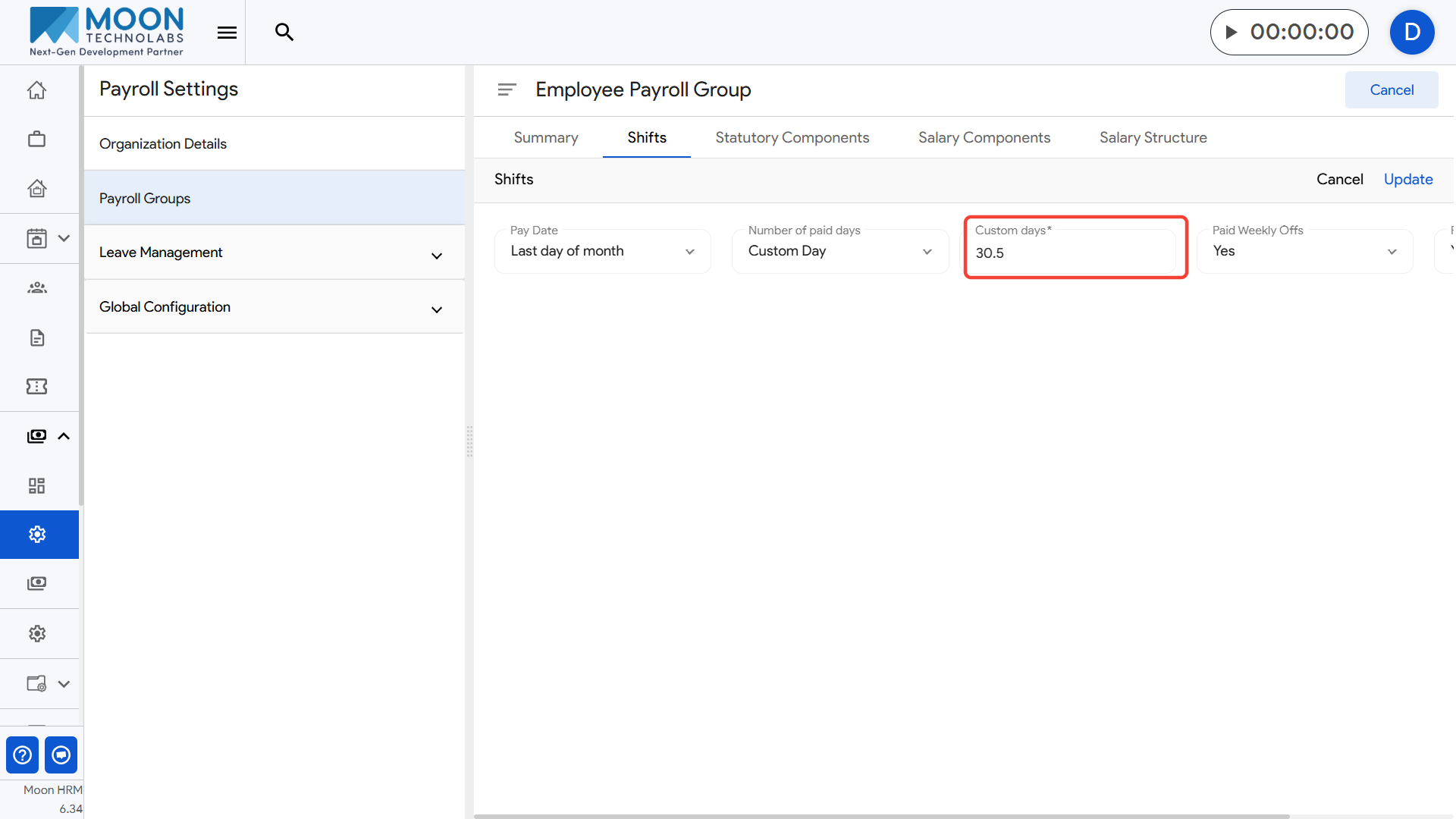
If using a custom calculation, enter the Custom days value to define the number of payable days for the month.
Set whether Paid Weekly Offs & Holidays should be included by selecting Yes or No.
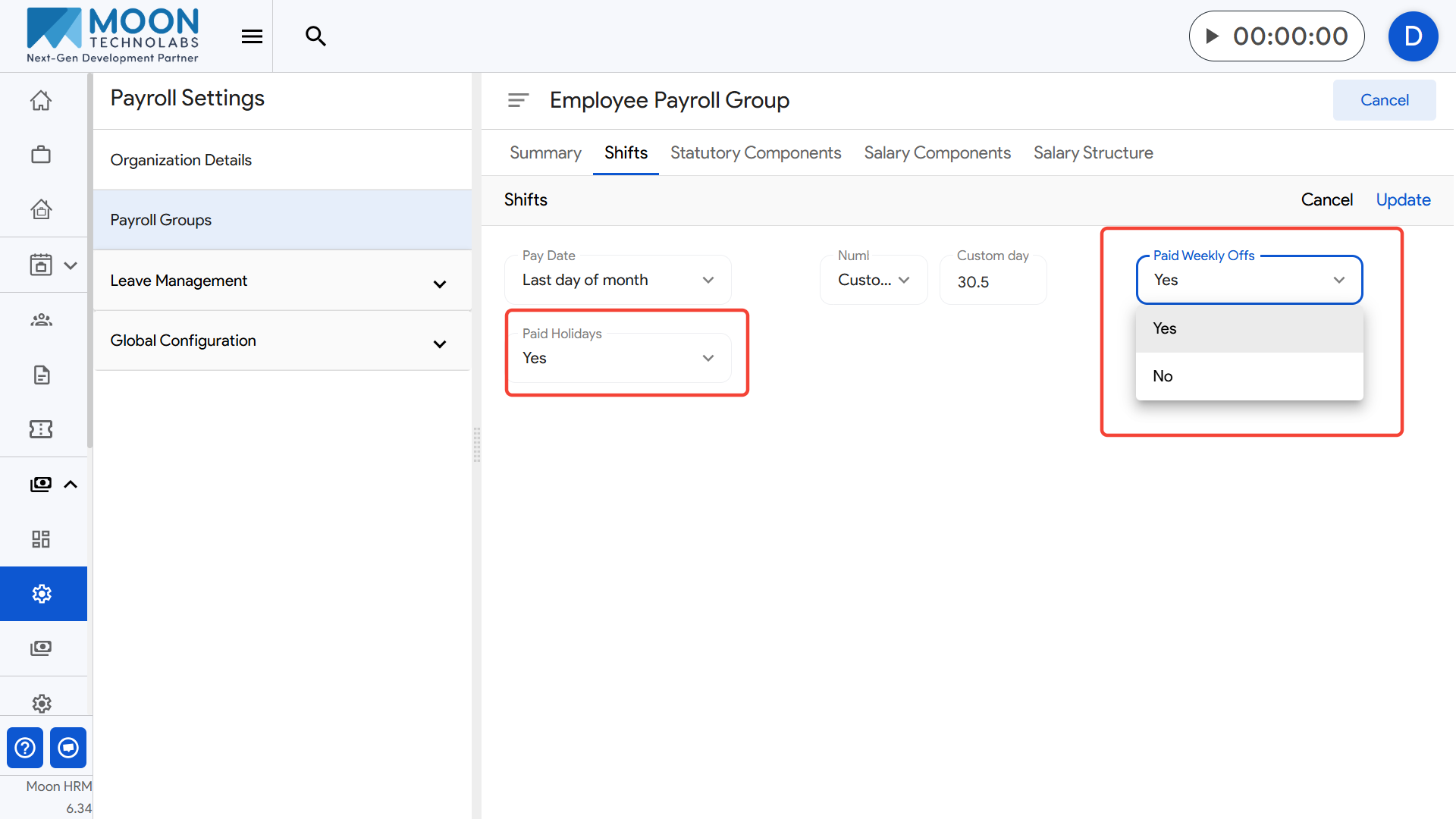
After updating all shift settings, click the Update button on the top-right to save the shift configuration for that payroll group.