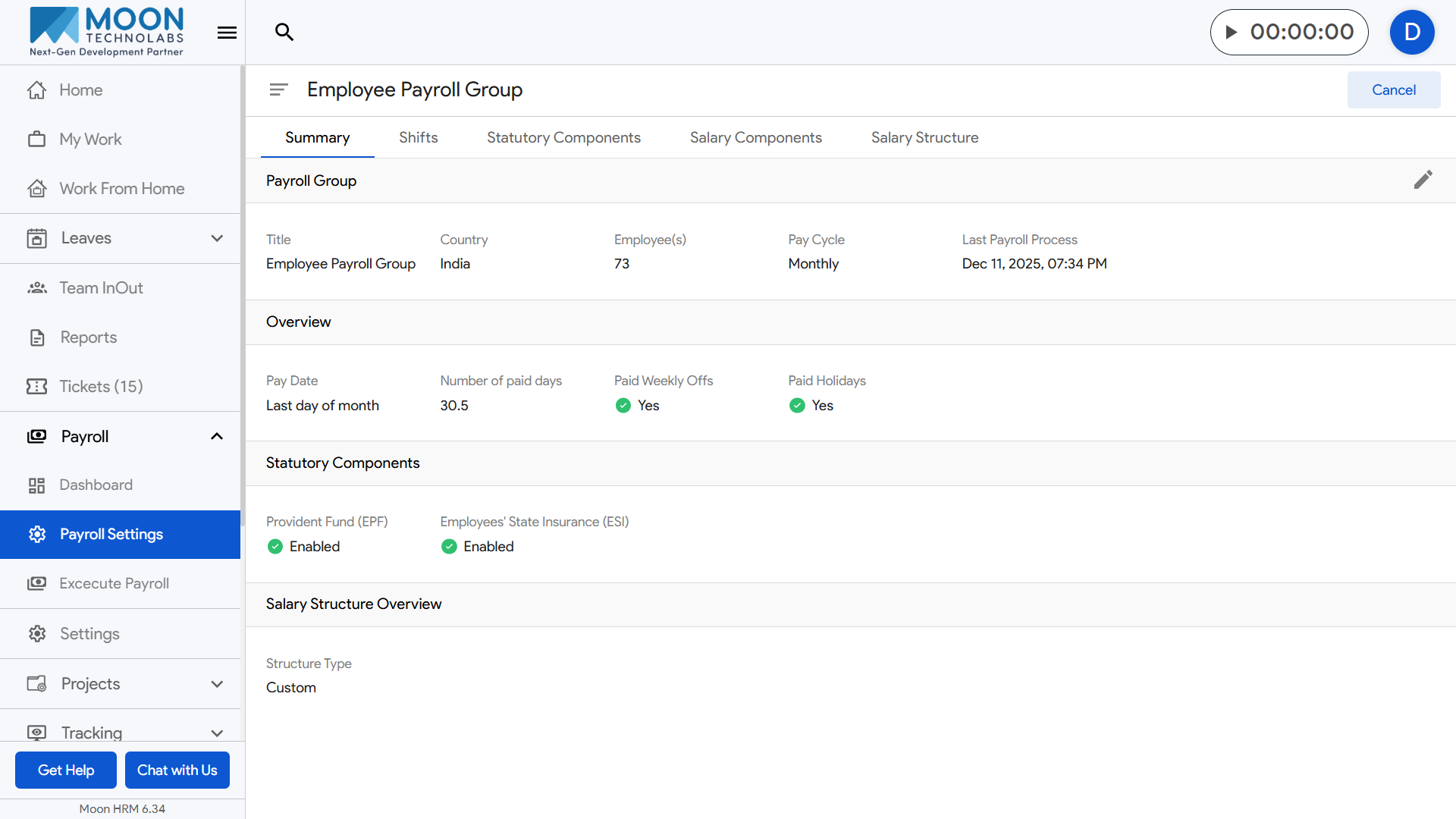
To create a payroll group, go to Payroll Settings from the sidebar and open the Payroll Groups section.
Click the Create Payroll Group button at the top-right corner of the page to start the setup.
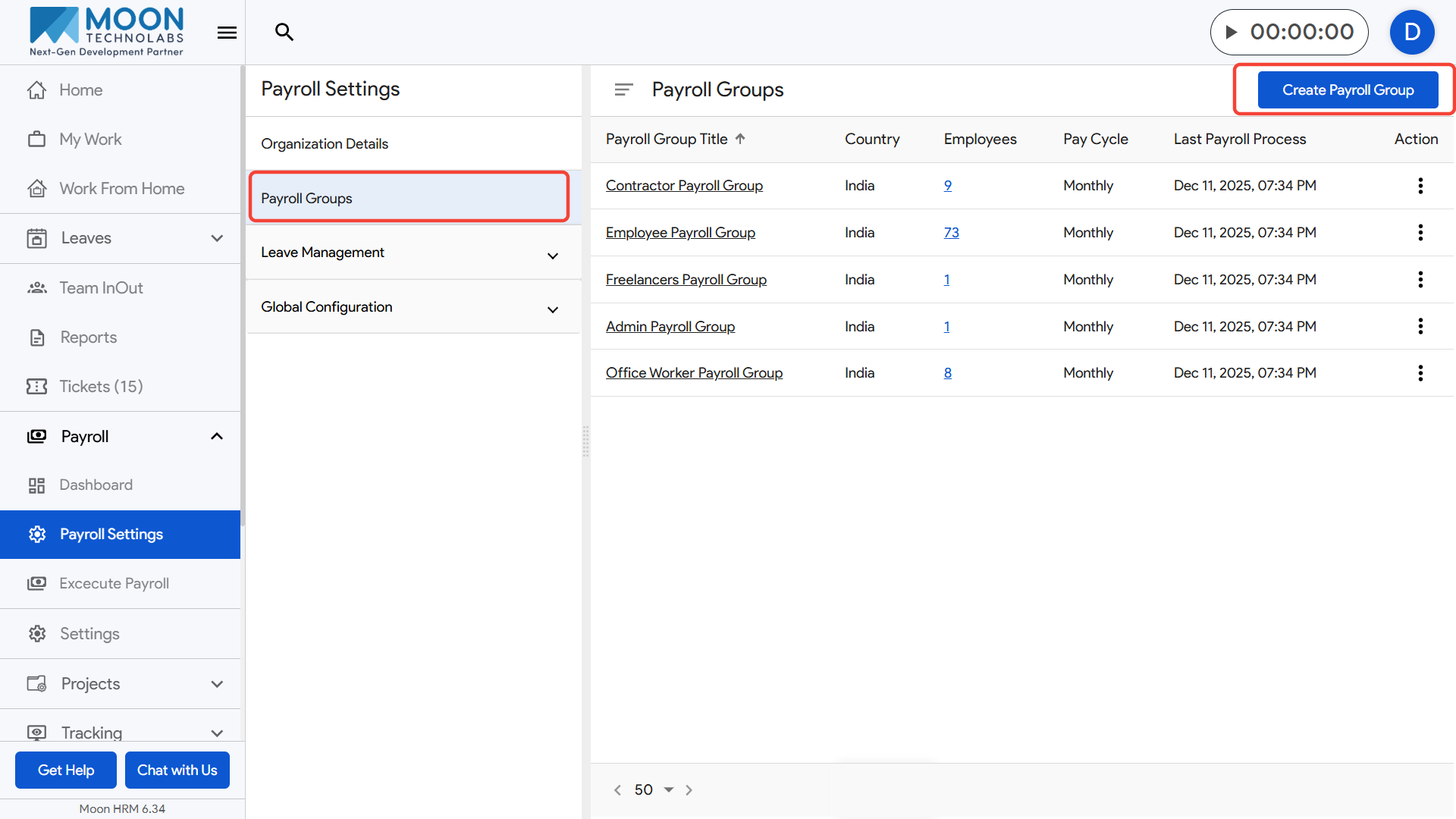
Enter the required details such as the Payroll Group Title, Country.
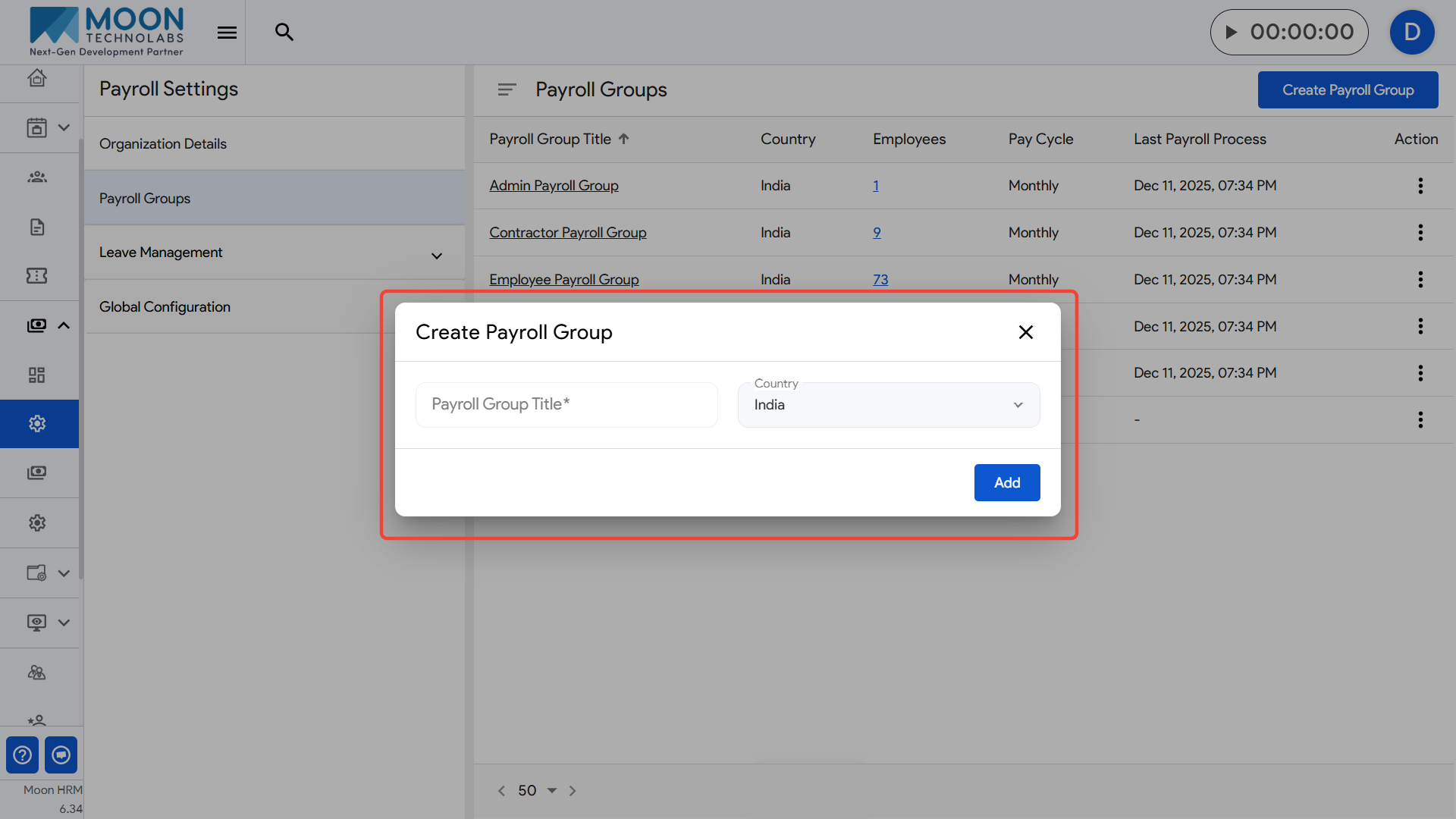
Once all information is filled in, save the new payroll group to make it available for employee assignment and payroll processing.