Follow these steps to edit any time log:
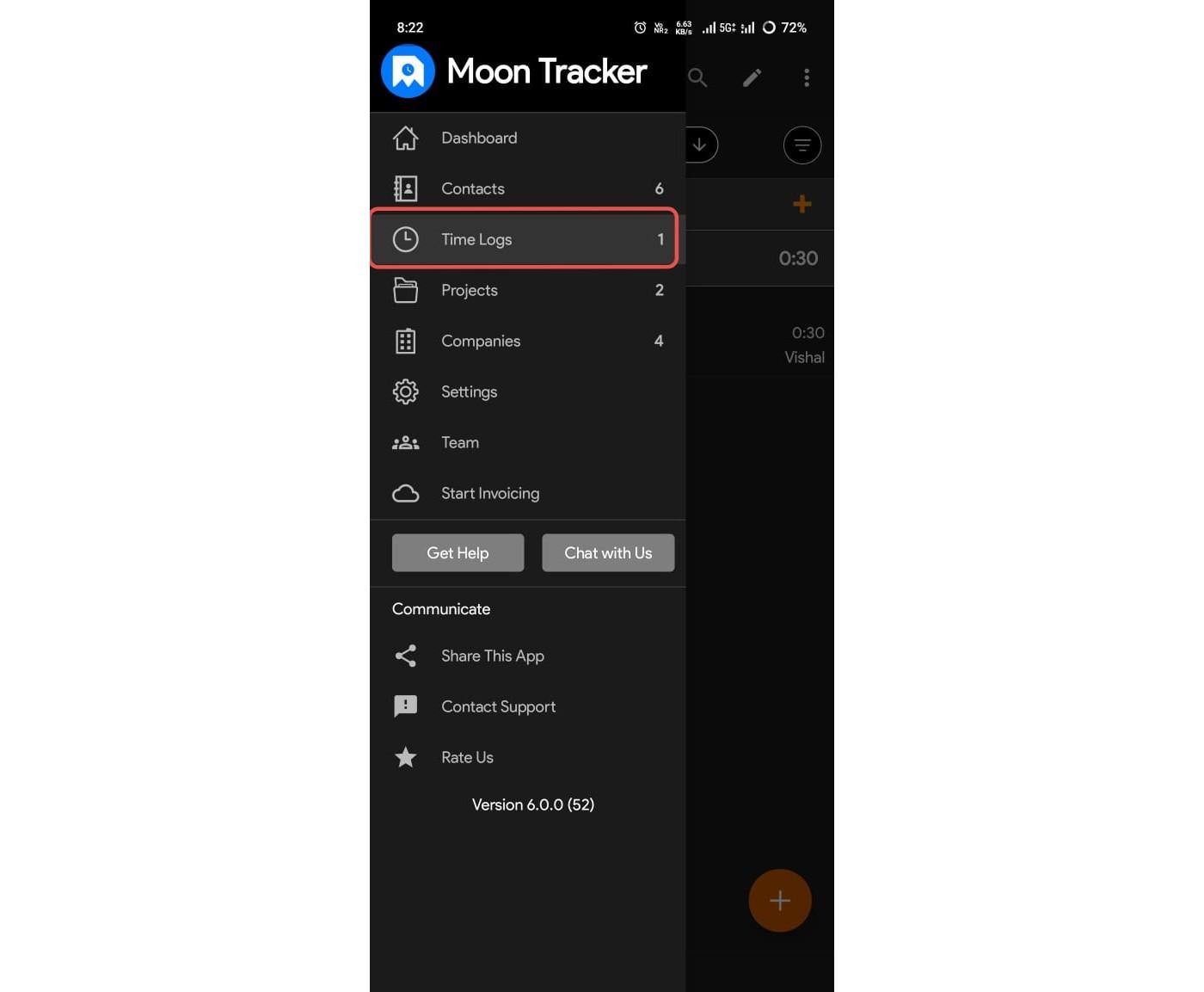
- Open the Moon Time Tracker on your Android device.
- Go to the Time Logs section.
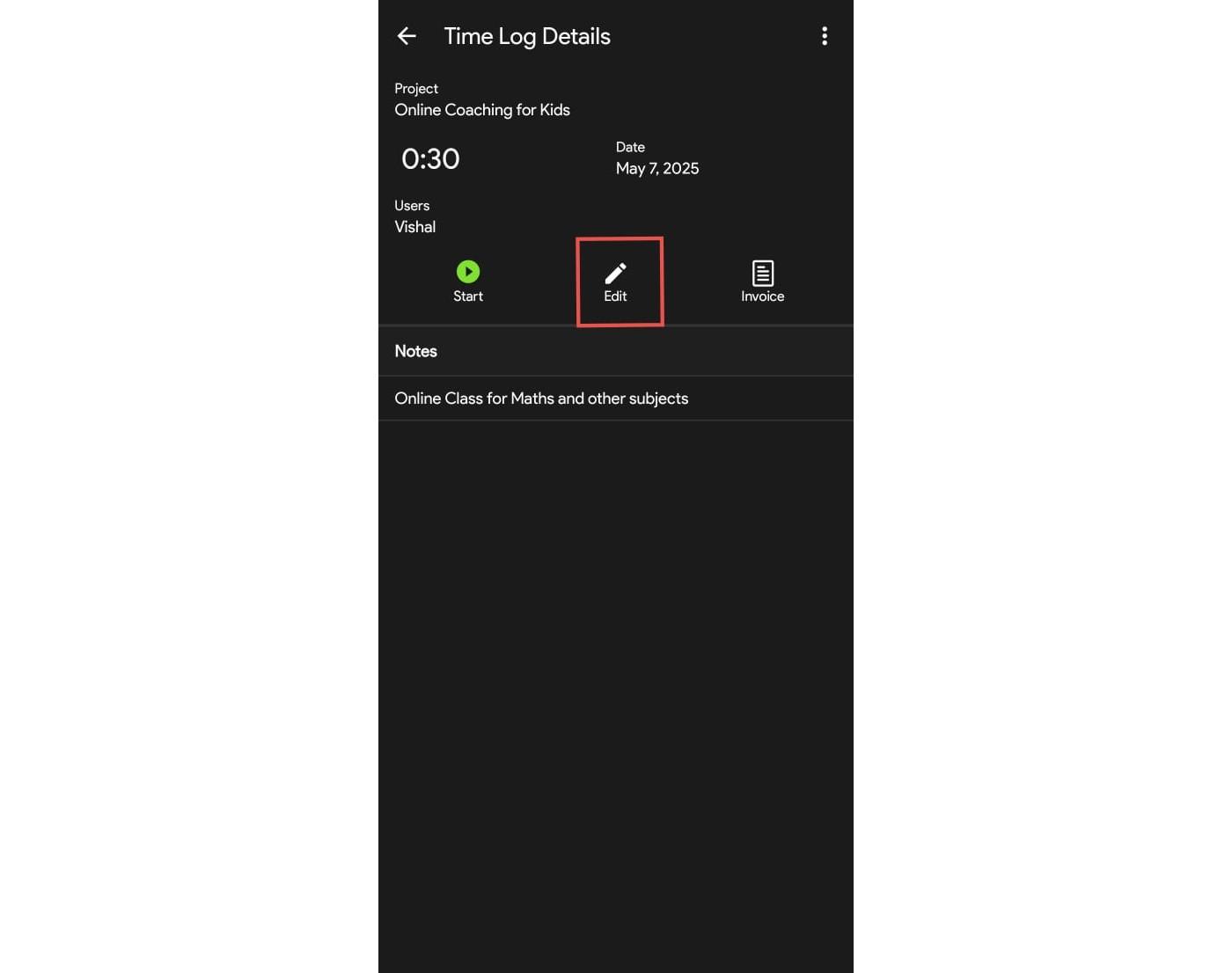
- Tap the time log you want to edit.
- Click on the Edit option.
- Make the necessary changes and tap Save.


Follow these steps to edit any time log:
Was this article helpful?
0 out of 0 found this helpful
Have more questions? Submit a request