

To configure sandwich rules for a leave type, go to Payroll Settings and open the Leave Management section, then select Leave Type.
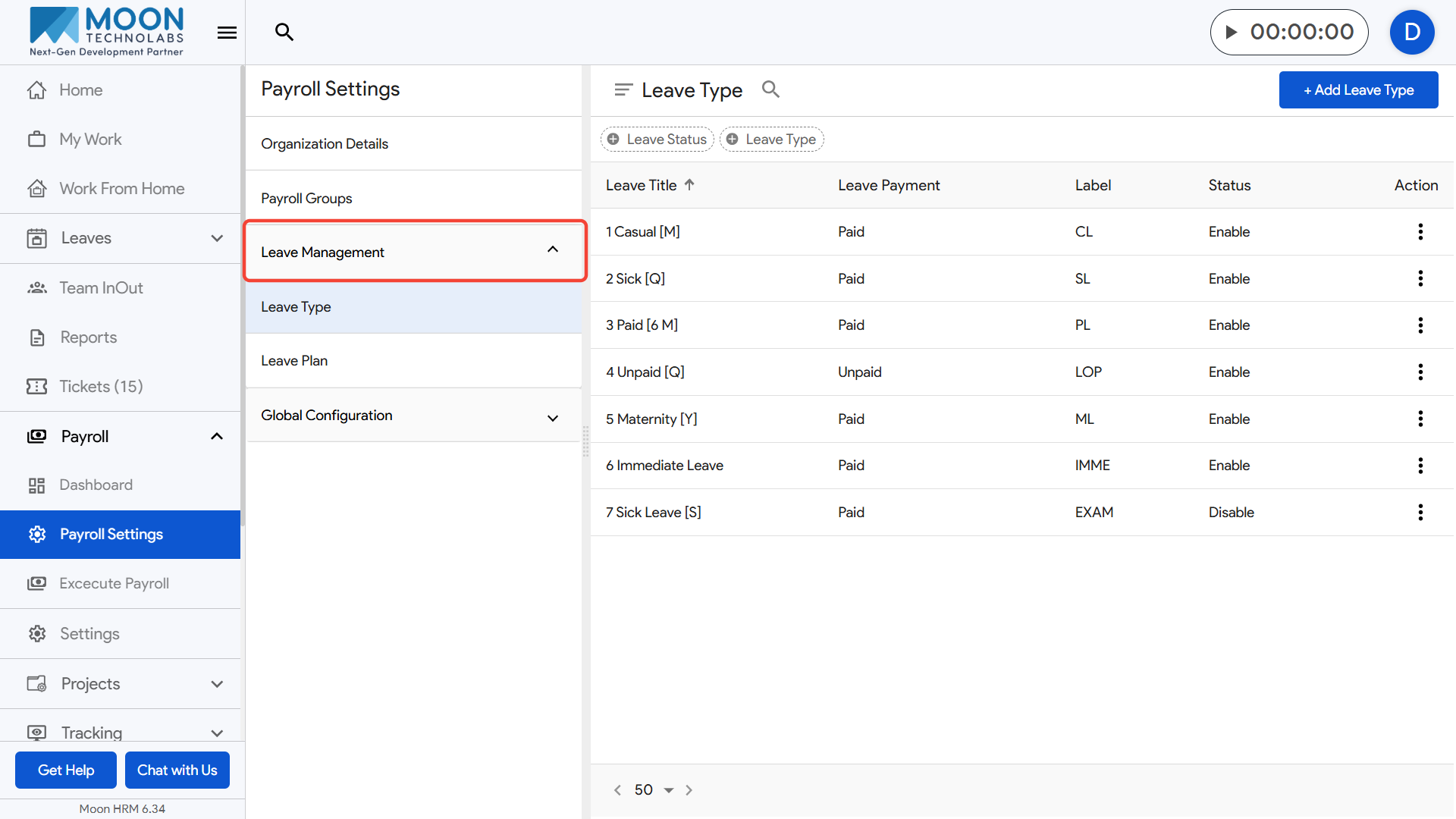
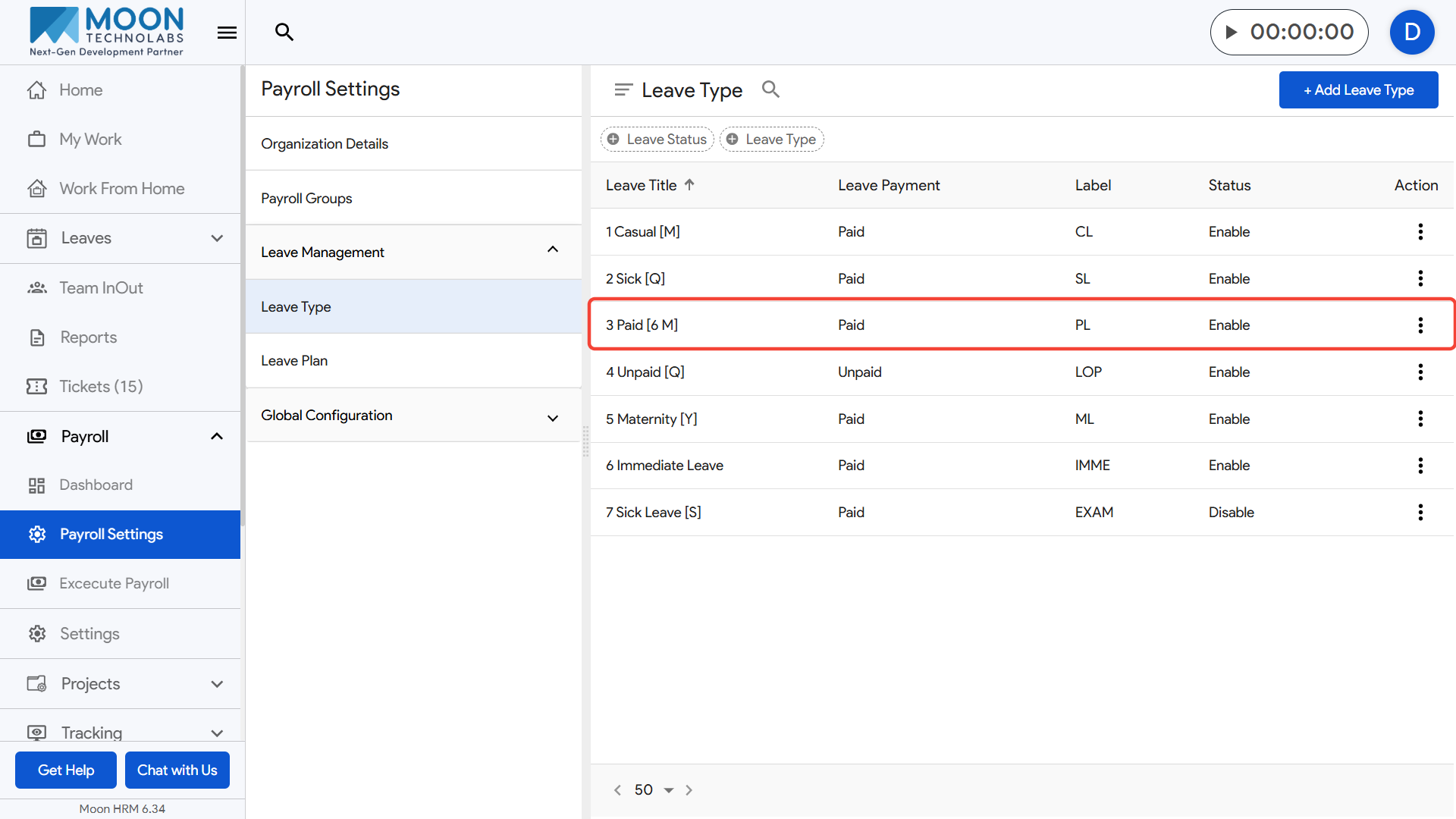
Choose the leave type you want to edit or create a new one, and open the Sandwich Rules tab.
Enable the sandwich conditions based on your company policy.
- Leave adjoining a weekly off automatically counts the week-off day(s) as leave.
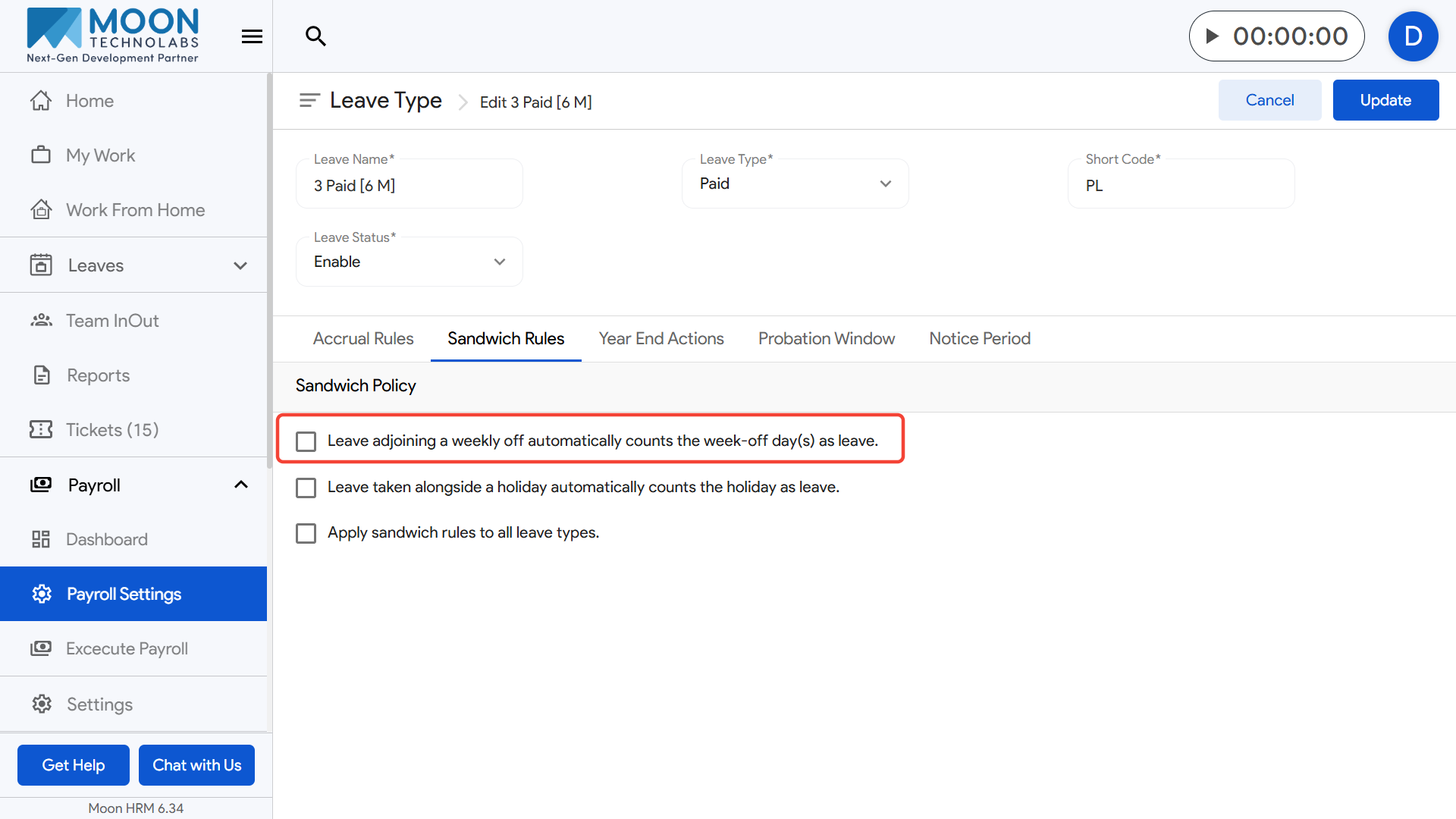
- Example: If an employee takes leave on Saturday and Monday, Sunday (weekly off) will also count as leave.
- Leave taken alongside a holiday automatically counts the holiday as leave.
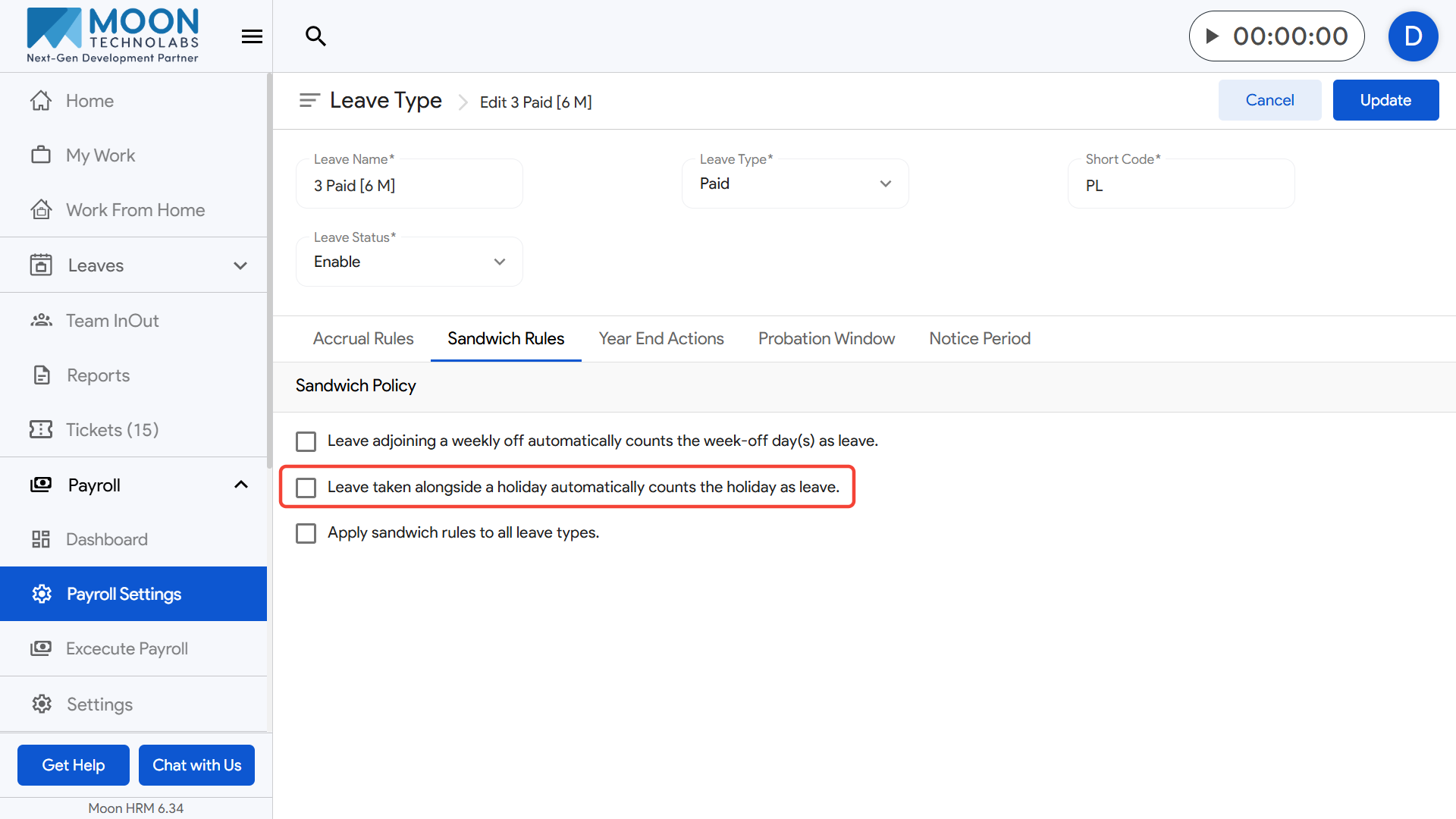
- Example: If someone takes leave on Friday and Tuesday, the Monday holiday in between will also be counted as leave.
- Apply sandwich rules to all leave types.
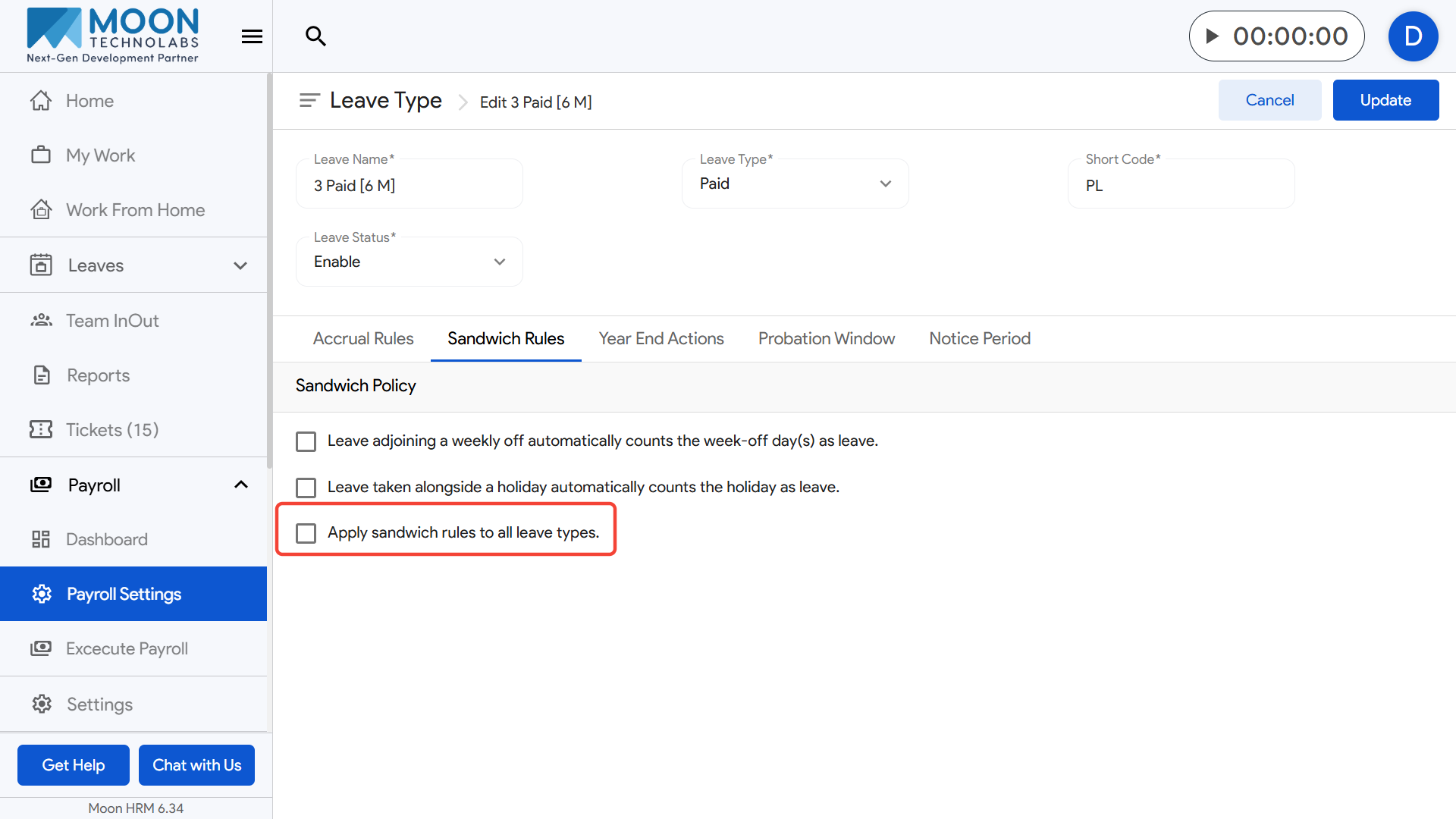
- Example: Once enabled, the sandwich logic applies to casual leave, sick leave, and other leave categories.
- After selecting the required options, click Update to save your sandwich rule configuration.