

To manage leave types, click on Payroll Settings from the sidebar and open the Leave Management section.
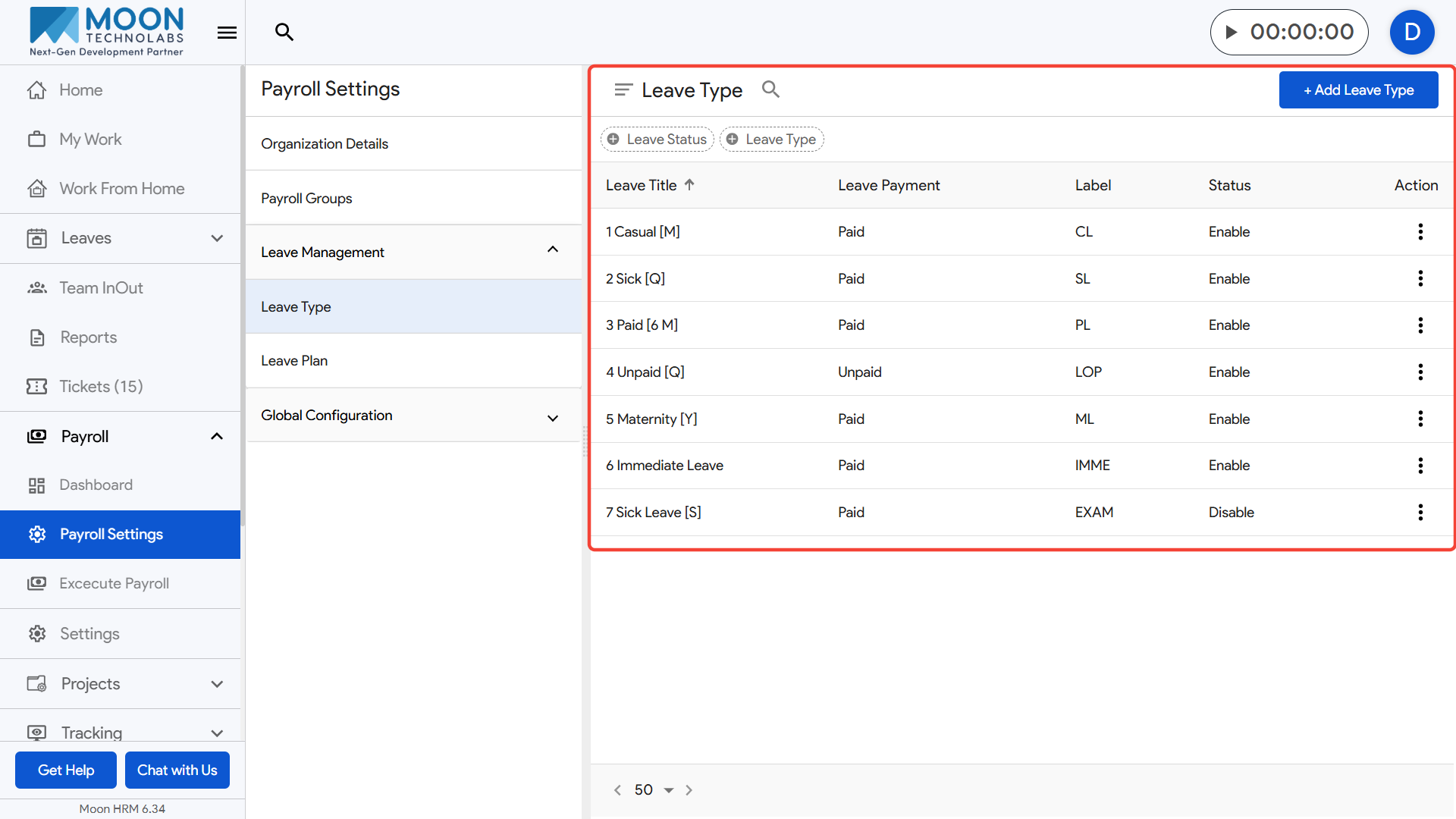
Select Leave Type to view all existing leave categories such as casual leave, sick leave, paid leave, unpaid leave, and other custom types.
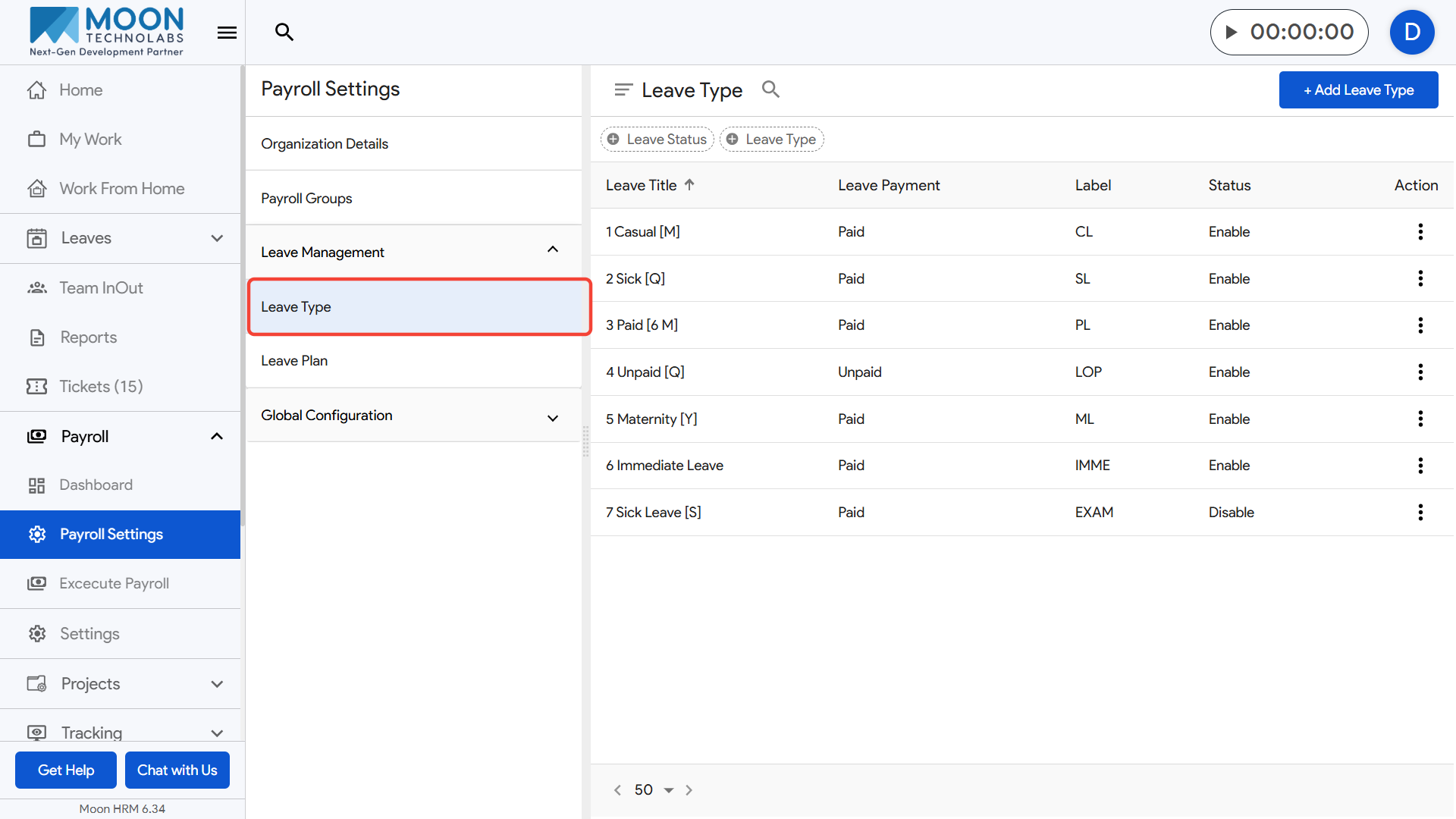
Here, you can review each leave type’s settings including its payment status, label, and enable or disable options.
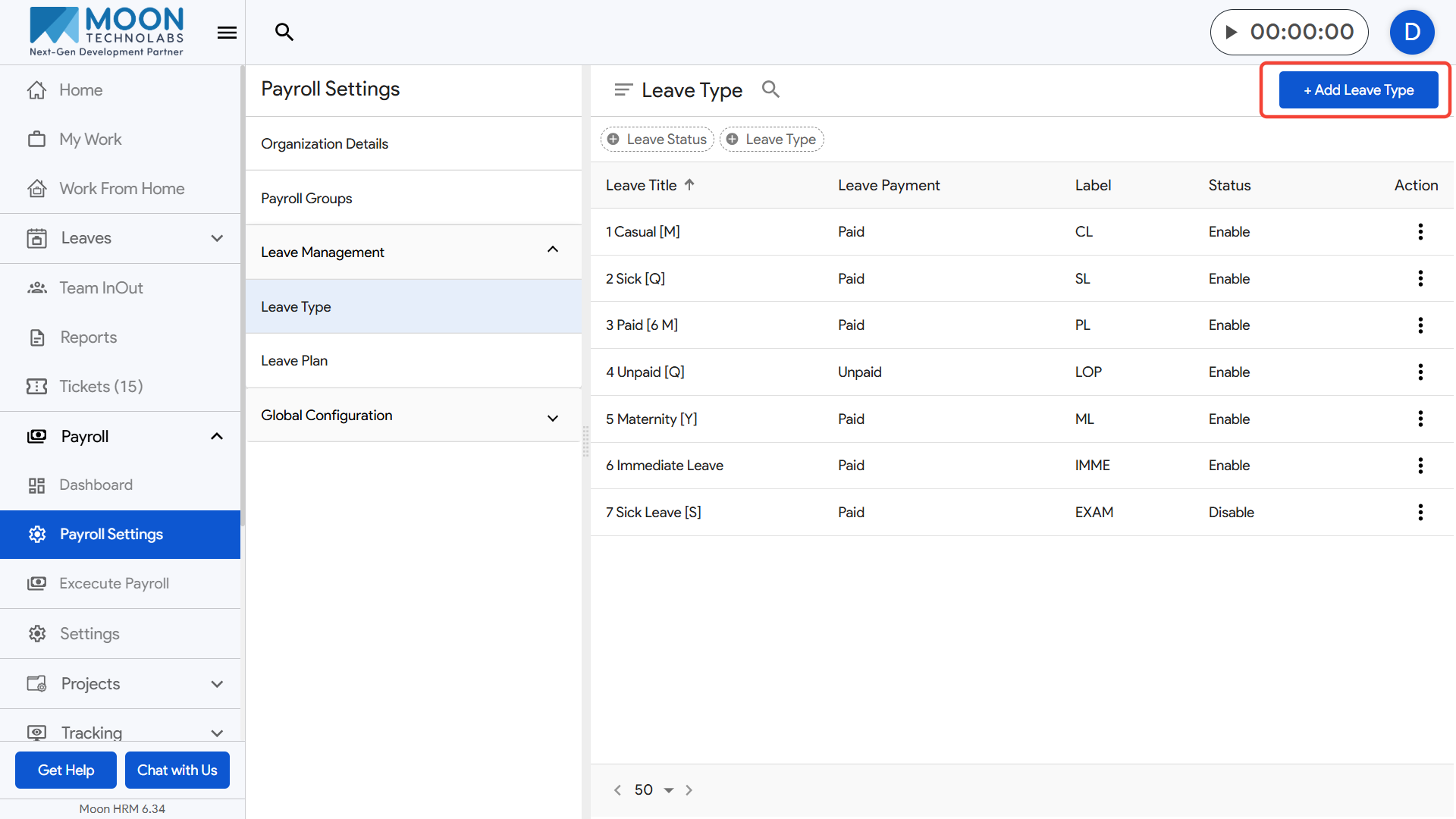
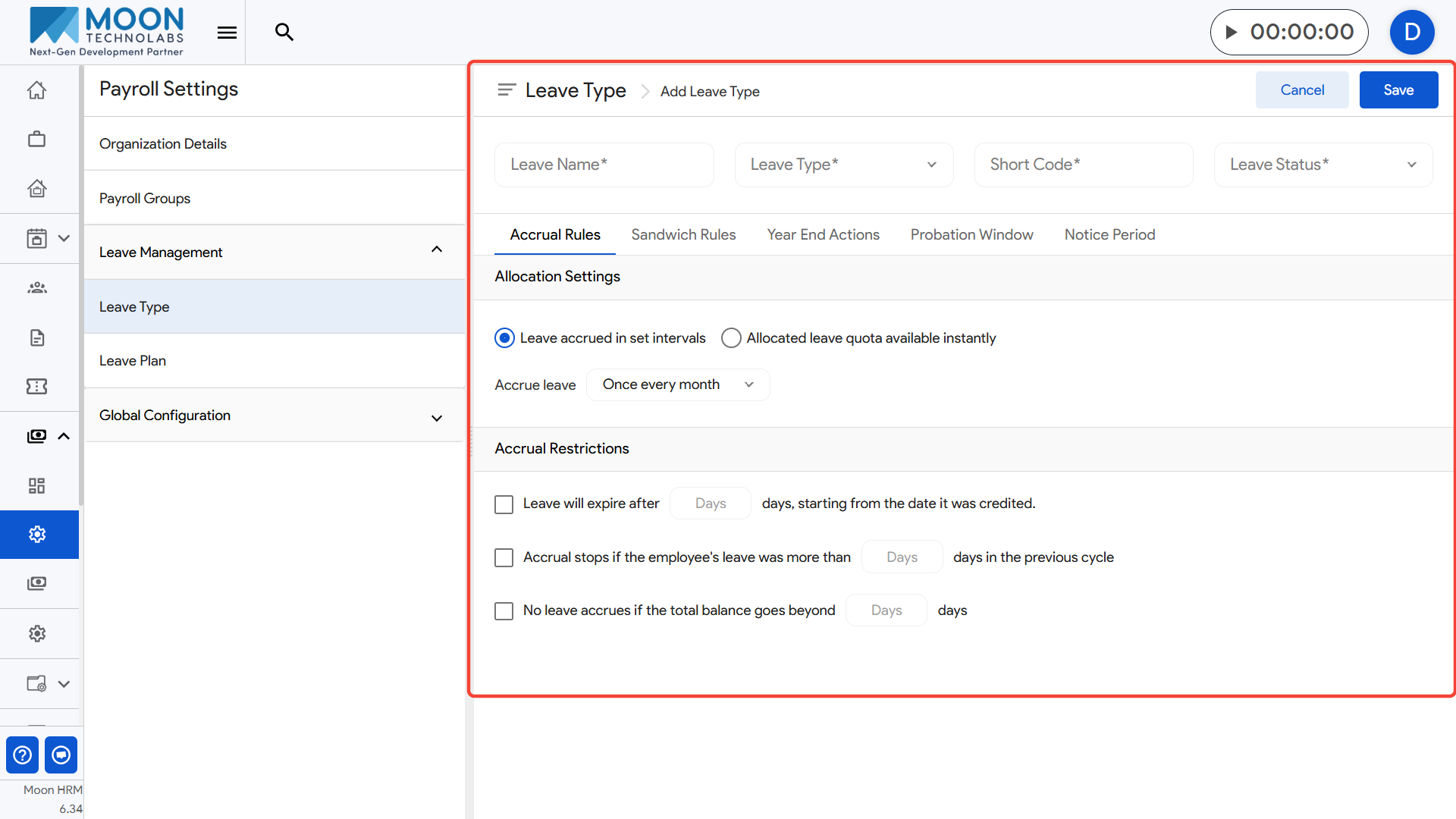
To create a new leave type, click Add Leave Type. You can define the various leave settings further for that leave type
Use the search bar at the top to quickly find a leave type by name or label. Update or disable a leave type whenever policies change to ensure accurate tracking during payroll and attendance processing.