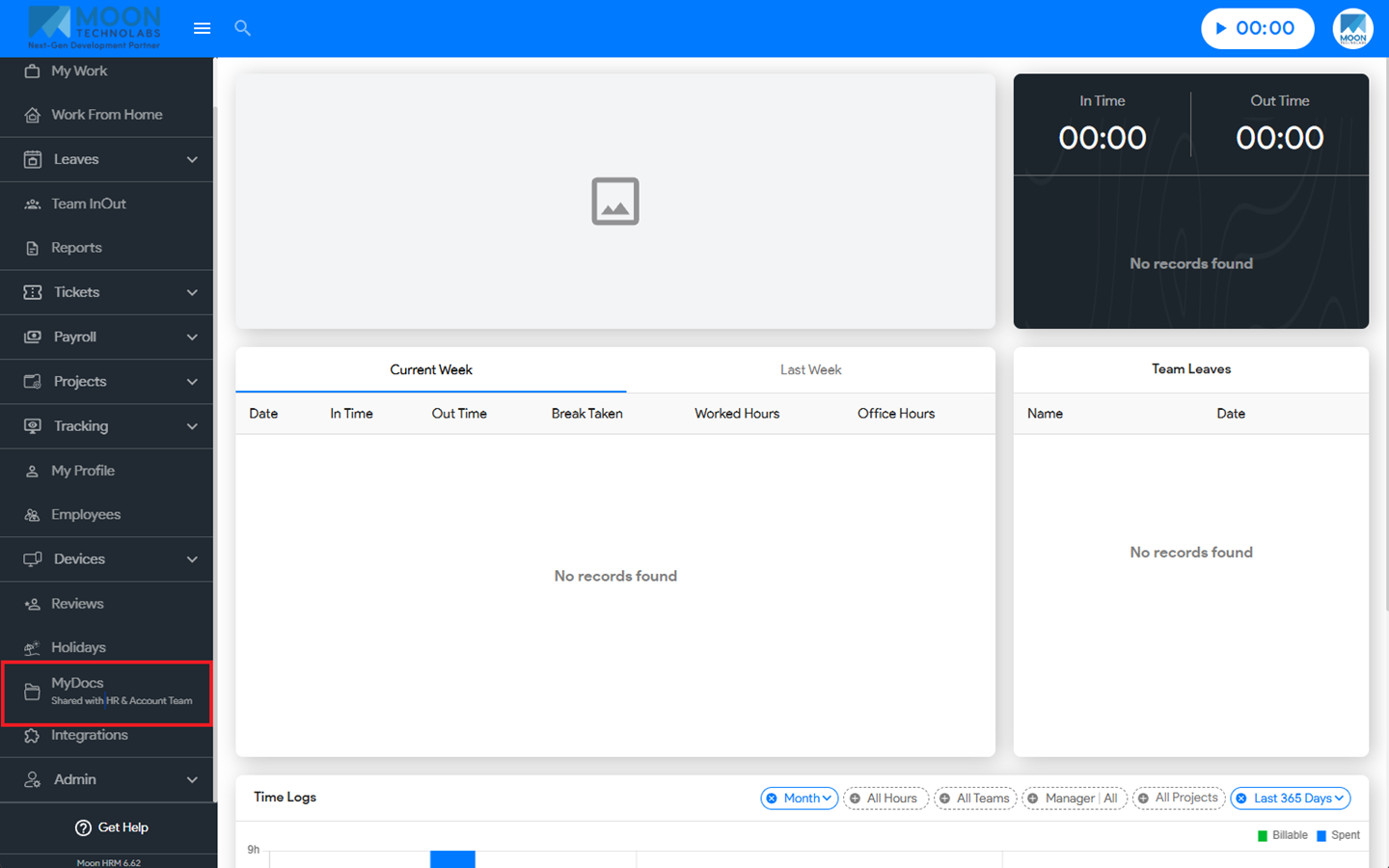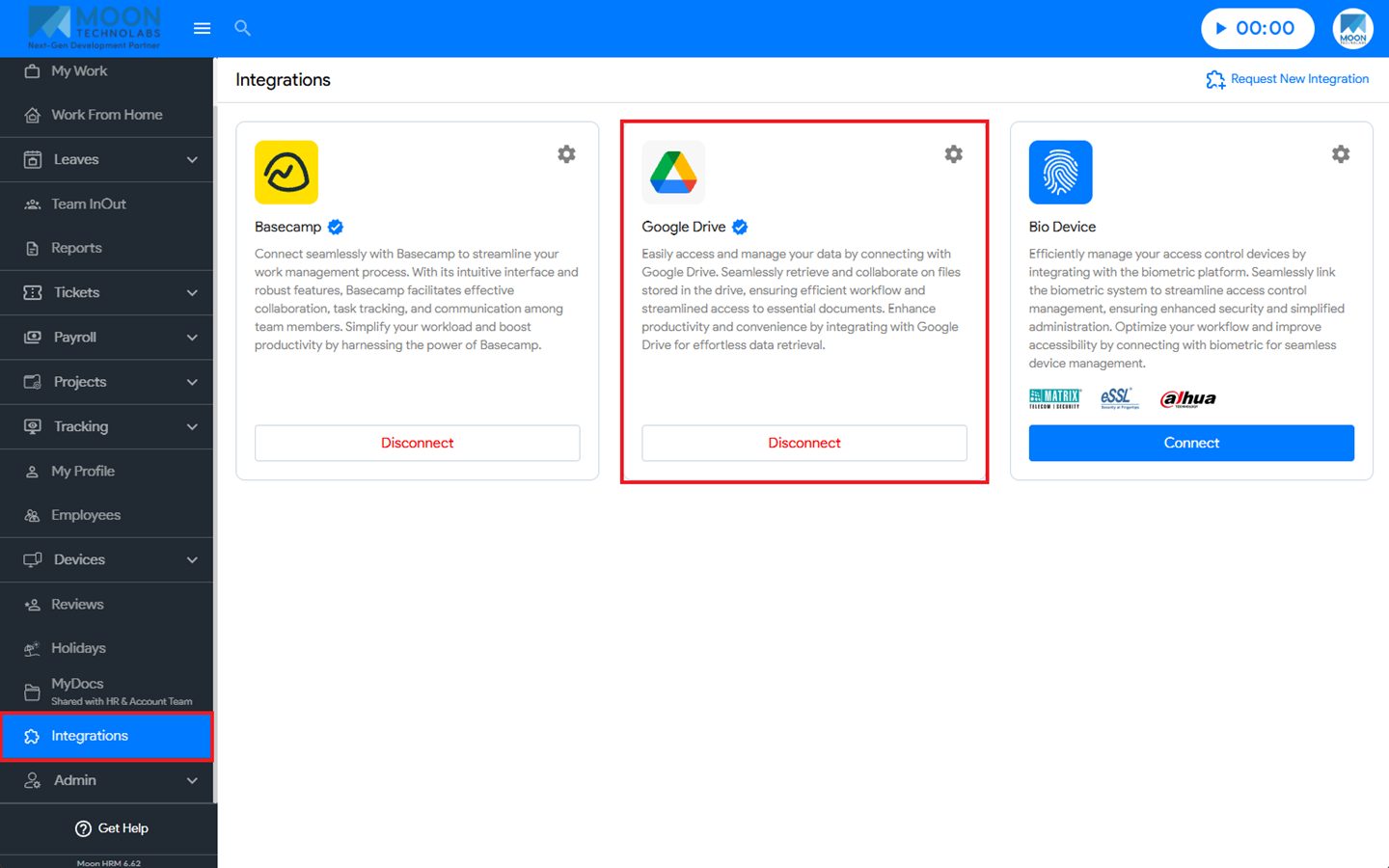

You can easily share your documents in Moon HRM by following the steps below.
- Open the Moon HRM application on your device or tap on this link.
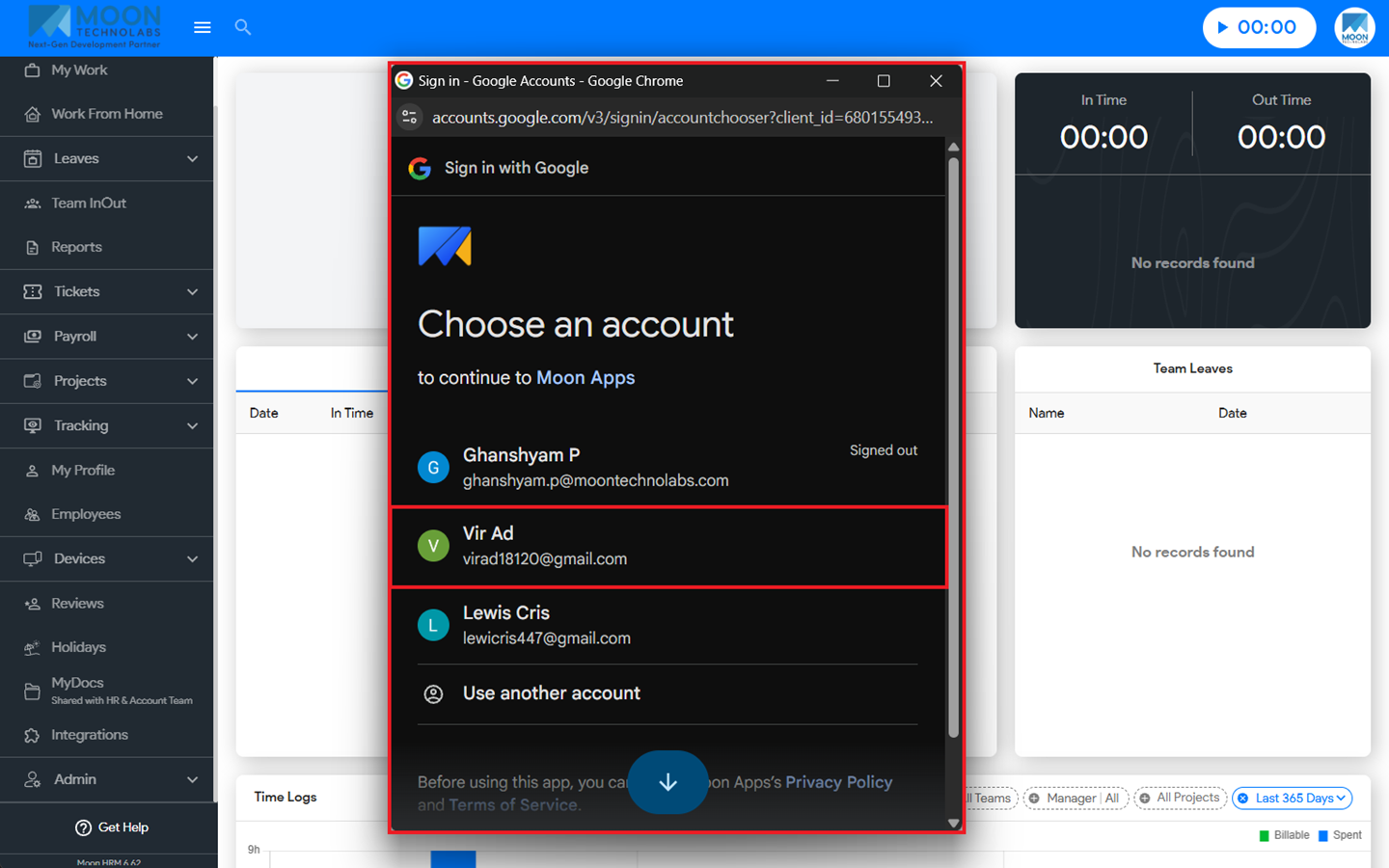
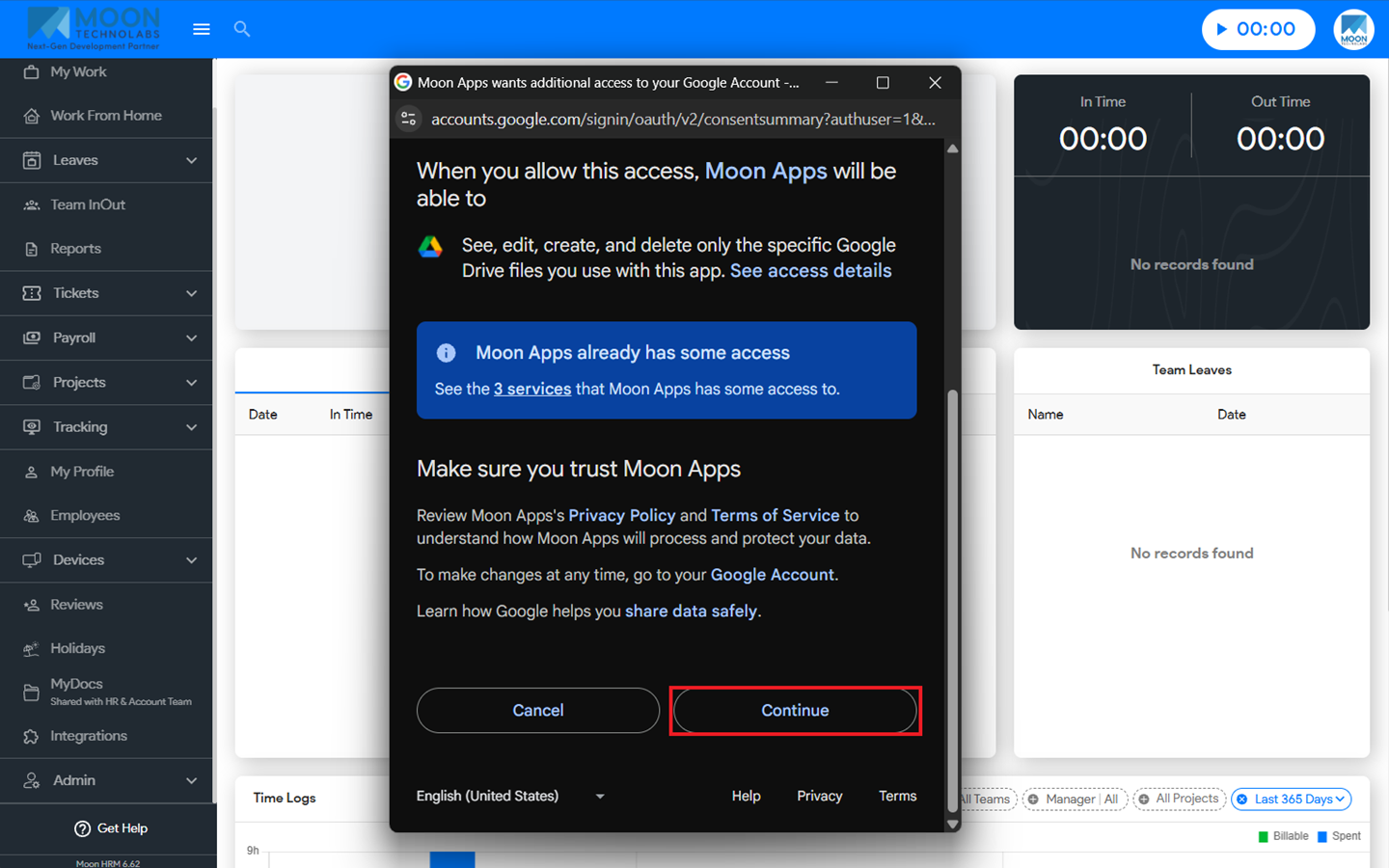
- Navigate to MyDocs from the main menu, then follow the prompts to link your Google Drive account.
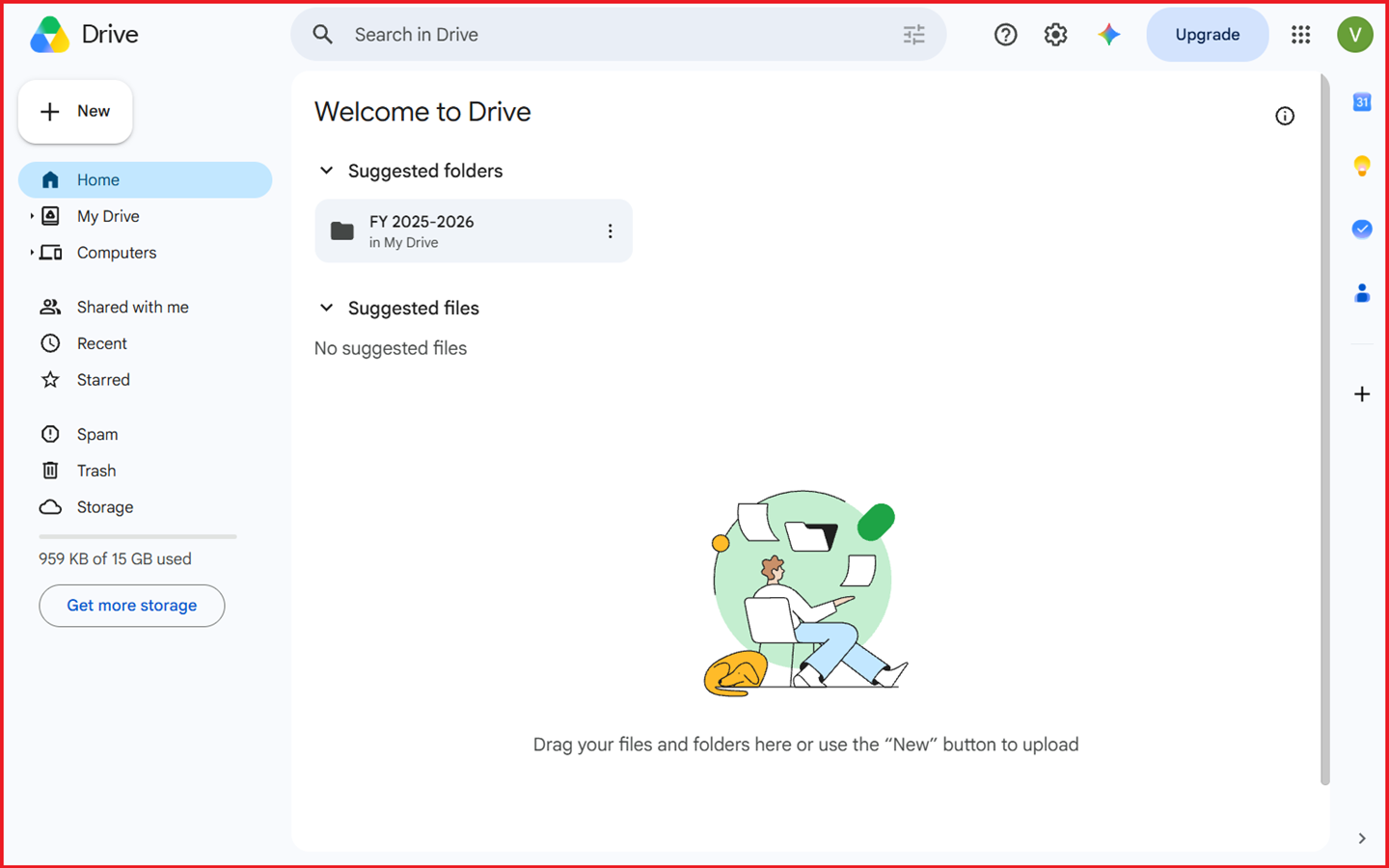
- Once your account is successfully linked, you’ll be able to share documents with other users.
Note:
Make sure to connect your Google Drive account by navigating to Integrations and completing the connection setup.