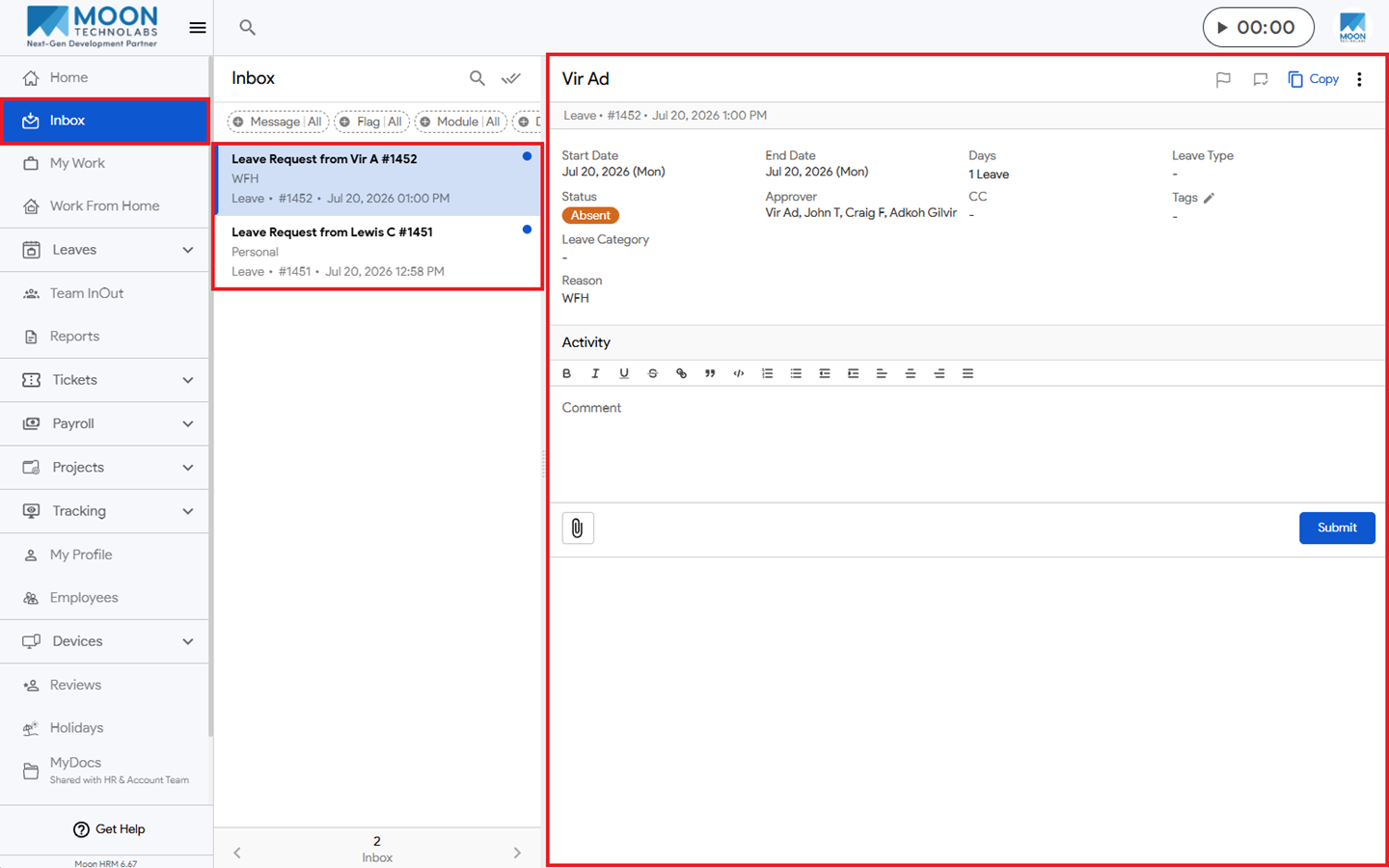
You can easily see your email notifications in Moon HRM by following the steps below.
- Open the Moon HRM application on your device or tap on this link.
- Navigate to Inbox from the main menu.
- There you’ll see all your emails related to Leave, WFH, Tickets, and Employee email notifications.